Subaru Outback (2023 year). Manual in english - page 15
(235,1)
NOTE
A maximum of 5 birthdays can be
stored.
!
Anniversary List
The procedure for setting an anniversary is
the same as “Birthday List”
P232, except
that in step 4 “Anniversary List” is selected.
!
Driver Monitoring System (if
equipped)
The Driver Monitoring System settings can
be changed.
For setting method for the following menu
on the Driver Monitoring System, refer to
“ON/OFF setting”
.
Driver Monitoring System
.
User Recognition
.
Automatically Retract Seat on Entry
Repeat Facial Scan:
1. Touch
(HOME).
2.
?
(Settings)
3.
?
“Car”
4.
?
“Driver Monitoring System”
5.
?
“Repeat Facial Scan”
6.
?
“OK”
7. While seated in the driver’s seat, face
forward and wait for a few moments. When
the scan is completed, the completion
screen is displayed on the combination
meter (color LCD).
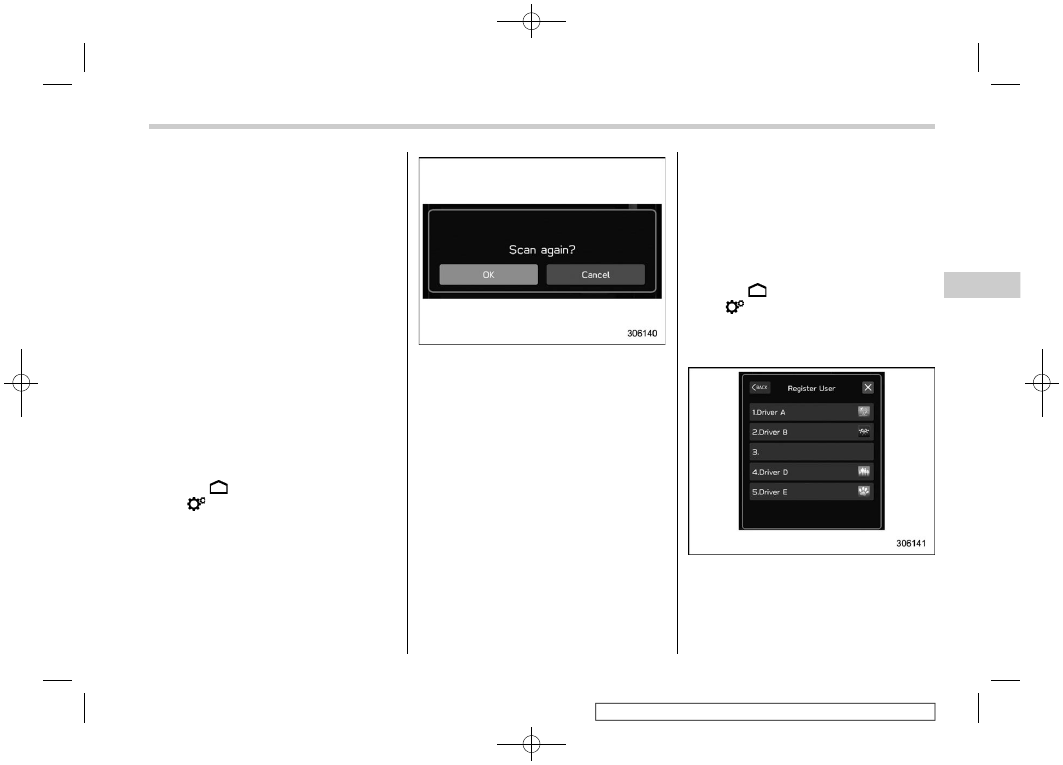
Register User:
1. Adjust the seat position, outside mirror
angle, and reverse tilt-down outside mirror
angle so that you are seated in the correct
driving posture.
NOTE
.
Start the user registration after ad-
justing the seat position, outside mirror
angle, and reverse tilt-down outside
mirror angle. If they are adjusted during
user registration, it may be disrupted.
Refer to “Power Seat”
.
If the ignition switch is turned to the
“OFF” position before user registration
is complete, the information of the
adjusted seat position, outside mirror
angles, and reverse tilt-down outside
mirror angle will not be saved.
2. Touch
(HOME).
3.
?
(Settings)
4.
?
“Car”
5.
?
“Driver Monitoring System”
6.
?
“Register User”
7. Select the preferred user from the list.
– CONTINUED –
Center Information Display (CID)
233
3
Instruments
and
Controls