Jeep Grand Cherokee L (2024 year). Manual in english - page 5
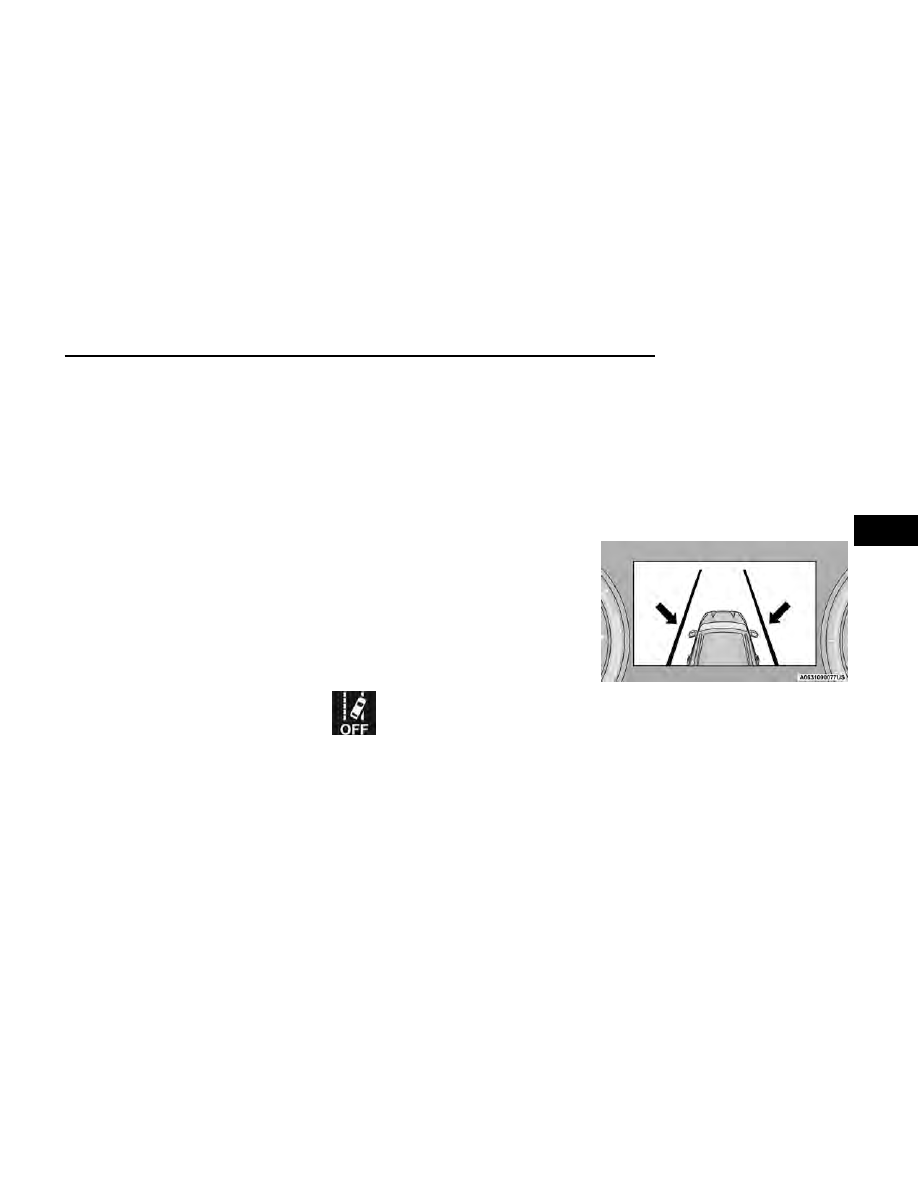
When both lane markings are detected, and the vehicle
approaches (or crosses) the lane marking with no turn
signal applied, and the blind spot zone is not occupied,
the ALM system provides warnings to prompt the driver
to remain within the lane boundaries. These warnings
include a visual warning in the instrument cluster along
with steering assist torque (if configured in Uconnect
Settings).
If the driver crosses the lane marking, the system will
either guide the vehicle back to the center of the lane,
provide a vibration in the steering wheel, or both,
depending on radio settings.
When both lane markings are detected, and the driver
uses the turn signal to indicate a lane change, and a
vehicle is detected in the BSM zone on that side of the
vehicle, the ALM system provides a warning in the form
of steering assist and/or steering vibration (depending
on radio settings) to guide the vehicle back to the cen-
ter of the lane.
NOTE:
•
The system will suppress visual warnings, steering
vibration (if selected in radio settings), and steering
assistance (if selected in radio settings) when the
driver activates the turn signal, the blind spot zone
is clear of vehicles, and a lane change is occurring.
•
If the Blind Spot Monitoring (BSM) system detects a
vehicle in the adjacent lane, and the turn signal is
applied in that direction, the BSM LED on the mirror
will flash. If the driver continues to attempt the lane
change, steering wheel torque will be provided to
keep the vehicle within its lane markings.
The driver may manually override the steering assist
warning by applying force to the steering wheel at any
time.
When only a single lane marking is detected and the
driver drifts across the lane marking (no turn signal
applied), the Active Lane Management system provides
a visual warning in the instrument cluster, as well as a
steering assist torque (if configured in Uconnect Set-
tings), to prompt the driver to remain within the lane
boundaries. If the driver continues to drift out of the
lane, the system provides a flashing visual warning
through the instrument cluster display as well as a hap-
tic steering wheel vibration (if configured in Uconnect
Settings) when the vehicle crosses the lane boundary.
NOTE:
When operating conditions have been met, the Active
Lane Management system will monitor if the driver’s
hands are on the steering wheel and provides an
audible and visual warning to the driver if removed. The
system will cancel if the driver does not return their
hands to the wheel.
TURNING ACTIVE LANE
MANAGEMENT ON OR OFF
The Active Lane Management button is
located on the switch panel above the
Uconnect display.
To turn the system on, push the Active Lane
Management button (LED turns off). A message is
shown in the instrument cluster display.
To turn the system off, push the button again (LED
turns on).
NOTE:
The Active Lane Management system will retain the last
system state on or off from the last ignition cycle when
the ignition is placed in the ON/RUN position.
ACTIVE LANE MANAGEMENT
WARNING MESSAGE
The Active Lane Management system will indicate the
current lane drift condition through the instrument clus-
ter display.
When the system is on, the lane lines are gray when
both of the lane boundaries have not been detected.
Left Lane Departure — Only Left Lane Detected
•
When the system is on and only the left lane mark-
ing has been detected, and the system is ready to
provide visual warnings in the instrument cluster
display and a vibration and/or steering assist
warning in the steering wheel if a lane departure
occurs, the left lane line will be green.
System On (Gray Lines)
STARTING AND OPERATING
145
4