Honda e (2021 year). Manual in english - page 9
130
uu
Indicators
u
Driver Information Interface Warning and Information Messages
In
strum
e
nt Pa
nel
Driver Information Interface Warning and Information Messages
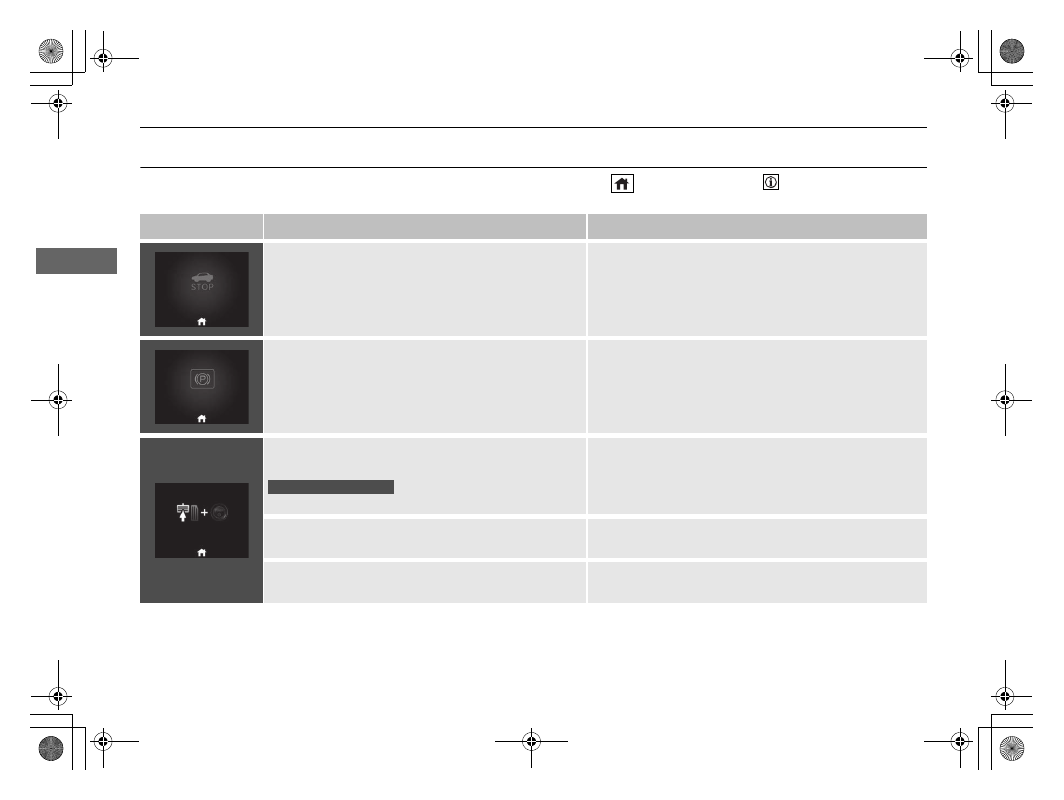
The following messages appear only on the driver information interface. Press the
(home) button, select
(information), then press
the left selector wheel to see the message again with the system message indicator on.
Message
Condition
Explanation
•
Appears when the vehicle is no longer able to run
due to a malfunction.
•
Immediately stop in a safe place.
•
Appears when there is a risk that the vehicle will
move unexpectedly after you have stopped due to a
malfunction with the vehicle.
•
While the vehicle is stopped, apply the parking brake.
2
•
Have your vehicle checked by a dealer.
•
Appears after you set the power mode to
ACCESSORY or ON.
•
Appears after you unlock and open the driver’s door.
2
P. 381
●
Appears when you need to press the
POWER
button
because Auto Power ON is inhibited.
2
P. 198
●
Appears when you set the power mode to ON again
and the vehicle is able to run.
2
P. 381
Right-hand drive type