Dodge Journey (2020 year). Manual in english - page 21
328
MULTIMEDIA
Browse
Press the Browse button to display the browse
window. The left side of the browse window
displays a list of ways you can browse through
the contents of the SD Card. If equipped, you
can browse by Folders, Artists, Playlists,
Albums, Songs, etc. Press the desired button on
the left side of the screen. The center of the
browse window shows items and its sub-func-
tions, which can be scrolled by pressing the Up
and Down buttons to the right. The TUNE/
SCROLL knob can also be used to scroll.
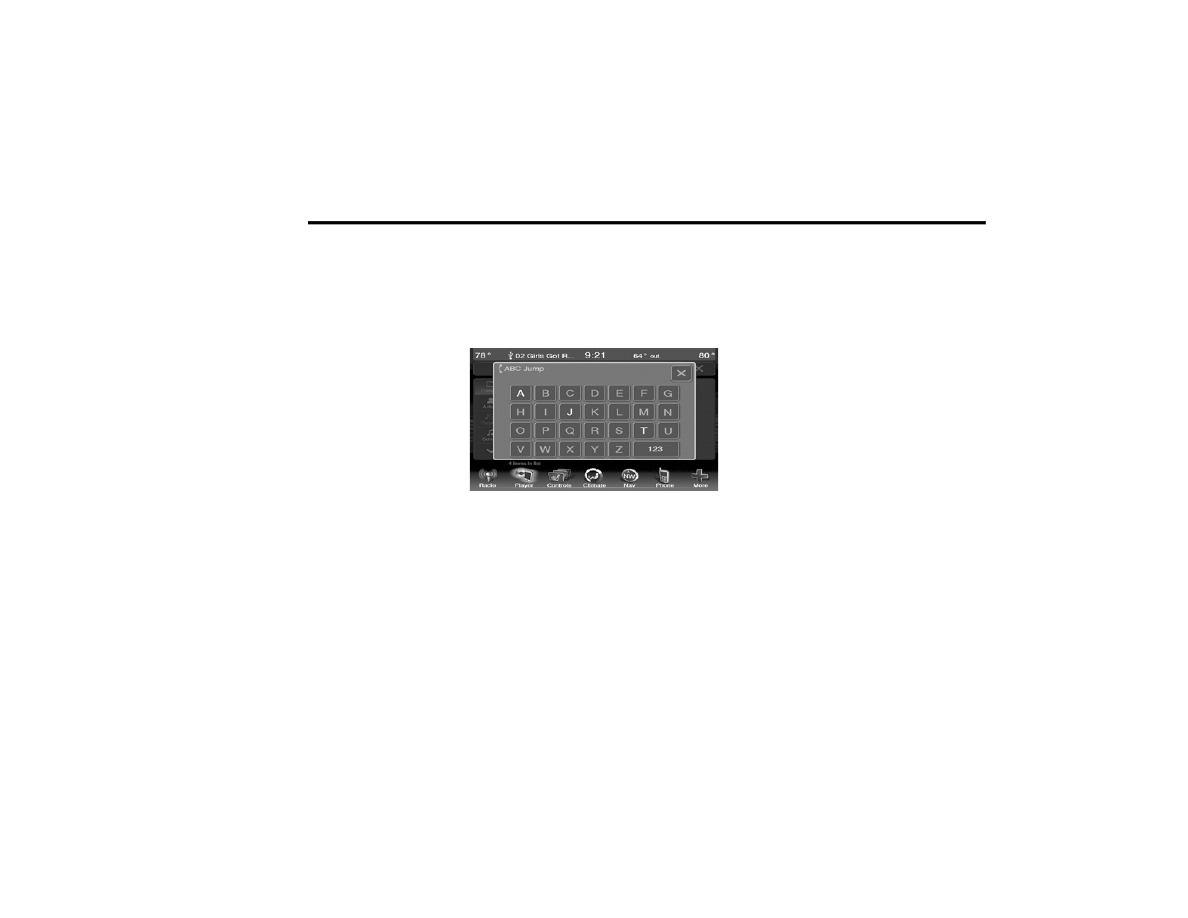
ABC Jump
Press the ABC Jump button tab at the top of the
screen to display a alpha numeric keypad used
to search by letter/number for a certain Folder,
Artist, Song, Album or Genre. Press one letter to
select all contents that start with that letter.
Press the 123 button to search all contents that
start with numbers. Press the 123 button to
return to letters. Press the X button to exit the
ABC Jump feature.
NOTE:
Many features of this system are speed depen-
dent. For your own safety these features may be
grayed out and not accessible while the vehicle
is in motion. Pull over at a safe location to
complete your task.
ABC Jump
Search
Press the Search tab at the top of the screen to
display the Keyboard. This allows you to enter a
folder or file name to be searched.
Up Arrow
Press the Up Arrow button to toggle between
Upper Case and Lower Case keys.
ABC, ÅØÜ and 1234!&#@
Press the ABC key to activate a keyboard with
Alphabetic characters, or press the ÅØÜ to acti-
vate a keyboard with accented characters or
press the 1234!&#@ key to activate a keyboard
with Numeric plus Special characters.
Folders — If Equipped
Press the Folders button on the left side of the
screen to display the Folders scroll menu. The
Folders list consists of folders, and files sorted
alphanumerical, followed by a list of files sorted
similarly. You can browse the contents of a
sub-folder by pressing the “Folder Name” in the
list. Press the Back Arrow button to return or
back up to a previous folder level.
Artist
Press the Artist button on the left side of the
screen to display the Artists list in which you can
Scroll, Search, and Jump to operations.
Playlists — If Equipped
Press the Playlists button on the left side of the
screen to display the current playlist
information.