FANUC Series 30i/300i/300is-MODEL A. Machining Center System. User's manual - page 215
12.SETTING AND DISPLAYING DATA
OPERATION
B-63944EN/03
- 1676 -
Horizontal soft key [PUNCH]
Writes data related to the tool management function.
Can be used only in the standard mode.
Requires placing the NC in the EDIT mode.
Operation in the management data edit mode
To edit data, press horizontal soft key [EDIT] to enter the
management data edit mode.
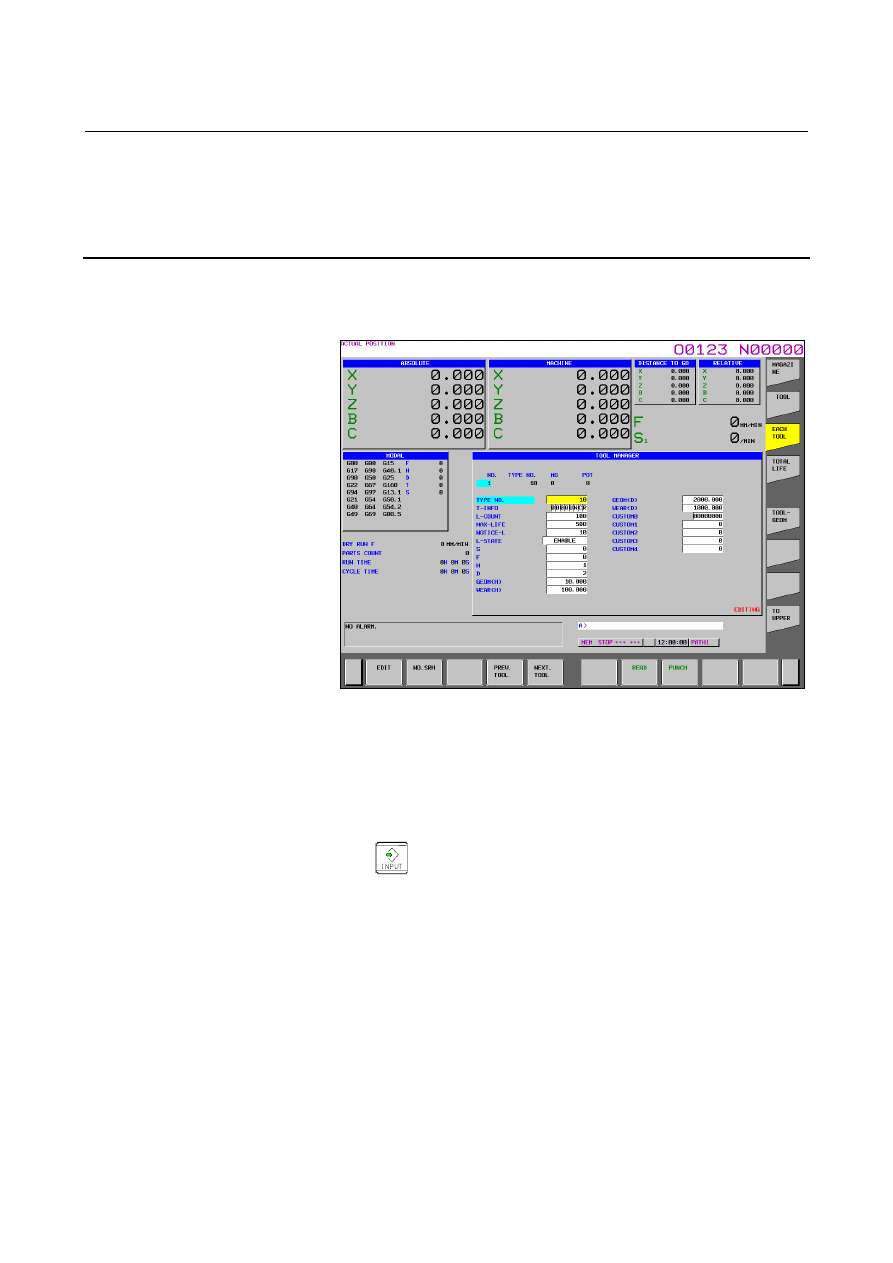
Fig. 12.3.24.3 (b) Each tool data editing screen (15-inch)
In the management data edit mode, “EDITING” is displayed at the
lower right of the screen.
In the management data edit mode, the following key operations, in
addition to those mentioned above except [READ] and [PUNCH], can
be performed.
•
Actually writes a value entered using numeric keys.
•
Horizontal soft key [END]
Ends the management data edit mode.
Operations for editing tool information are the same as those on the
tool management data screen.