Toyota Prius Plug-in Hybrid (2023 year). Manual in english - page 11
176
2-2. Charging
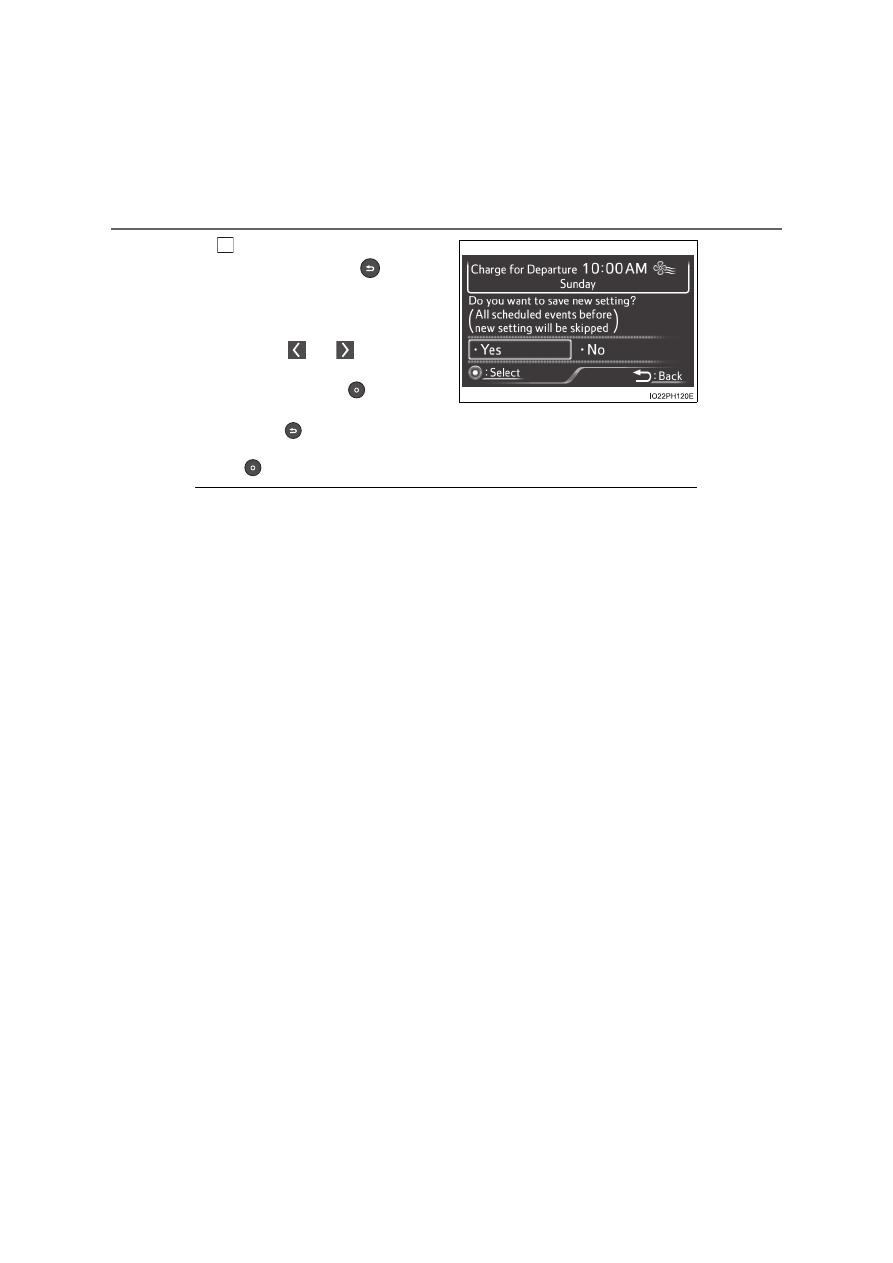
After setting operations are
complete, press
.
A confirmation screen of chang-
ing “Next Charging Event” will
display.
Press
or
of the meter
control switches to select “Yes”,
and then press
to save the
charging schedule.
Press
to return to the previous screen.
When canceling the “Next Charging Event”, select “No” and then press
.
■
Charging schedule switch
●
The charging schedule switch functions regardless of the condition of the
power switch.
However, when the charging schedule switch is pressed while the power
switch is not turned to ON mode, if the meter control switches are not oper-
ated for a certain amount of time after the charging schedule setting screen
is displayed, the display automatically turns off.
●
The charging schedule switch cannot be used while driving.
■
When charging schedule setting operations are canceled
When the vehicle is in the following conditions, charging schedule setting
operations are canceled.
●
A message is displayed while performing a setting operation
●
The power switch is operated before the settings are confirmed
●
The vehicle starts off
●
A display with a higher priority than that of the charging schedule setting is
shown
■
Charging schedule
The “Charge Schedule” screen can be displayed and setting operations can
be performed from the “Vehicle Settings” setting on the multi-information dis-
play. (
P. 726)
■
“Next Charging Event”
After charging completes, the “Next Charging Event” displayed on the multi-
information display will not change until the charging cable is removed, even
after charging is performed according to the “Next Charging Event” schedule.
■
To return to original setting after changing “Next Charging Event” set-
ting
Turning the setting of “Charge Now” on and then off can return the setting of
“Next Charging Event” to its original setting.
4