Toyota GR Supra (2022 year). Manual in english - page 13
196
3-1. CONTROLS
Loss of traction of the front
wheels, which can lead to
understeering.
When VSC is deactivated, driv-
ing stability is reduced during
acceleration and when driving in
curves.
To increase vehicle stability,
activate VSC again as soon as
possible.
When VSC is deactivated, VSC
OFF is displayed in the instru-
ment cluster.
Safety information
WARNING
The system cannot serve as a
substitute for the driver’s personal
judgment in assessing the traffic
conditions. Based on the limits of
the system, it cannot inde-
pendently react to all traffic situa-
tions. There is a risk of accident.
Adjust driving style to traffic condi-
tions. Watch traffic closely and
actively intervene where appropri-
ate.
WARNING
When driving with a roof load, for
instance with roof-mounted lug-
gage rack, the vehicle's center of
gravity is higher, which increases
the risk of the vehicle tipping in
critical driving situations. There is
a risk of accidents or risk of dam-
age to property. Do not deactivate
VSC Vehicle Stability Control Sys-
tem when driving with roof load.
Overview
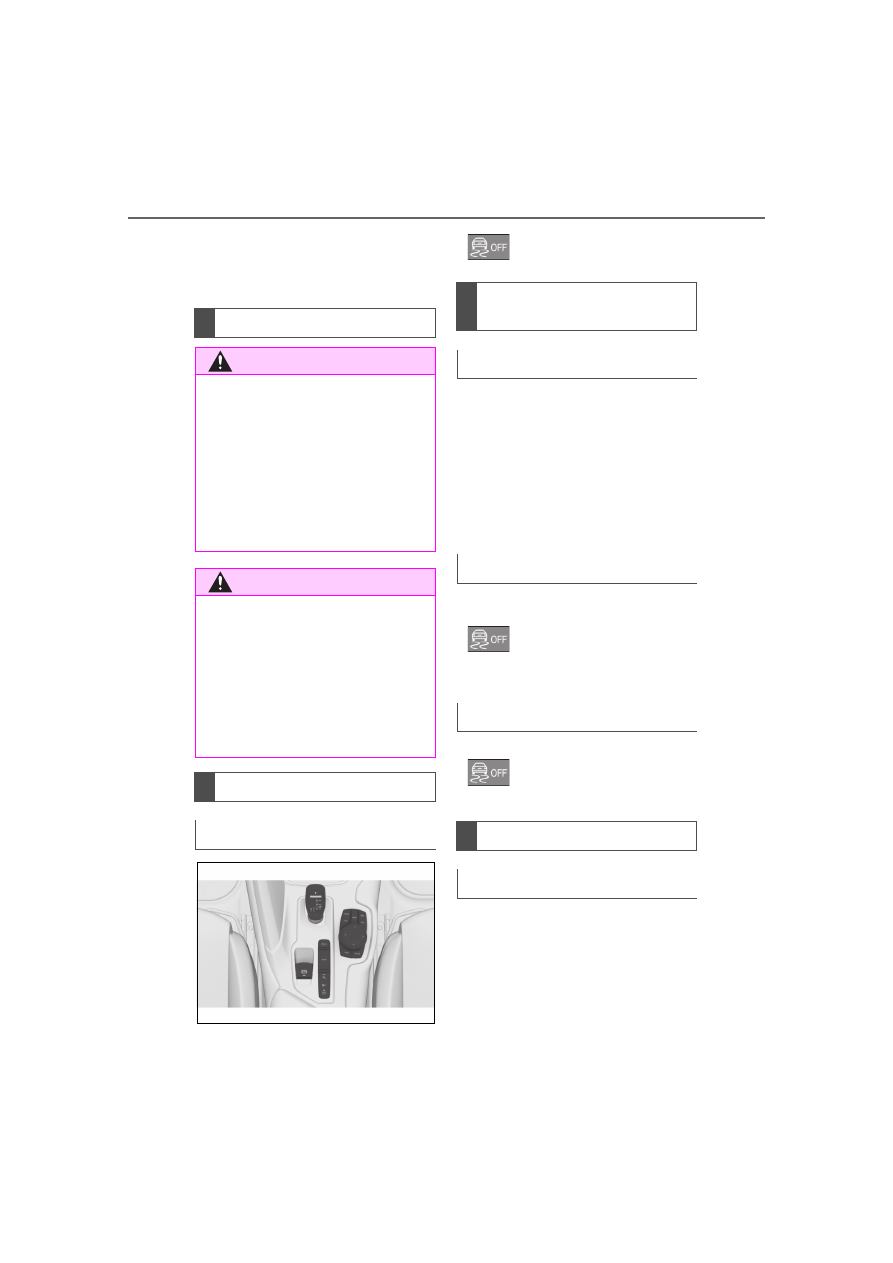
Button in the vehicle
VSC OFF
Deactivating/activating
VSC
General information
Deactivating VSC
Hold the button down until
VSC OFF is displayed in
the instrument cluster and
the VSC OFF indicator
light is illuminated.
Activating VSC
Press the button.
VSC OFF and the VSC
OFF indicator light go out.
Display
In the instrument cluster