Toyota Mirai (2022 year). Manual in english - page 18
291
5-5. Using the driving support systems
5
Dr
iv
ing
tance will begin operating.
When the brake pedal is
released, “Moving Forward...”
will be displayed and the vehi-
cle will begin moving forward.
To cancel assistance, press
the Advanced Park main
switch.
If assistance is canceled,
“Advanced Park Canceled” will be
displayed.
If it seems that the vehicle is
approaching too close to a sur-
rounding vehicle, object, person, or
gutter:
4
Perform operations as indi-
cated by the advice displays
until the vehicle stops in the
target parking space.
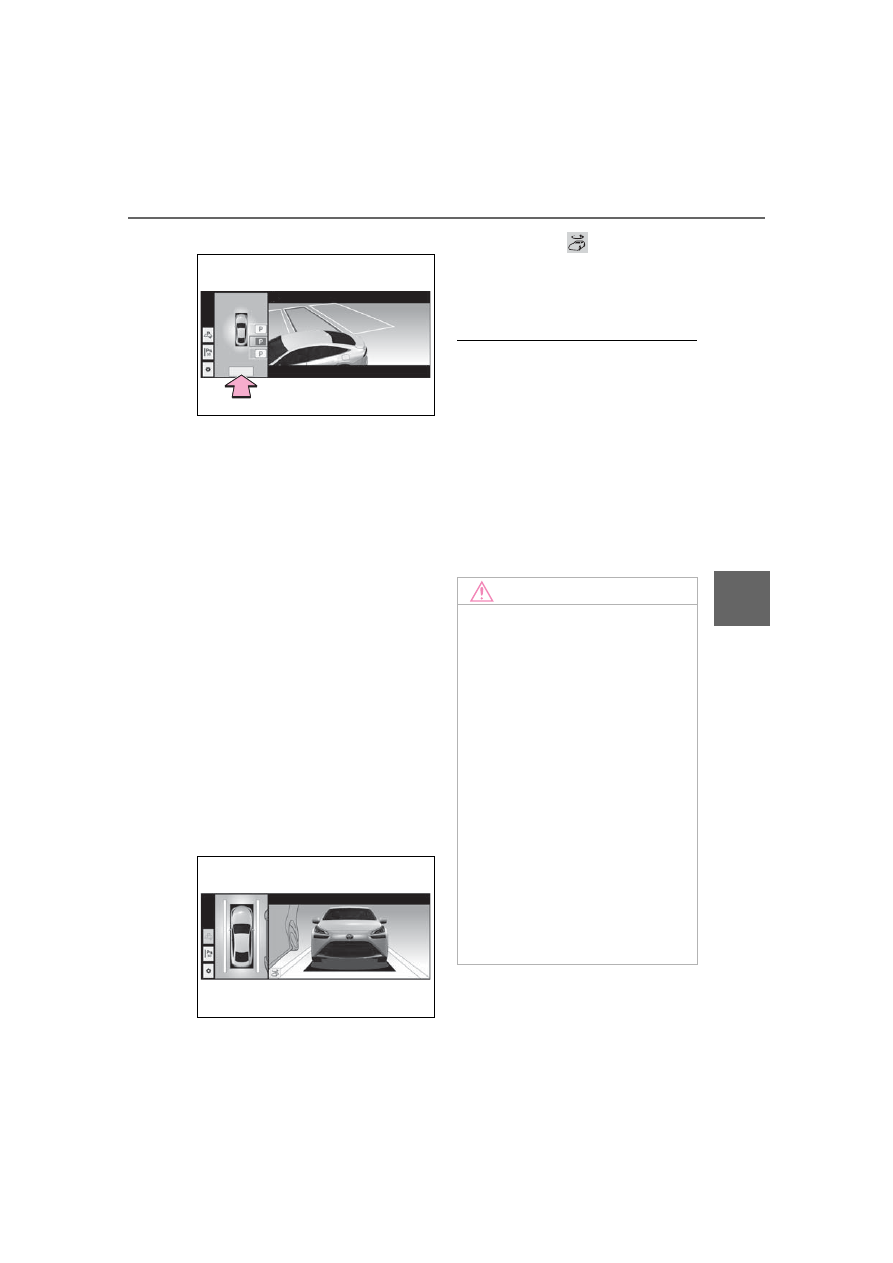
When the vehicle stops, “Advanced
Park Finished” will be displayed
and parking assistance will end.
If you select
on the multi-
media display, the vehicle dis-
played on the parking assist
completion screen will rotate.
■
If it seems that the vehicle is
approaching too close to a sur-
rounding vehicle, object, per-
son, or gutter
Depress the brake pedal to stop the
vehicle and then change the shift
position to change the direction of
travel of the vehicle. At this time,
assist will be suspended. However,
if the “Start” button is selected,
assist will resume and the vehicle
will move in the direction corre-
sponding to the selected shift posi-
tion.
NOTICE
■
When using the perpendicu-
lar parking function
●
Make sure that there are no
obstructions within the yellow
guide lines and between the
vehicle and target parking spot.
If there are any obstructions
between the vehicle and the tar-
get parking space, or between
the yellow guide lines, cancel
the perpendicular parking func-
tion.
●
As the target parking space will
not be able to be set correctly if
the surface of the parking space
is on a slope or has differences
in height, the vehicle may stray
from the target parking space or
be slanted. Therefore, do not
use the perpendicular parking
function for this kind of parking
spot.