Toyota Corolla (2022 year). Manual in english - page 21
328
5-5. Using the audio/visual system
and vertically.
■
Contrast and brightness
adjustment
The contrast and brightness of
the screen can be adjusted.
1
Press the “MENU” button.
2
Select “Setup”.
3
Select “Audio”.
4
Select “Common”.
5
Select “Display”.
6
Select the desired item to be
adjusted.
“Contrast”
“+”: Select to strengthen the con-
trast of the screen.
“-”: Select to weaken the contrast of
the screen.
“Brightness”
“+”: Select to brighten the screen.
“-”: Select to darken the screen.
Depending on the audio source,
some functions may not be avail-
able.
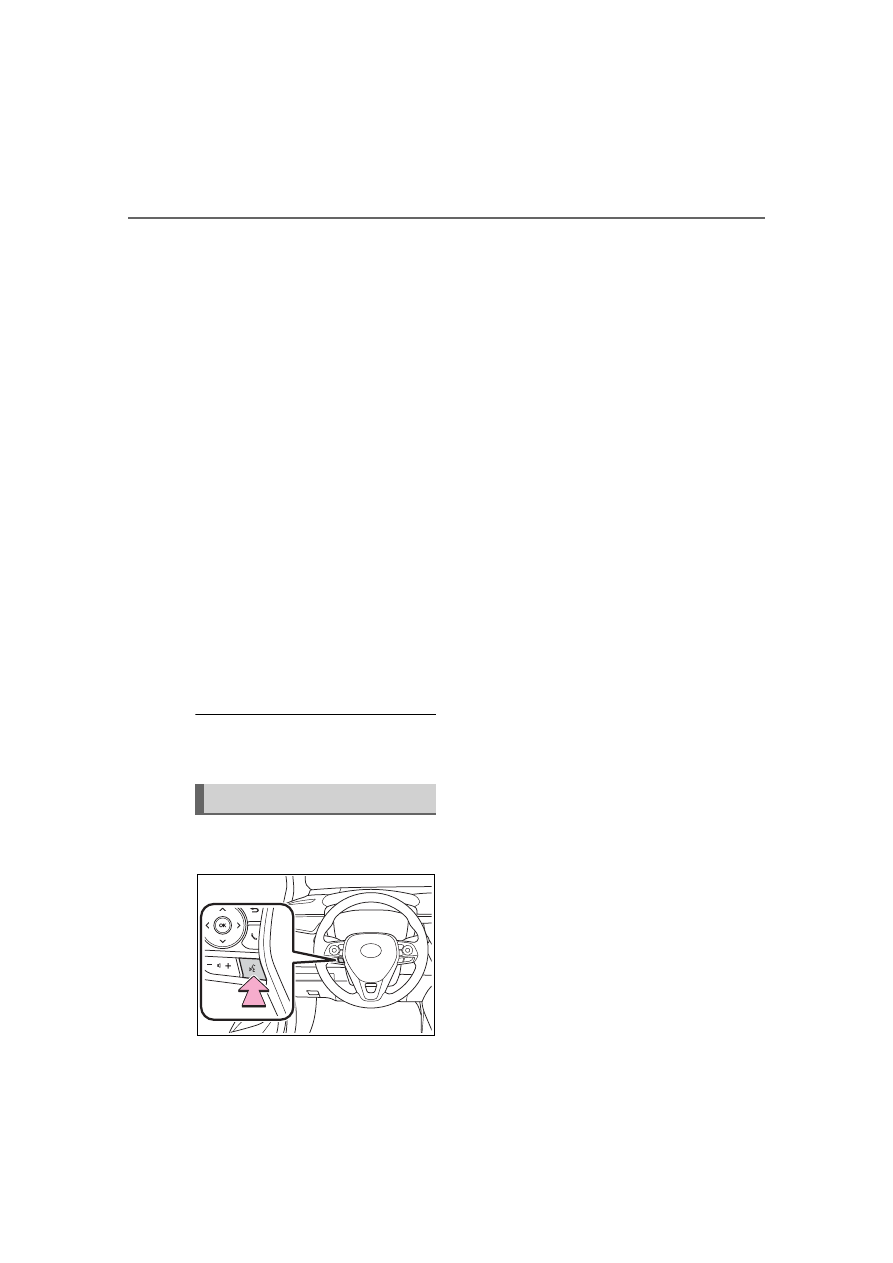
1
Press this switch to operate
the voice command system.
The voice command system and its
list of commands can be operated.
(
Voice command system