Content .. 1035 1036 1037 1038 ..
Subaru Legacy (2005 year). Manual - part 1037
LAN(diag)-27
LAN SYSTEM (DIAGNOSTICS)
Function Setting (Customize)
10.Function Setting (Customize)
A: OPERATION
1. WITHOUT SUBARU SELECT MONITOR
NOTE:
Applied to the Model with center display.
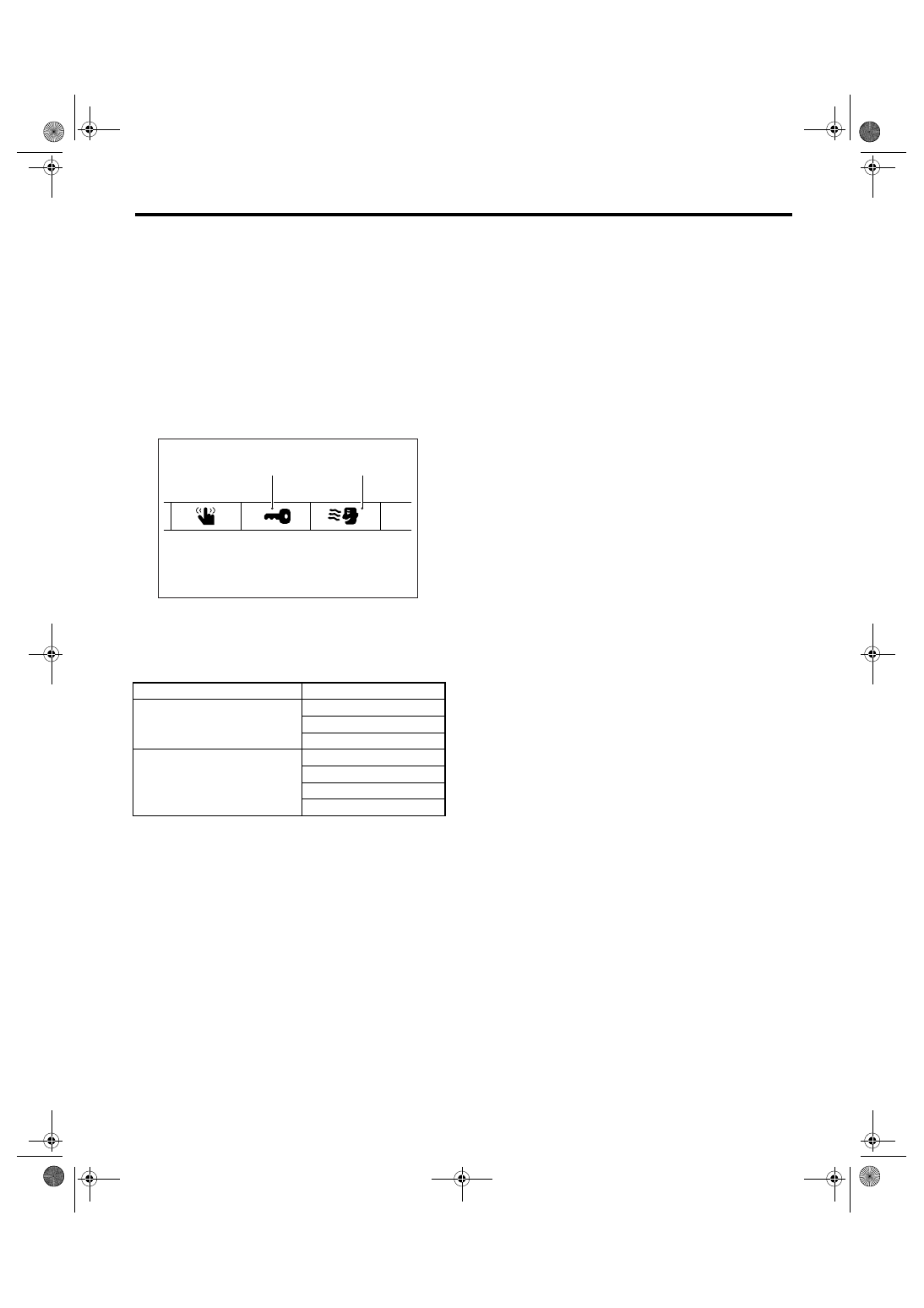
1) Display the information screen with pressing the
“INFO” switch of center display.
2) Select “SET” on the touch panel at the right top
of center display screen.
3) Select the item from “A: Keyless entry” or “B:
Various setup” on the touch panel.
4) Change the setting on the touch panel which
contains item to be changed.
5) Return to the information display screen and
complete it.
Function setting item list
2. WITH SUBARU SELECT MONITOR
For detailed procedures of function setting (ECM
customizing), refer to “SUBARU SELECT MONI-
TOR”. <Ref. to LAN(diag)-21, FUNCTION SET-
TING (ECM CUSTOMIZING), OPERATION,
Subaru Select Monitor.>
Item
Setting
Keyless
Auto lock
Auto lock time setting
Answerback hazard
Each function
Room light delay time
Anti-lock out
Rear defogger
Wiper deicer
(B)
(A)
LAN00112