Seat Alhambra (2022 year). Manual in english - page 13
Operating modes
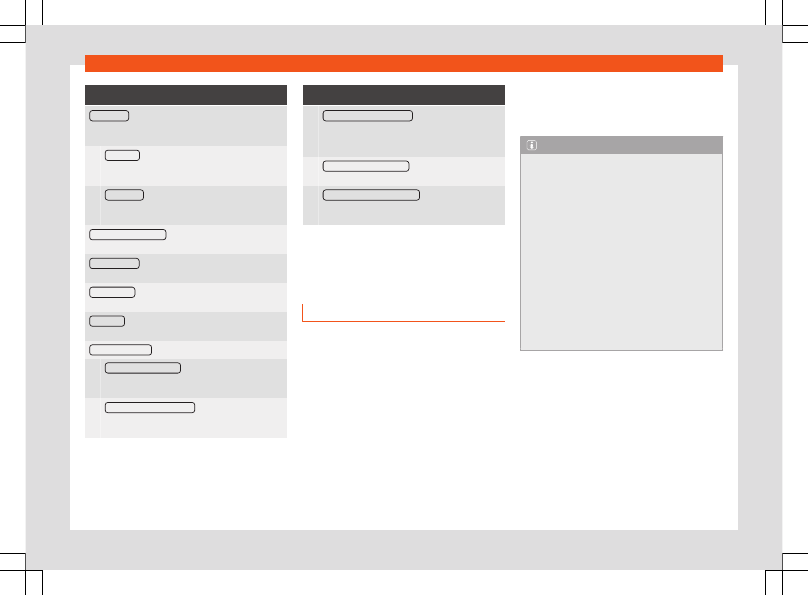
Function buttons
Seek mode
: To set the settings for the arrow buttons
and
. The setting applies to all frequency bands
(FM, AM and DAB).
Preset list
: The arrow keys are used to switch be-
tween all of the saved stations in the selected
frequency band.
Station List
: The arrow keys are used to switch
between all of the tuneable stations in the selec-
ted frequency band.
Traffic programme (TP)
: The TP function (tracking of
traffic information stations) is active
.
Delete presets
: To erase all or some of the preset sta-
tions.
Station logos
: To assign logos to stations stored on
memory buttons
.
Radio text
: The radio text is active
.
Advanced settings
: DAB services settings.
Autostore station logos
: Station logos are as-
signed automatically when the radio stations are
stored on the memory buttons
.
DAB traffic announcements
: DAB traffic announce-
ments are played in the same way as TP traffic
announcements in any equipment mode.
Function buttons
Other DAB announcements
: DAB announcements
(news, sports information, weather, warnings,
etc.) are played while the DAB Radio mode is ac-
tive.
DAB - DAB station tracking
: Automatic station track-
ing within the DAB frequency range is active.
Automatic DAB - FM switching
: Switching to the FM
frequency band is permitted for automatic sta-
tion tracking.
a)
This depends on the country and unit in question.
Media
Introduction
Audio or image sources containing files in dif-
ferent media are known as “
media sources
”.
These audio files can be played through the
corresponding players or the infotainment
system's audio inputs.
Only supported files are displayed and
played. Other files are ignored.
Copyright
Consider the legislation on the intellectual
property of audio and video files.
Note
●
MPEG-4 HE-AAC audio coding technolo-
gy and patents are licensed by Fraunhofer
IIS.
●
This product is protected by certain Mi-
crosoft Corporation copyright and proper-
ty rights. The use or commercialization of
technology of this type outside the config-
uration of this product, without a licence
from Microsoft or an authorised Microsoft
branch is prohibited.
●
The infotainment system only plays com-
patible undamaged audio files; other files
are ignored.
●
Check the list of compatible devices on
the SEAT website.
203