Lexus TX500H (2024 year). Manual in english - page 10
312
4-5. Using the driving support systems
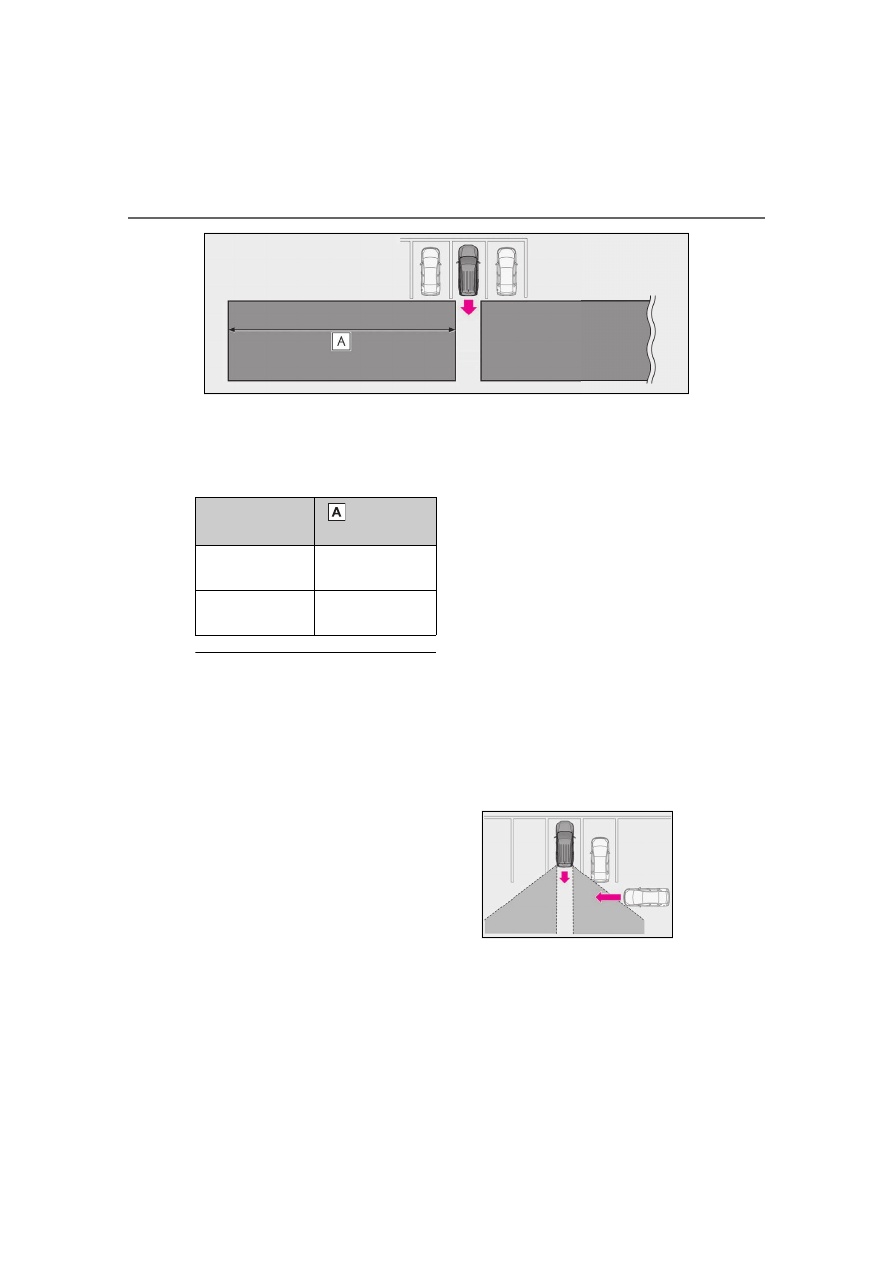
The buzzer can alert the driver of
faster vehicles approaching from far-
ther away.
Example:
■
The RCTA function is operational when
The RCTA function operates when all of the
following conditions are met:
●
The power switch is ON.
●
The RCTA function is on.
●
The shift position is in R.
●
The vehicle speed is less than approxi-
mately 9 mph (15 km/h).
●
The approaching vehicle speed is
between approximately 5 mph (8 km/h)
and 34 mph (56 km/h).
■
Setting the buzzer volume
The buzzer volume of the RCTA, intuitive
parking assist and RCD can be adjusted all
together through a customize setting.
(
■
Muting a buzzer temporarily
When an object is detected, the temporary
mute switch is displayed on the center dis-
play. Select the switch to mute the buzzer of
the intuitive parking assist, RCTA, and RCD
all together.
Mute will be canceled automatically in the
following situations:
●
When the shift position is changed.
●
When the vehicle speed exceeds a cer-
tain speed.
●
When there is a malfunction in a sensor
or the system is temporarily unavailable.
●
When the operating function is disabled
manually.
●
When the power switch is turned off.
■
Conditions under which the system will
not detect a vehicle
The RCTA function is not designed to
detect the following types of vehicles and/or
objects:
●
Vehicles approaching from directly
behind
●
Vehicles backing up in a parking space
next to your vehicle
●
Vehicles that the sensors cannot detect
due to obstructions
●
Guardrails, walls, signs, parked vehicles
and similar stationary objects
*
●
Small motorcycles, bicycles, pedestrians,
etc.
*
●
Vehicles moving away from your vehicle
Approaching vehi-
cle speed
Approximate
alert distance
34 mph (56 km/h)
(fast)
98 ft. (30 m)
5 mph (8 km/h)
(slow)
13 ft. (4 m)