Lexus NX450H+ (2022 year). Manual in english - page 7
INFORMATION
■
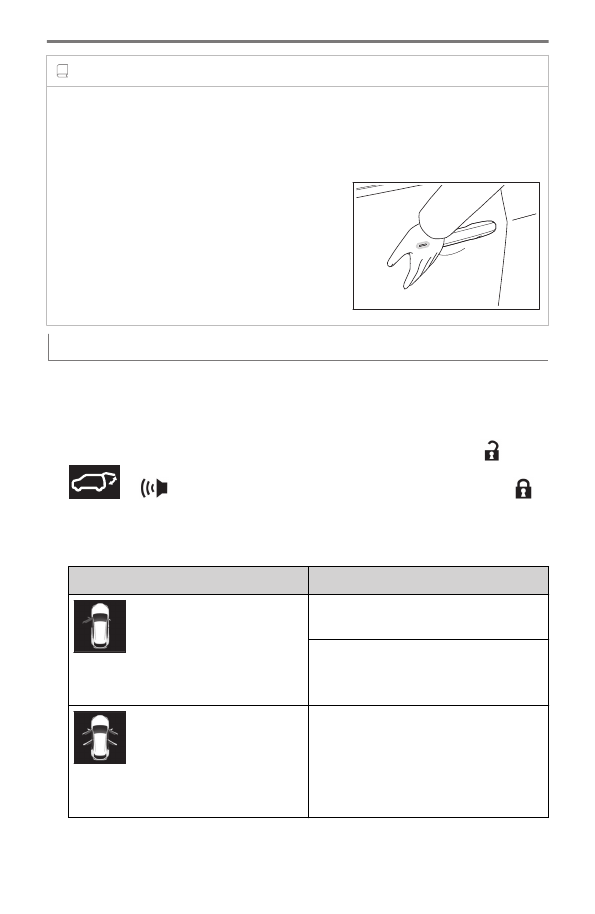
When the door cannot be locked even though the lock sensor has been touched
with a finger
Touch the lock sensor with the palm of your hand.
When gloves are being worn, remove the gloves.
Switching the door unlock function
It is possible to set which doors the entry function unlocks using the wireless
remote control.
1
Turn the power switch off.
2
When the indicator light on the key surface is not on, press and hold
,
or
for approximately 5 seconds while pressing and holding
.
The setting changes each time an operation is performed, as shown below. (When
changing the setting continuously, release the buttons, wait for at least 5 seconds, and
repeat step 2.)
Multi-information display/Beep
Unlocking function
Exterior: Beeps 3 times
Interior: Pings once
Holding the driver’s door handle unlocks
only the driver’s door.
Holding any of the passenger door han-
dles unlocks all the doors.
Exterior: Beeps twice
Interior: Pings once
Holding a door handle unlocks all the
doors.
To prevent unintended triggering of the alarm, unlock the doors using the wireless
remote control and open and close a door once after the settings have been changed.
1-6. Entering/exiting the vehicle and loading luggage
120