Lexus NX (2022 year). Manual in english - page 31
If the tire inflation pressure has been adjusted to the specified level, perform the tire
inflation setting procedure by selecting specified inflation pressure on the center
display.
When the tire inflation pressure is to be other than specified, such as when tires
other than the specified size are used, etc., set the tire inflation pressure using
the current pressure. Make sure to adjust the tire inflation pressure of each tire
to the appropriate level before performing tire pressure setting. The tire pressure
warning system operates based on this tire inflation pressure.
Related Links
Setting by selecting a specified tire inflation pressure
1
Start the engine.
The tire inflation pressure cannot be set while the vehicle is moving.
2
Select
on the center display.
3
Select [Vehicle customise].
4
Select [Tyre pressure].
5
Select [Set indicated air pressure] and then select the desired front and rear
tire pressures.
6
Select [OK].
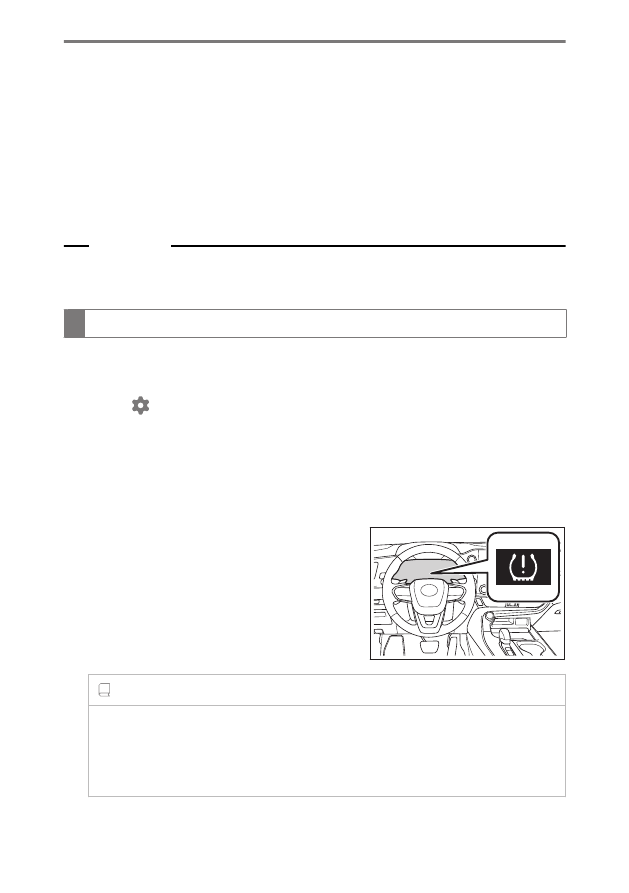
The tire pressure warning light will slowly blink 3
times.
After setting the tire inflation pressure, a message
indicating that setting has been completed will be
displayed on the multi-information display.
INFORMATION
■
If the tire inflation pressure cannot be set easily
●
If the tire pressure warning light does not blink 3 times when starting the tire
inflation pressure setting procedure, the procedure may not have started. Perform
the procedure again from the beginning.
8-5. Tire maintenance
506