Lexus GX460 (2022 year). Manual in english - page 20
332
4-5. Using the driving support systems
■
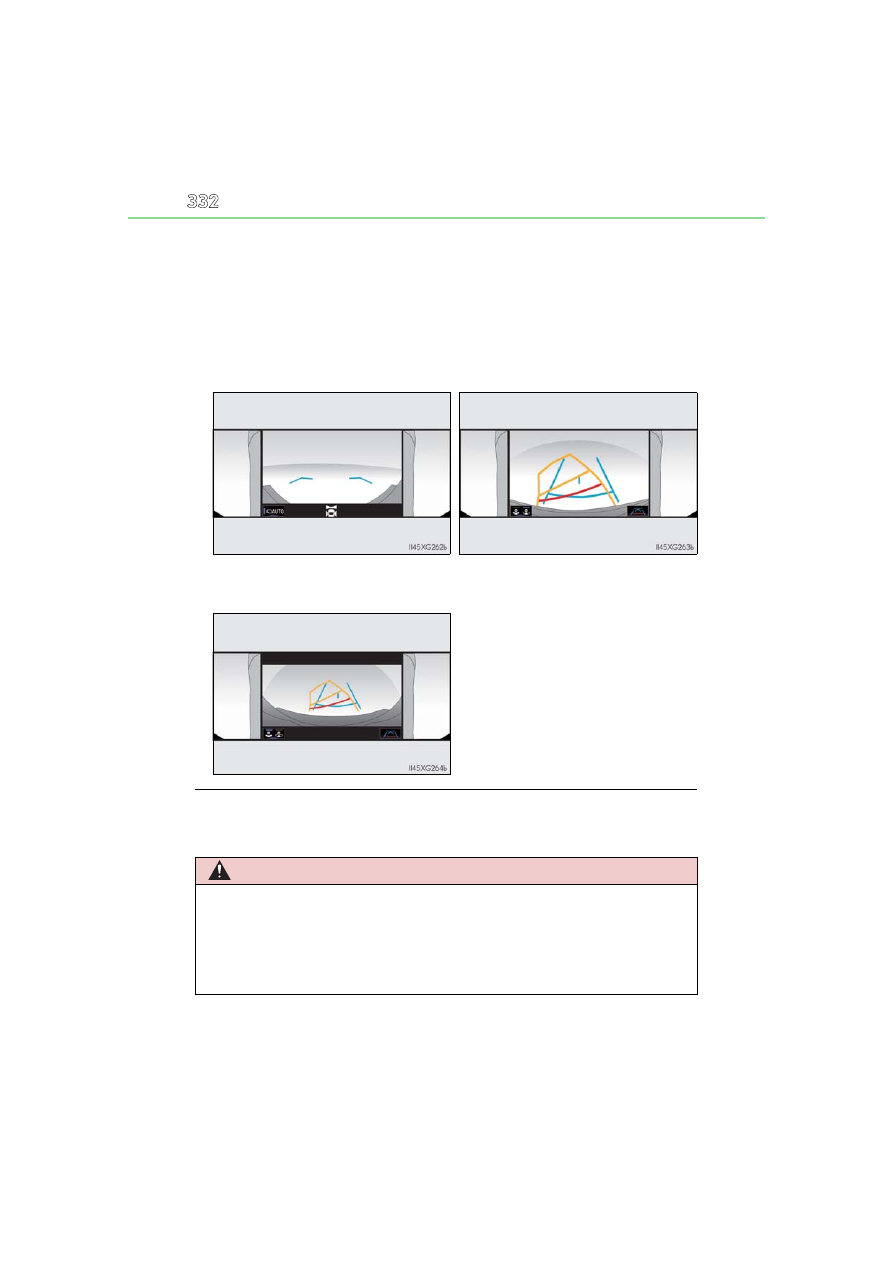
Display when the outside rear view mirrors are retracted
Even when outside rear view mirrors are stored, the monitor can display vari-
ous images of the vicinity of the vehicle and assist the operation in the confirm-
ing safe conditions in a narrow places, parking, etc.
●
Screen description
■
Screen display
When the main switch is pressed while the side view and wide front view are displayed,
the navigation screen or information setting screen is displayed.
When the wide front view & dual
side views is displayed
When the rear view & dual side
views is displayed
When the wide rear view & dual side
views is displayed
WARNING
■
Guide lines
The tire position indicator lines and vehicle position indicator lines may differ from
actual vehicle positions depending on the number of passengers, cargo weight, road
grade, road surface conditions, brightness of the surrounding environment, etc. Always
drive the vehicle while confirming the safety of your surroundings.