Lexus CT (2021 year). Manual in english - page 17
394
5-4. Playing audio CDs and MP3/WMA discs
CD player operation
Insert a disc or press the “CD” button to begin listening to a disc.
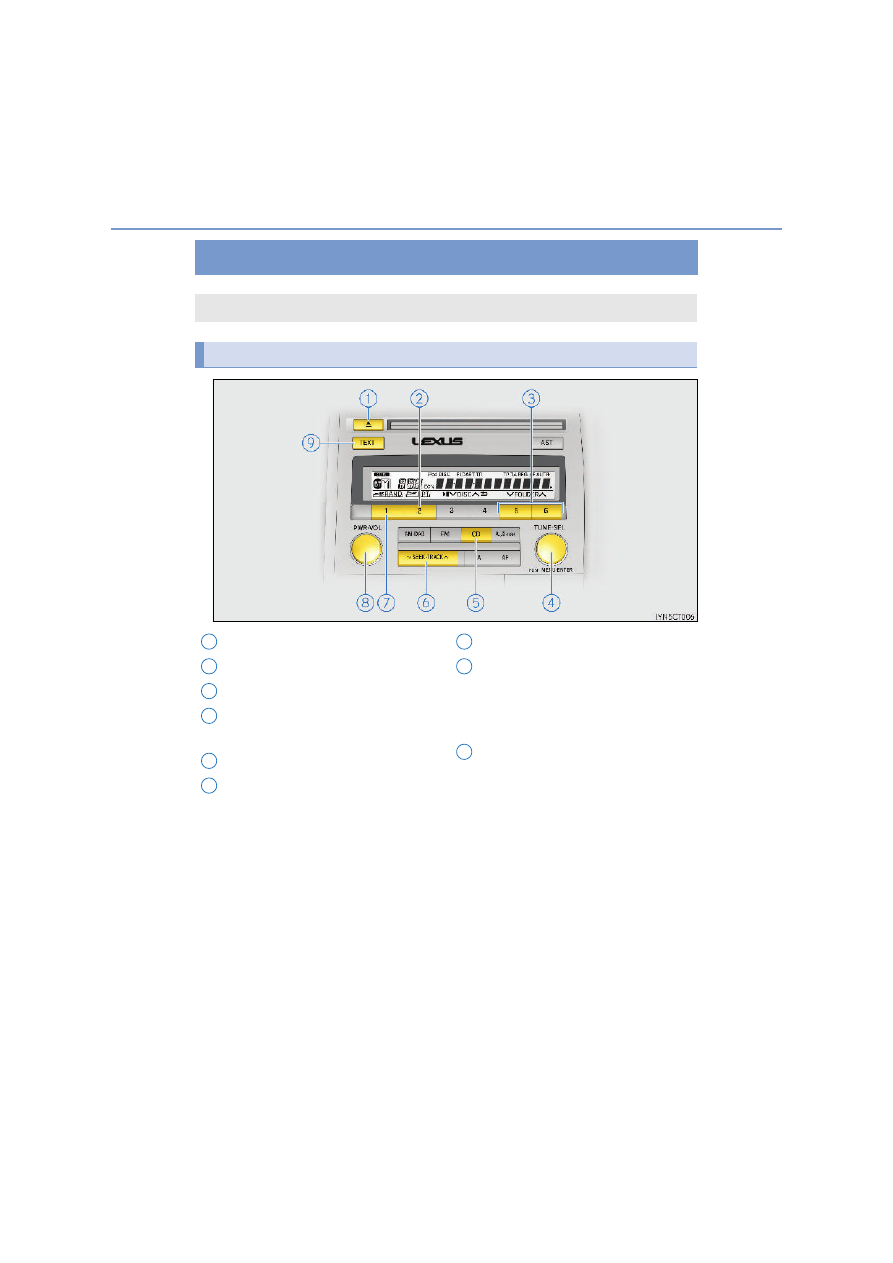
Control panel
CD eject
Repeat play
Folder selection
“TUNE•SEL” knob
Track/file selection
Playback
Track/file selection
Random play
Power/volume knob
Press: Turning the audio system on
or off
Turn: Adjusting the volume
Displaying text message
1
2
3
4
5
6
7
8
9