Lexus CT (2021 year). Manual in english - page 15
361
4-5. Using the driving support systems
4
Dr
ivi
ng
■
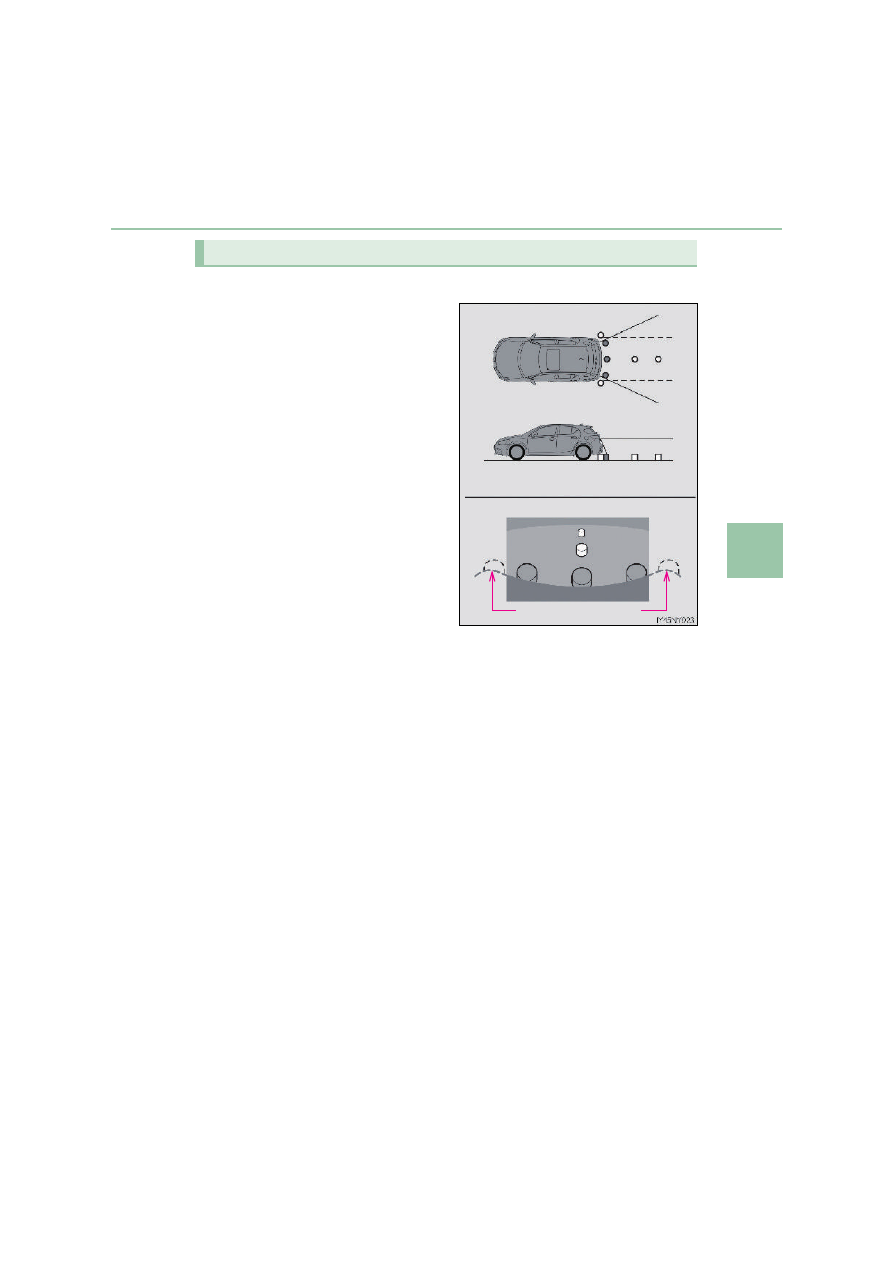
Area displayed on screen
The rear view monitor system dis-
plays an image of the view from the
bumper of the rear area of the vehi-
cle.
The image on the rear view monitor
system screen can be adjusted.
(
P. 462)
• The area displayed on the screen
may vary according to vehicle orien-
tation conditions.
• Objects which are close to either
corner of the bumper or under the
bumper cannot be displayed.
• The camera uses a special lens. The
distance of the image that appears
on the screen differs from the actual
distance.
• Items which are located higher than
the camera may not be displayed on
the monitor.
• If your vehicle is equipped with a backlit license plate, it may interfere with the dis-
play.
Rear view monitor system precautions
Corners of bumper