LEXUS RC F (2019 year). Instruction - part 10
158
3-2. Opening, closing and locking the doors and trunk
RC F_U
■
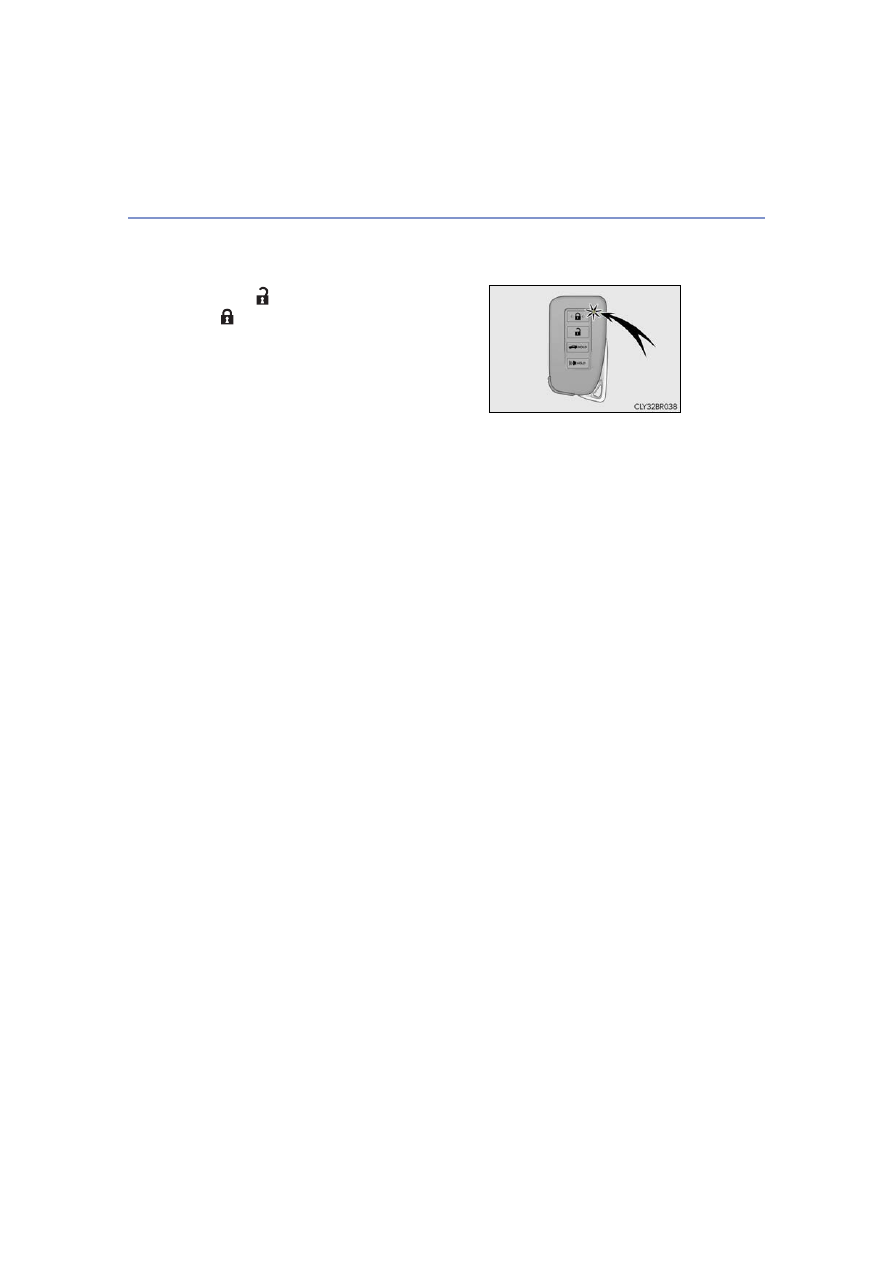
Electronic Key Battery-Saving Function
When battery-saving mode is set, battery depletion is minimized by stopping the elec-
tronic key from receiving radio waves.
■
Conditions affecting operation
The smart access system with push-button start uses weak radio waves. In the following
situations, the communication between the electronic key and the vehicle may be
affected, preventing the smart access system with push-button start, wireless remote
control and engine immobilizer system from operating properly.
(Ways of coping:
●
When the electronic key battery is depleted
●
Near a TV tower, electric power plant, gas station, radio station, large display, airport or
other facility that generates strong radio waves or electrical noise
●
When carrying a portable radio, cellular phone, cordless phone or other wireless com-
munication device
●
When the electronic key is in contact with, or is covered by the following metallic
objects
• Cards to which aluminum foil is attached
• Cigarette boxes that have aluminum foil inside
• Metallic wallets or bags
• Coins
• Hand warmers made of metal
• Media such as CDs and DVDs
●
When other wireless keys (that emit radio waves) are being used nearby
●
When carrying the electronic key together with the following devices that emit radio
waves
• Another vehicle’s electronic key or a wireless key that emits radio waves
• Personal computers or personal digital assistants (PDAs)
• Digital audio players
• Portable game systems
●
If window tint with a metallic content or metallic objects are attached to the rear win-
dow
●
When the electronic key is placed near a battery charger or electronic devices
Press
twice while pressing and holding
. Confirm that the electronic key indica-
tor flashes 4 times.
While the battery-saving mode is set, the smart
access system with push-button start cannot be
used. To cancel the function, press any of the
electronic key buttons.