LEXUS LS 500H (2019 year). Instruction - part 21
332
5-3. Using the air conditioning system and defogger
LS500h_OM_(U)_1809
mately 12 mph (20 km/h) or more.)
●
Rear seats: A passenger is judged to be in
a rear seat when the system detects the
opening and closing of a rear door (auto-
matic S-FLOW mode only) or the opera-
tion of the rear air conditioning control
screen on the Rear Multi Operation
Panel.
■
Operation of automatic S-FLOW mode
When the system is operating in automatic
S-FLOW mode, if the system detects the
opening and closing of a rear door or the
operation of the rear air conditioning con-
trol screen on the Rear Multi Operation
Panel, S-FLOW mode will be disabled. To
enable S-FLOW mode, select the S-FLOW
mode switch. (In this case, the system will
operate in manual S-FLOW mode.)
■
Changing from manual S-FLOW mode
to automatic S-FLOW mode
1
Select the S-FLOW mode switch to dis-
able S-FLOW mode.
2
Turn the power switch off.
3
After 60 minutes have elapsed, change
the power switch to ON mode.
Vehicles with DUAL-ZONE climate
control
To turn on the “DUAL” mode, perform
any of the following procedures:
Select “DUAL” on the sub function
menu. (
Select “DUAL” on the option con-
trol screen.
Adjust the passenger’s side tem-
perature setting.
The indicator on the main control screen
comes on when the “DUAL” mode is on.
Vehicles with 4-ZONE climate con-
trol
To turn on the “4-ZONE” mode, per-
form any of the following procedures:
Select “4-ZONE” on the sub func-
tion menu. (
Select “4-ZONE” on the option
control screen.
Adjust a passenger seat tempera-
ture setting.
The indicator on the main control screen
comes on when the “4-ZONE” mode is on.
■
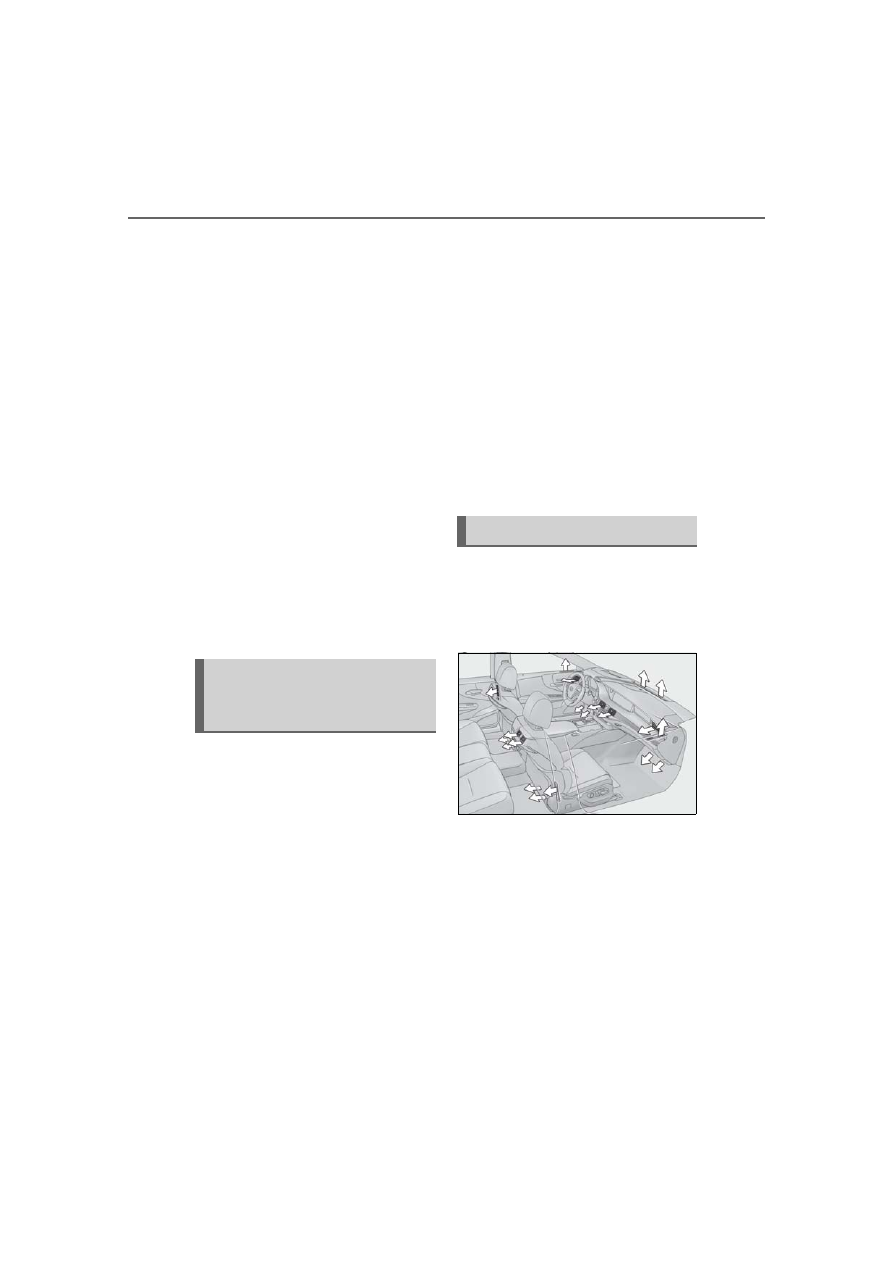
Location of air outlets
The air outlets and air volume changes
according to the selected air flow
mode.
Adjusting the temperature for
the driver and passenger seats
separately
Air outlet layout and operations