Jeep Wagoneer (2022 year). Manual in english - page 7
GETTING TO KNOW YOUR INSTRUMENT PANEL
109
Display Options
Holding OK will also allow you to change your
display to Digital or Analog.
Digital theme will be the default theme
Menu screen times out after 10 seconds. Press
OK to reactivate
Speedometer must always be present
Relevant warning notifications and other pop-up
info will still be displayed in the main screen
area (In this case the speed moves to the top)
Custom Tile Configuration
To customize the instrument cluster further, you
are able to select up to five tiles to display
information based on your needs.
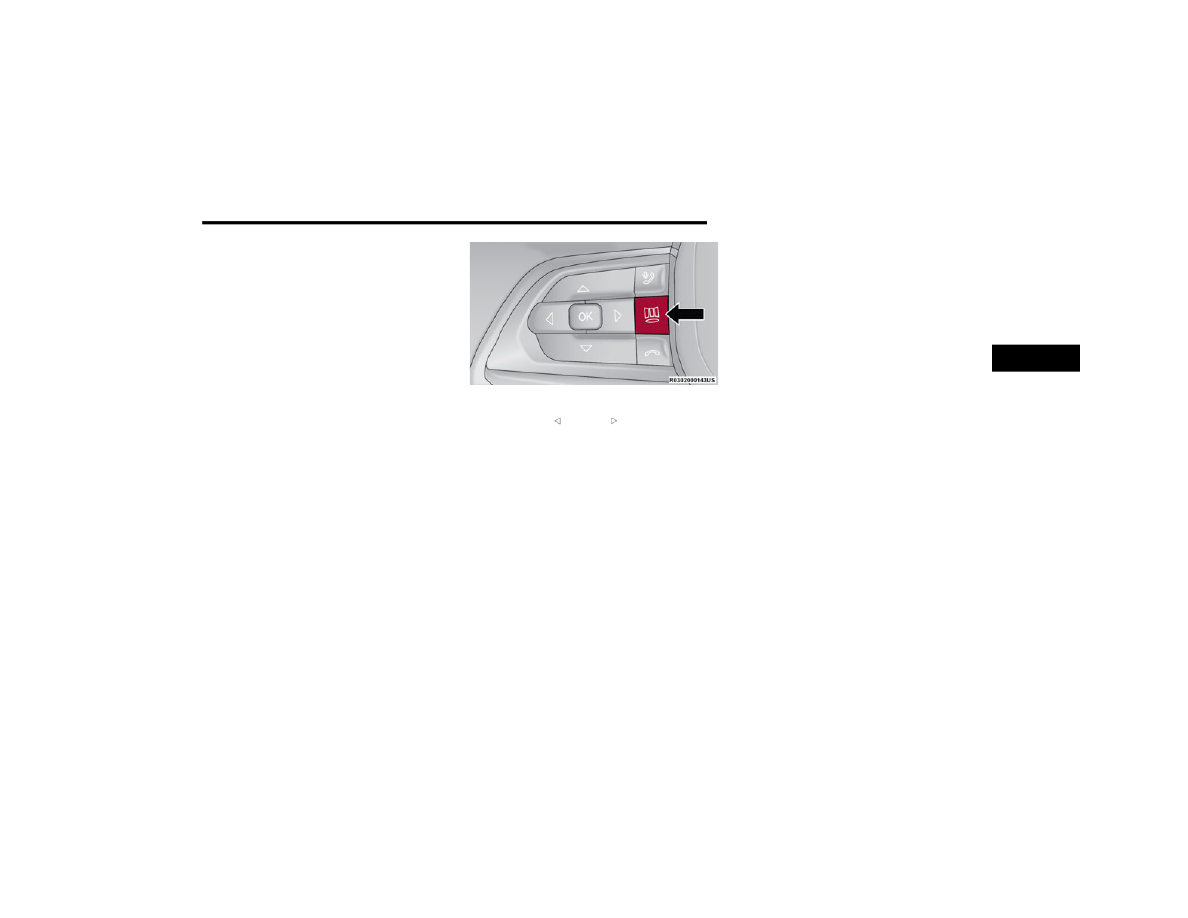
Press the MENU button for the Home Screen
display
Menu Button
Navigate Left or Right to highlight desired
Tile
Press OK to select the tile and navigate to the
selected submenu and press OK again to add
your selection to your tile view
The main menu options are Main Menu, Vehicle
Info, Navigation, Audio, and Off Road
To edit, press menu button, then Hold OK to edit
The instrument cluster display is located in the
center portion of the cluster and consist of multiple
sections:
Main Screen — The inner ring of the display will
illuminate in gray under normal conditions,
yellow for non critical warnings, red for critical
warnings, and white for on demand information
Submenu Dots — Whenever there are
submenus available, the position within the
submenus is shown here
Reconfigurable Telltales/Information
Gear Selector Status (PRND)
Driver Interactive Display (Compass, Temp,
Range to Empty, Trip A, Trip B, Average Fuel
Economy, Current Fuel Economy and Time)
Air Suspension Status — If Equipped
Four Wheel Drive (4WD) Status — If Equipped
The instrument cluster display will normally display
the main menu or the screens of a selected feature
of the main menu. The main display area also
displays pop-up messages that consist of
approximately 60 possible warning or information
messages. These pop-up messages fall into
several categories:
Five Second Stored Messages
When the appropriate conditions occur, this
type of message takes control of the main
display area for five seconds and then returns to
the previous screen. Most of the messages of
this type are then stored (as long as the condi
-
tion that activated it remains active) and can be
reviewed from the “Messages” main menu item.
Examples of this message type are “Right Front
Turn Signal Lamp Out” and “Low Tire Pressure.”
3