Honda Odyssey (2023 year). Manual in english - page 28
446
uu
Bluetooth
®
HandsFreeLink
®
u
HFL Menus
Features
■
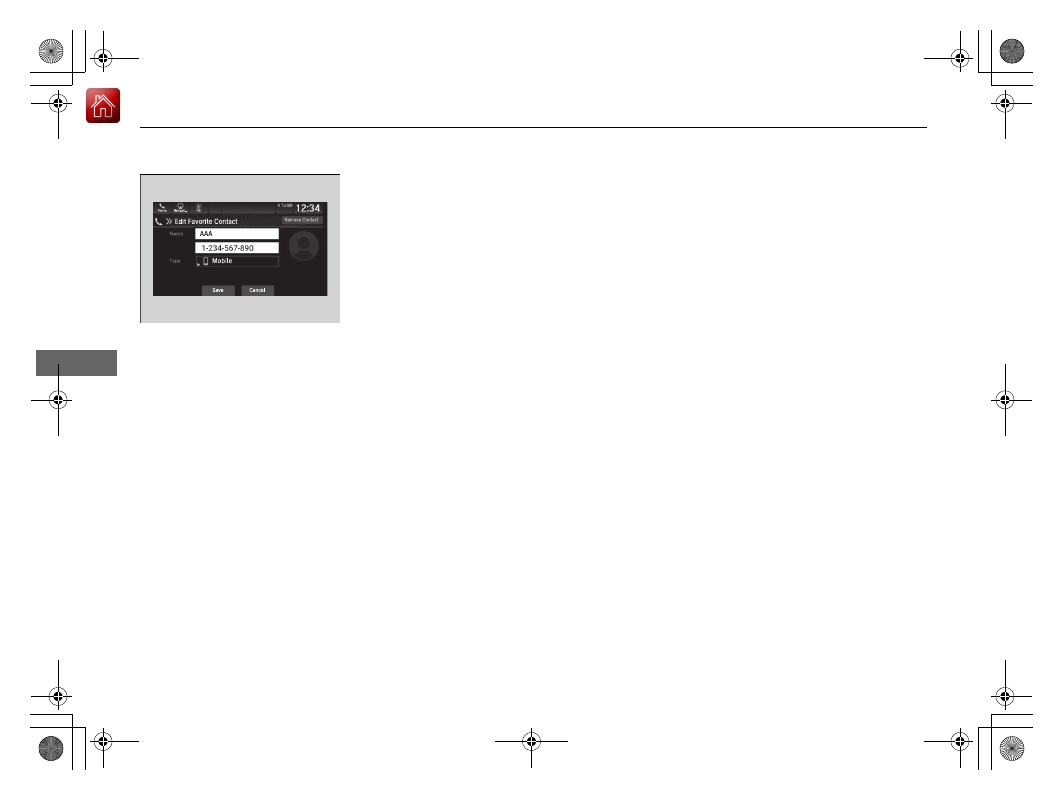
To edit a speed dial
1.
Go to the phone menu screen.
2
2.
Select
Favorite Contacts
.
3.
Select
Edit
on the speed dial entry you
want to edit.
4.
Select a setting you want.
■
To delete a speed dial
1.
Go to the phone menu screen.
2
2.
Select
Favorite Contacts
.
3.
Select
Edit
on the speed dial entry you
want to delete.
4.
Select
Remove Contact
.
5.
A confirmation message appears on the
screen. Select
Continue
.