Honda Ridgeline (2023 year). Manual in english - page 14
222
uu
Audio System Basic Operation
u
Audio/Information Screen
Features
5.
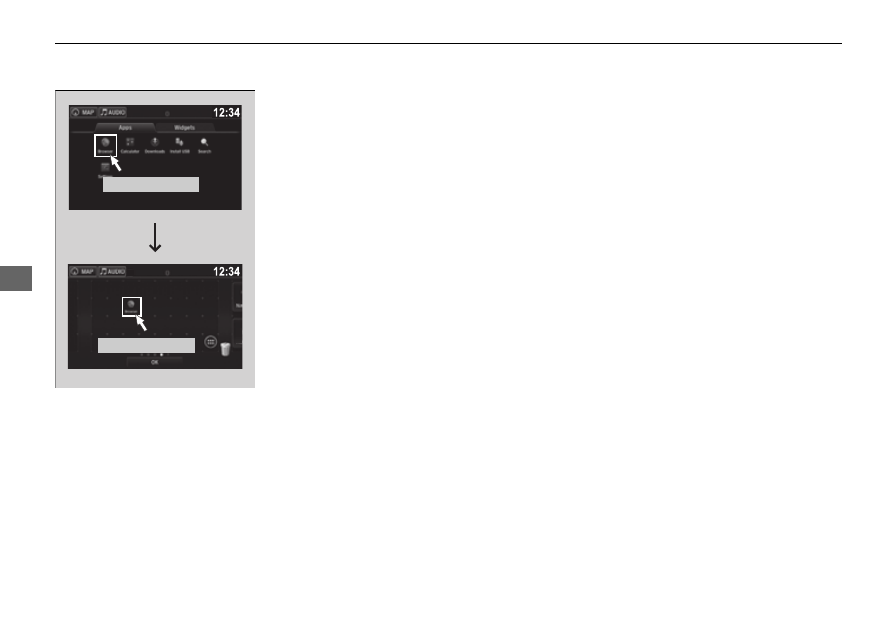
Select and hold an app or widget icon you
want to add.
u
The screen switches to the customization
screen.
6.
Drag and drop the icon to where you want
it to be.
7.
Select
OK
.
u
The screen will return to the home
screen.
Select and hold.
Drag and drop.