Honda CR-V Hybrid (2022 year). Manual in english - page 7
108
uu
Indicators
u
In
strum
ent Pa
nel
Indicator
Name
On/Blinking
Explanation
Message
Collision
Mitigation
Braking
System
TM
(CMBS
TM
)
Indicator
●
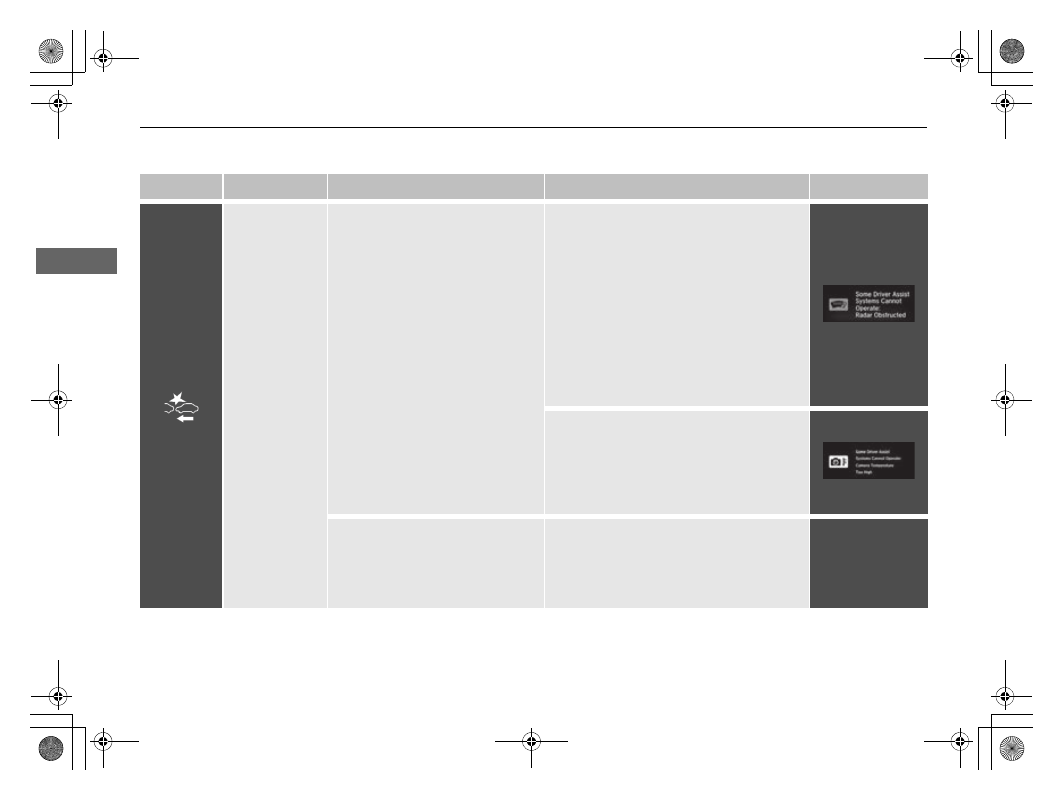
Comes on when the CMBS
TM
shuts itself off.
●
Indicator may come on temporarily when
passing through an enclosed space, such
as a tunnel.
●
The area around the radar sensor is
blocked by dirt, mud, etc. Stop your
vehicle in a safe place, and wipe it off with
a soft cloth. Indicator may take some time
to go off after the radar sensor is cleaned.
●
Have your vehicle checked by a dealer if
the indicator does not go off even after
you clean the sensor cover.
2
●
Stays on
- The temperature inside the
camera is too high. Use the climate control
system to cool down the camera. The
system activates when the temperature
inside the camera cools down.
2
●
Indicator may come on
temporarily when the Maximum
Load Limit is exceeded.
●
Make sure the total load is within the
Maximum Load Limit.
2
P. 463
●
Stays on constantly
- Have your vehicle
checked by a dealer.
—