Citroën Jumpy-Dispatch (2022 year). Manual in english - page 17
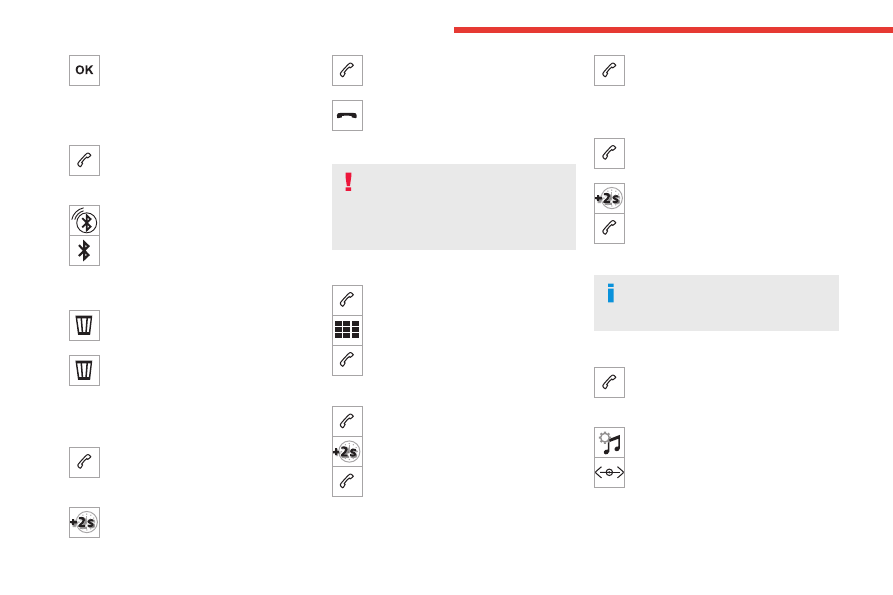
258
MyCitroën Play
Press "
OK
" to confirm.
Managing paired telephones
This function lets you connect or disconnect a
device or delete a pairing.
Press
Telephone
to display the main
page.
Press the "
PHONE
" button to access the
secondary page.
Press "
Bluetooth connection" to
display the list of paired devices.
Press on the name of the telephone
selected in the list to disconnect it.
Press again to connect it.
Deleting a telephone
Press the basket at the top right of the
screen to display a basket alongside the
telephone chosen.
Press the basket alongside the telephone
chosen to delete it.
Receiving a call
An incoming call is announced by a ring and a
superimposed display in the screen.
Make a short press on the steering
mounted
PHONE
button to accept an
incoming call.
And
Make a long press
on the steering mounted
PHONE
button
to reject the call.
Or
Press "
End call
".
Making a call
Using the telephone is not recommended
while driving.
Parking the vehicle.
Make the call using the steering mounted
controls.
Calling a new number
Press
Telephone
to display the main
page.
Enter the phone number using the digital
keypad.
Press "
Call" to start the call.
Calling a contact
Press
Telephone
to display the main
page.
Or press and hold
the steering mounted
PHONE
button.
Press "
Contacts
".
Select the desired contact from the displayed list.
Press "
Call
".
Calling a recently used
number
Press
Telephone
to display the main
page.
Or
Press and hold
the steering mounted button.
Press "
Recent calls
".
Select the desired contact from the displayed list.
It is always possible to make a call
directly from the telephone; as a safety
measure, first park the vehicle.
Setting the ringtone
Press
Telephone
to display the main
page.
Press the "
OPTIONS
" button to access the
secondary page.
Press "
Ring volume
" to display the
volume bar.
Press the arrows or move the slider to set
the ring volume.