Acura RLX HYBRID (2020 year). Manual in english - page 17
273
Features
Audio Error Messages
CD Player
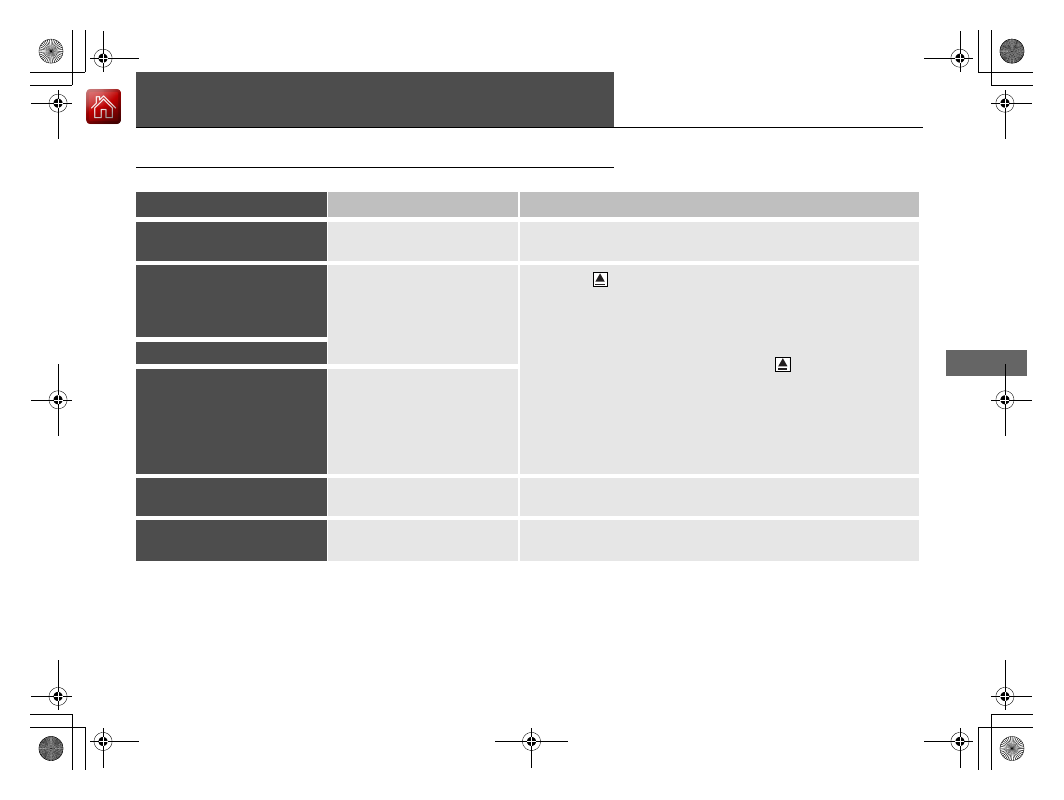
If a disc error occurs, you may see the following error messages.
Error Message
Cause
Solution
Unplayable File
Track/file format not supported
•
Current track/file will be skipped. The next supported track/file
plays automatically.
Bad Disc
Please Check Owner’s
Manual
Push Eject
Mechanical error
•
Press the
(eject) button and remove the disc, and check that
the error message is cleared.
•
Check that the disc is not damaged or deformed, and insert the
disc again.
2
•
If the error message reappears, press the
button, and pull out
the disc.
•
Insert a different disc.
If the new disc plays, there is a problem with the first disc.
•
If the error message repeats, or the disc cannot be removed,
contact a dealer.
Do not try to force the disc out of the player.
Mecha Error
Bad Disc
Please Check Owner’s
Manual
Servo error
Check Disc
Disc error
•
Check that the disc is not damaged or deformed.
2
Heat Error
High temperature
•
Turn the audio system off and allow the player to cool down until
the error message is cleared.