Acura MDX HYBRID (2020 year). Manual in english - page 16
256
uu
Audio System Basic Operation
u
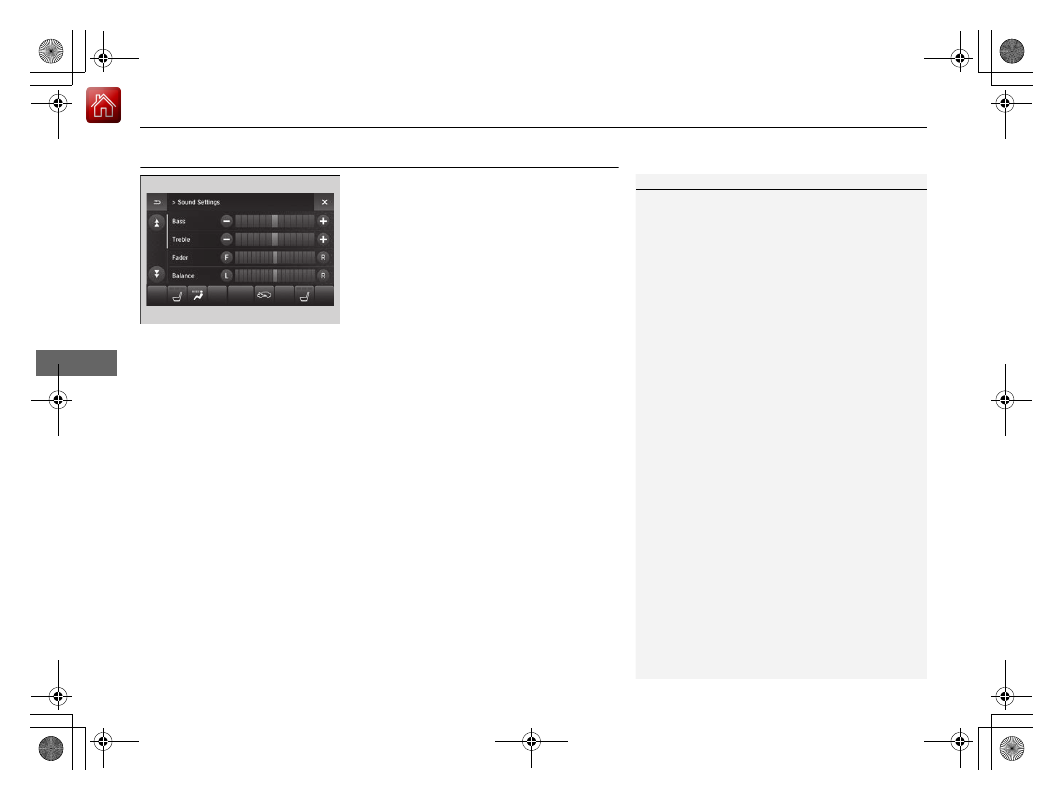
Adjusting the Sound
Features
Adjusting the Sound
1.
Select
Audio Menu
, then select
Sound
Settings
.
2.
Select the
Bass
,
Treble
,
Fader
,
Balance
,
Center
,
Subwoofer
,
SVC
(Speed-sensitive
Volume Compensation) or
DTS Neural
Surround
.
3.
Use
(
+
,
(
-
or other icons to adjust the
setting.
1
The SVC has four modes:
Off
,
Low
,
Mid
, and
High
.
SVC adjusts the volume level based on the vehicle
speed. As you go faster, audio volume increases. As
you slow down, audio volume decreases.
DTS Neural Surround is a trademark of DTS, Inc.
Instead of using
(
+
,
(
-
or icons, you can also touch
the point where your desired setting is.