Hyundai SKT 100/200 CNC TURNING CENTER. INSTALLATION MAINTENANCE MANUAL (VERSION No.: VOL1.0) - page 10
SYMB
ADD
Description
Rapid traverse override signals
The host specifies override for rapid traverse
The following table lists the override amount.
ROV2
ROV1
Override amount
0
0
100%
0
0
50%
1
1
25%
ROV 1
Y71.4
1
1
F0
ROV 2
Y71.5
NOTE
F0 is a value specified in parameter No. 061.
Dry run signal
Dry run is valid during automatic operation (AUTO mode). During dry
run, a feedrate command issued during automatic operation is ignored,
and a manual-feed feedrate determined by override signals *OV1-*OV8
is used. Dry run is also valid for rapid traverse. When the RT signal is
set to 1 during dry run, the "rapid traverse rate" and the "maximum
DRN
Y71.6
manual-feed feedrate"are used for the rapid traverse and cutting feed
blocks, respectively. When the RT signal is reset to 0, the "sage rate as
the manual-feed feedrate" is resumed.
- Setting the DRN signal to 1 causes the system to enter the dry run
state. Resetting it to 0 resumes the feed rate specified during automatic
operation.
Manual rapid traverse selection signal.
The host selects rapid traverse for jog feed.
The RT signal is valid when jog feed mode (JOG) is selected. When the
RT
Y71.7
signal is 1, jog feed is performed at a rapid traverse rate. Under this
condition, setting a feed axis and direction selection signal (+X or -X) is
1, and an override signal is valid, setting the RT signal to 1 starts rapid
traverse. Resetting the RT signal to 0 resumes normal feed.
A-46
APPENDIX
2-4-9. POWER MATE CMC MANAGER Function
1. SOFT KEY Status Transition Diagram
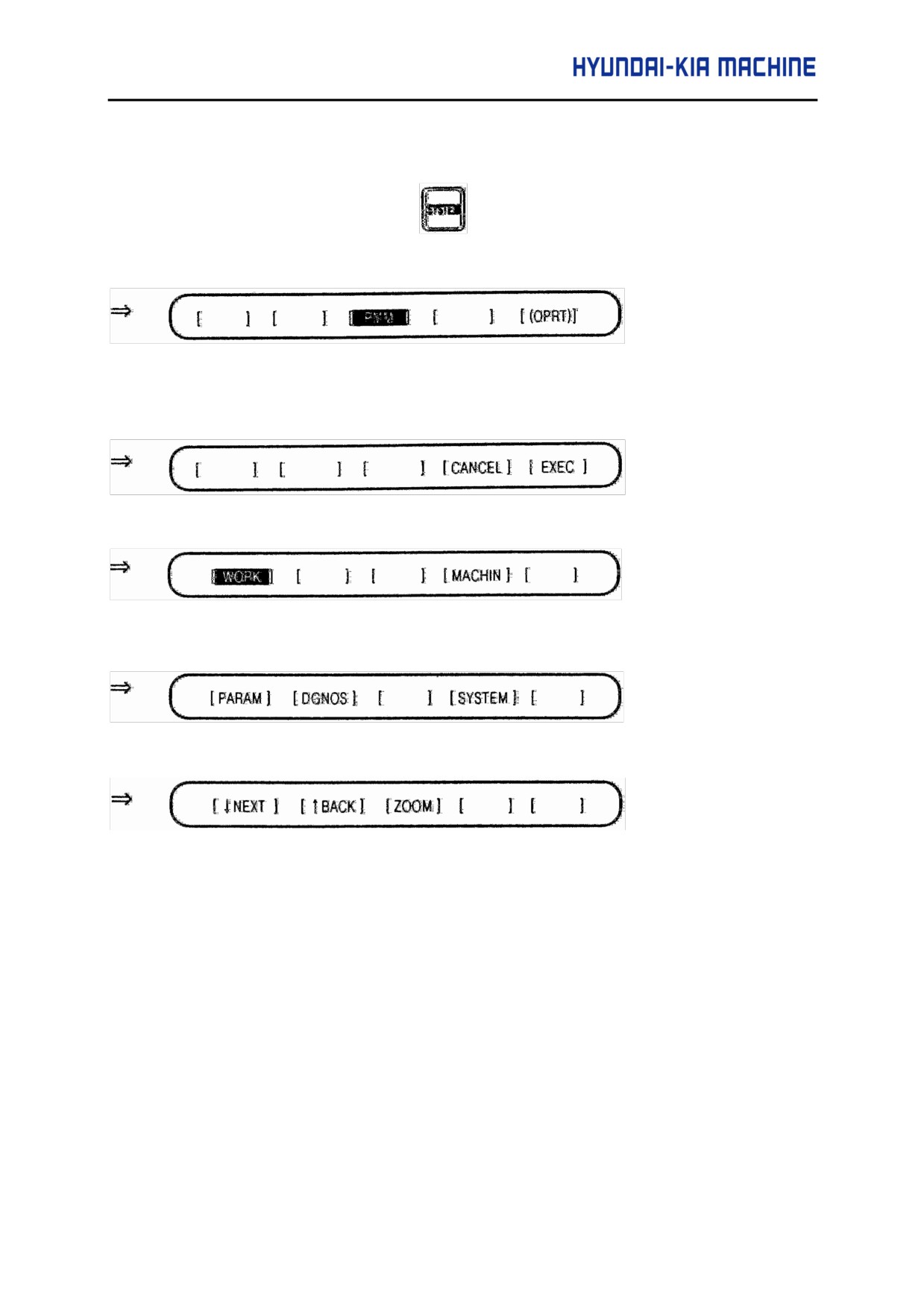
1 After CNC function select key
is selected, the following screen can be
selected by pressing the next -menu key [ > ] several times until [PMM] is displayed.
(Function menu)
2 Pressing the soft key [PMM], system configuration screen appears, and the following soft
key menu is displayed.
(Sub menu)
2-1)
When [ POS ] is selected, and the following soft key menu is displayed.
(Sub menu)
2-2)
When [SYSTEM] is selected, and the following soft key menu is displayed.
(Sub menu)
Ú The following screen can be selected by pressing the next-menu key [ > ] several times.
(Sub menu)
⇒ Pressing the previous-menu key [ < ] resumes the function selection soft key menu.
A-47
3)
System Configuration
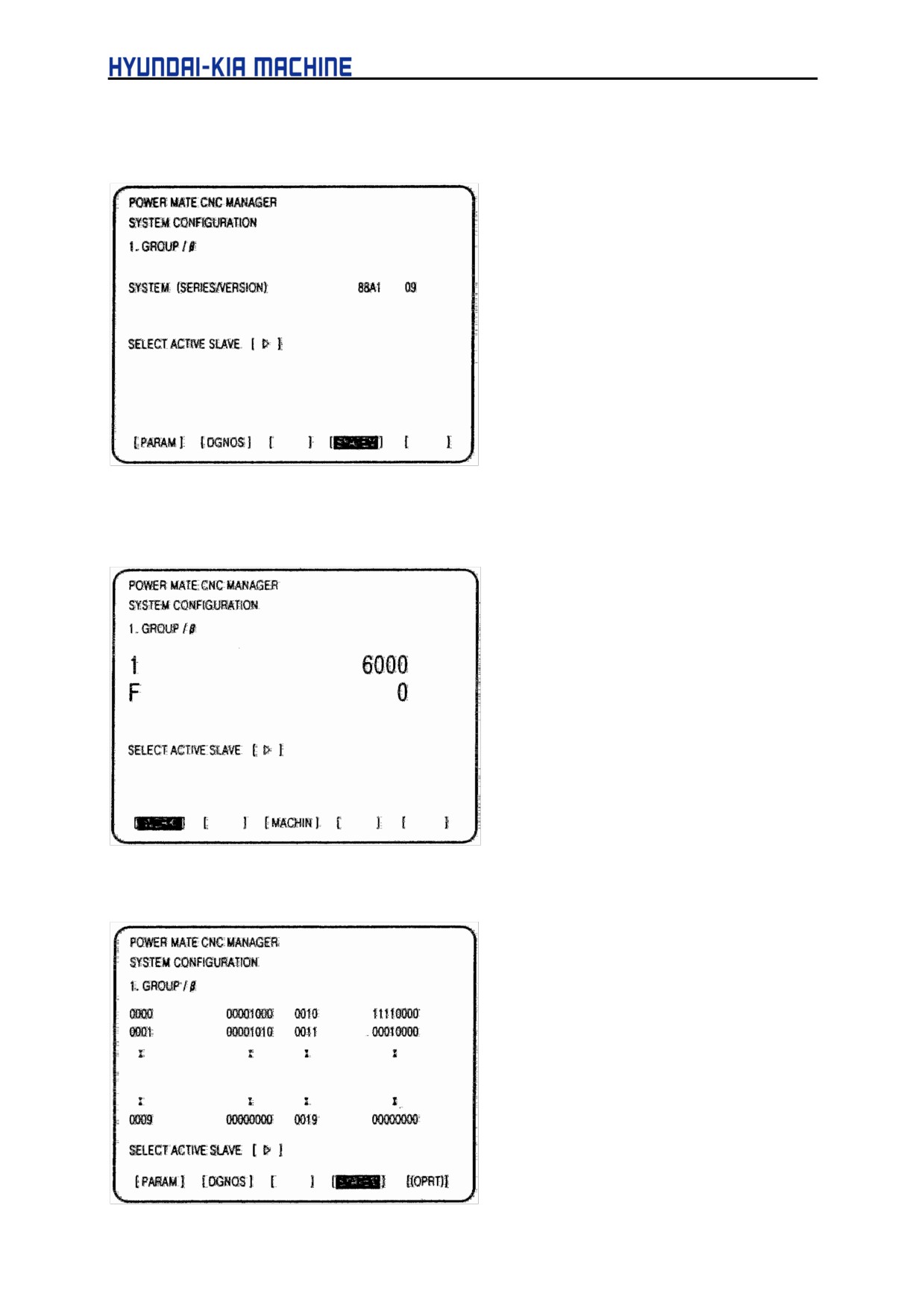
1 Pressing the [ SYSTEM ] function selection soft key displays the following soft key menu.
⇒ Servo unit β series system software series and edition
2 Pressing the [ WORK ] soft key displays the absolute coordinate screen.
Ú
1 : Coordinate F: Actual speed
3 Pressing the [ PARAM ) soft key displays the parameter screen.
A-48
APPENDIX
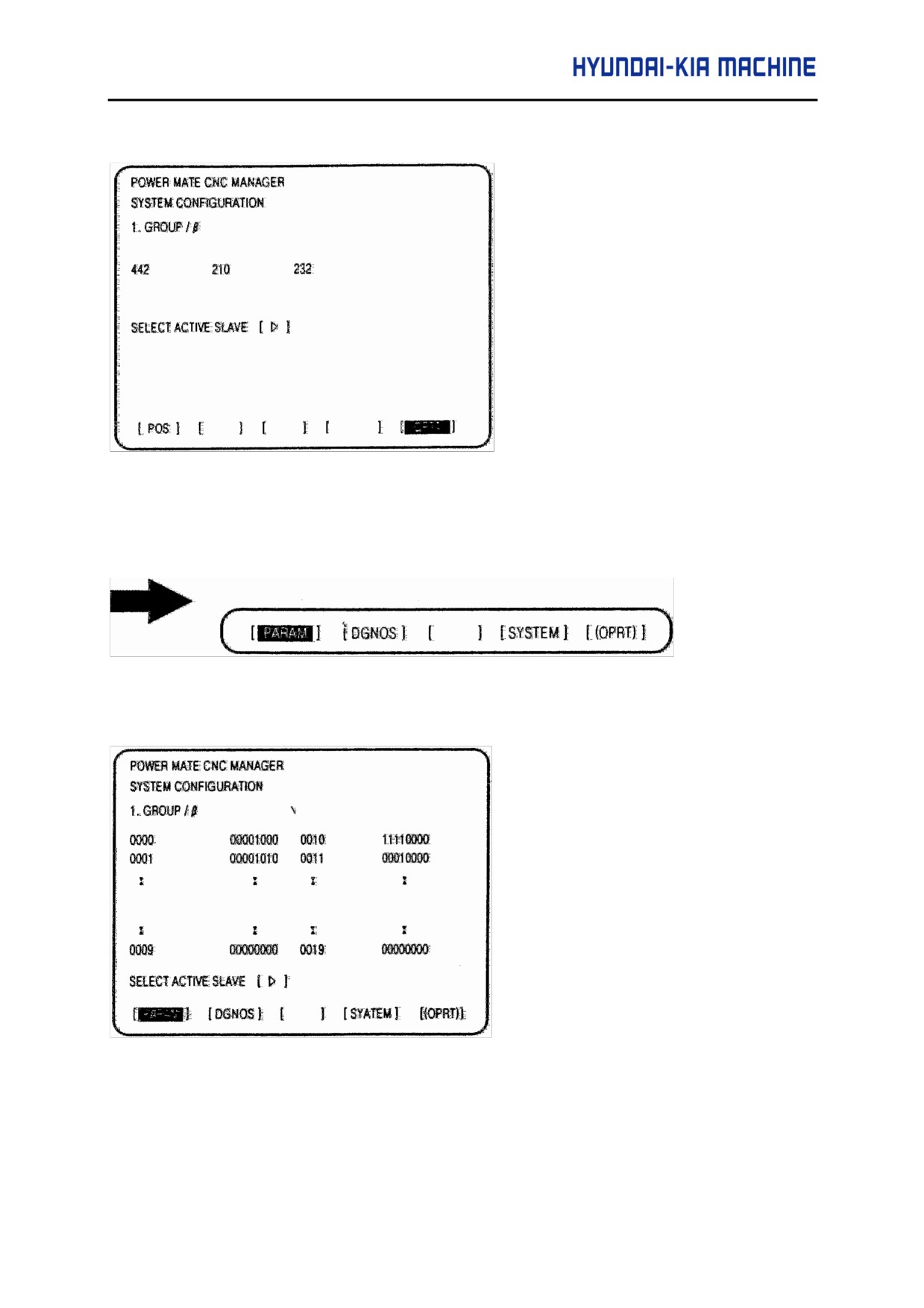
4 Pressing the [ MSG ] function selection soft key display only an error code on the screen.
4) Parameters
The parameters required for each function of the β AMP with an I/O link must be set up in advance.
c Display operations
Pressing the [ SYSTEM ] function selection soft key displays the following soft key menu:
(Sub menu)
Pressing the [PARAM] soft key displays the parameter screen.
d Displays
This screen display bit-type and decimal data only.
3 Saving parameter
Parameters can be saved as program data files to the CNC memory or to a memory card.
A-49
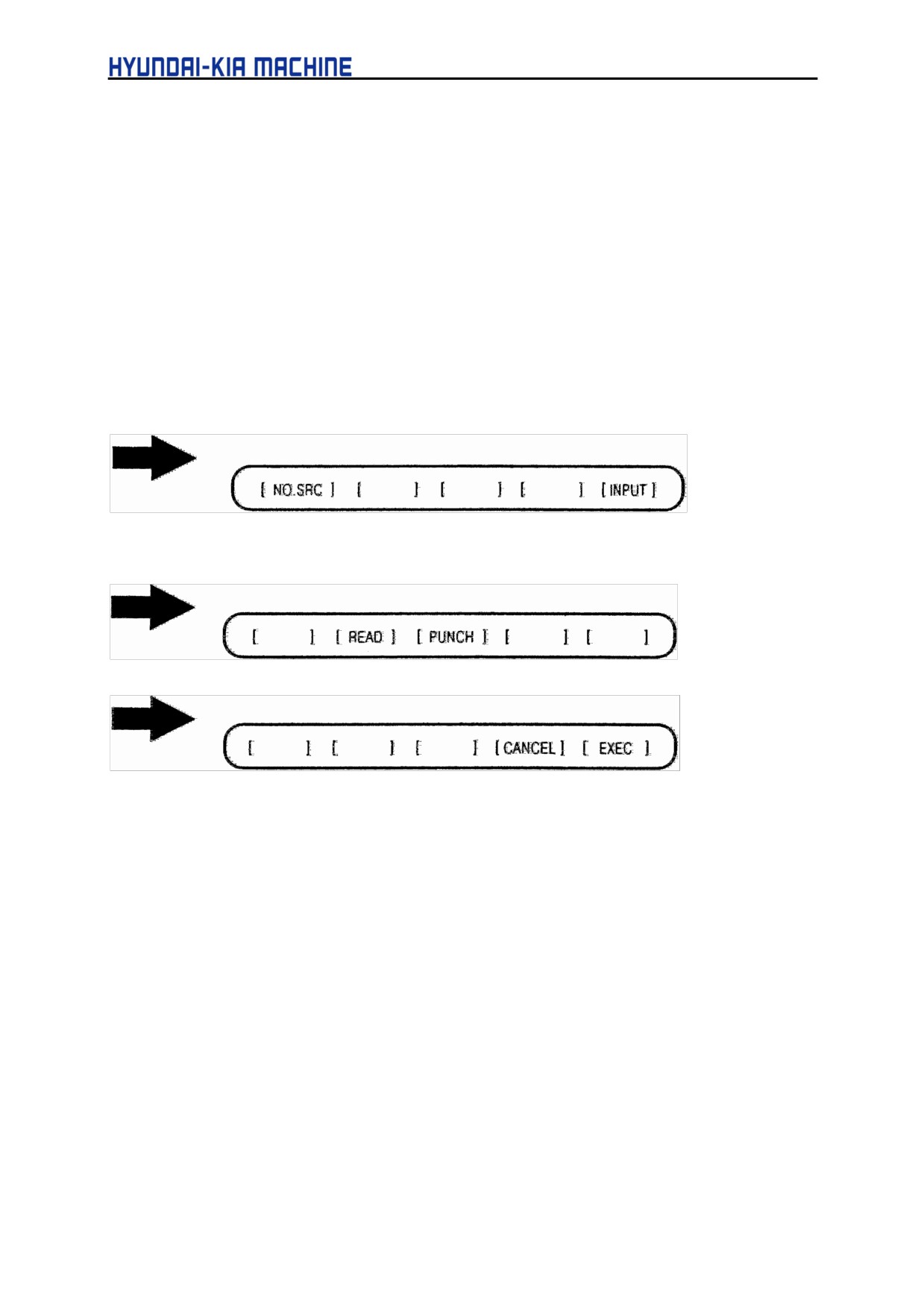
To save parameters, first set the first registration program number in parameter P8760. Program are
created using a number assigned to each β AMP with an I/O link. This number is treated as a program
number when the parameters are saved to the CNC memory. When they are saved to a memory card,
however, a file is created using the program number and PMM as its file name and file extension,
respectively.
ex)
If 6500 is set in parameter P8760
A program number for a program in group n is: 6500 + n*10.
The group number is a number in "group n" displayed in the title of a β AMP with an I/O link. If an
existing program in the memory has the same program number, the existing program is overwritten
with the new data.
Parameter P960 is used to select a device to save parameters.
Before proceeding to the following steps, connect a memory card or ensure that the CNC memory is
available.
a. Select an active slave.
b. Press the [ (OPRT) ] soft key to display:
(Sub menu)
Press the next-menu [ > ] key.
(Sub menu)
c. Press the [ READ ] soft key to display:
(Sub menu)
Press the [ EXEC ] soft key.
While the parameters are being saved, the message [INPUT] blinks on the message line.
A-50
APPENDIX
4 Writing parameter
Parameter data files saved as programs to the CNC memory or memory card can be restored and
written to the βAMP with an I/O link determined from a program number. The program number and
device are determined using the same method as in item (3).
a. Select an active slave.
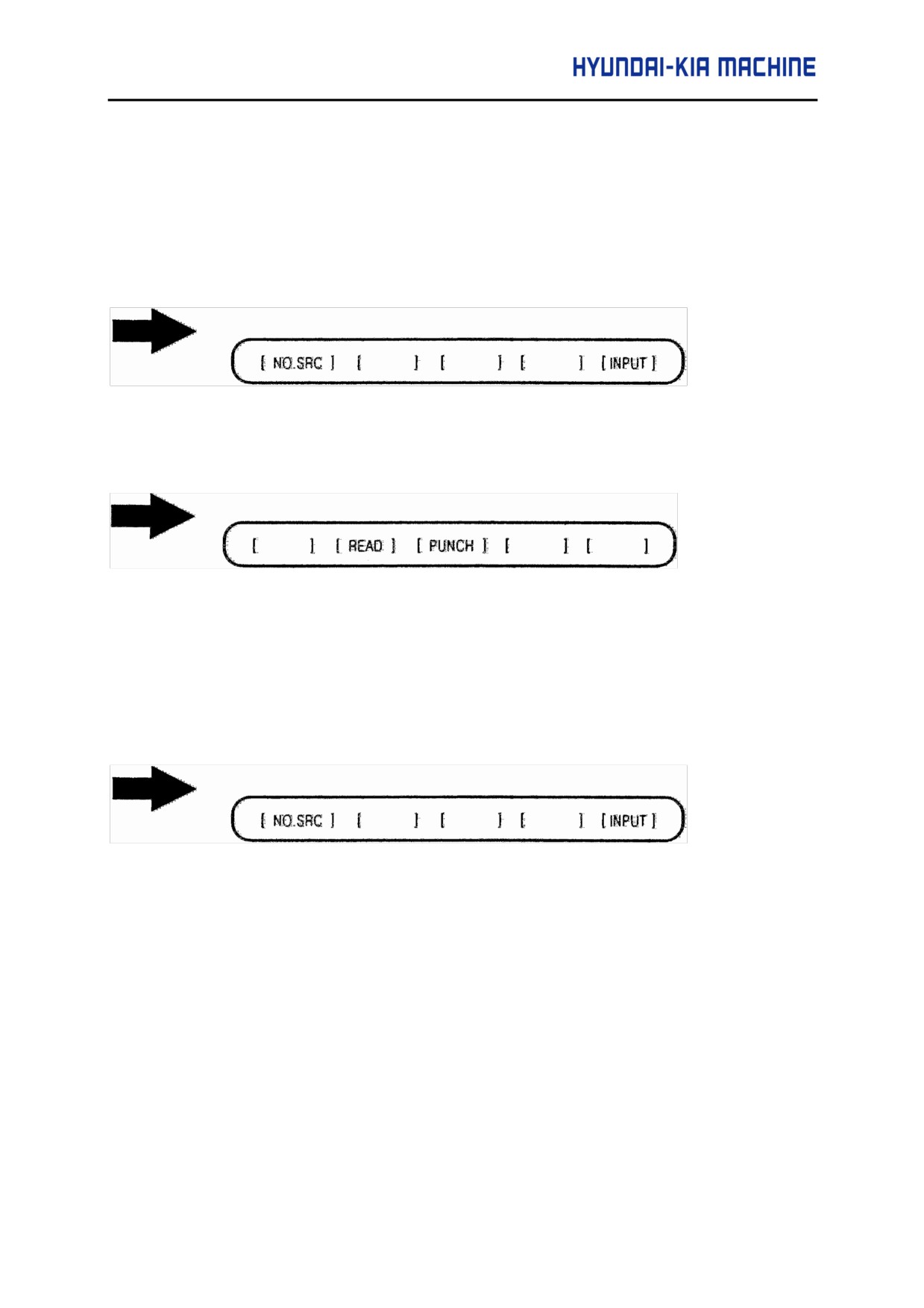
b. Press the [ (OPRT) ] soft key to display:
(Sub menu)
Press the next-menu key.
c.
Press the [PUNCH] soft key to display:
(Sub menu)
Press the [ EXEC ] soft key.
While the parameters are being written, the message [OUTPUT] blinks on the message line.
5 Searching for parameter
A parameter can be searched for and displayed by means of the following procedure.
a. Select an active slave.
b. Press the [(OPRT)] soft key to display:
(Sub menu)
c. Key in a desired number on the key-in line using the MDI keypad, then press the [NO.SRC] soft
key to start the search.
h Setting parameter
Parameters for β AMP with an I/O link can be set directly from the CNC by means of the following
procedure.
a. Select an active slave.
A-51
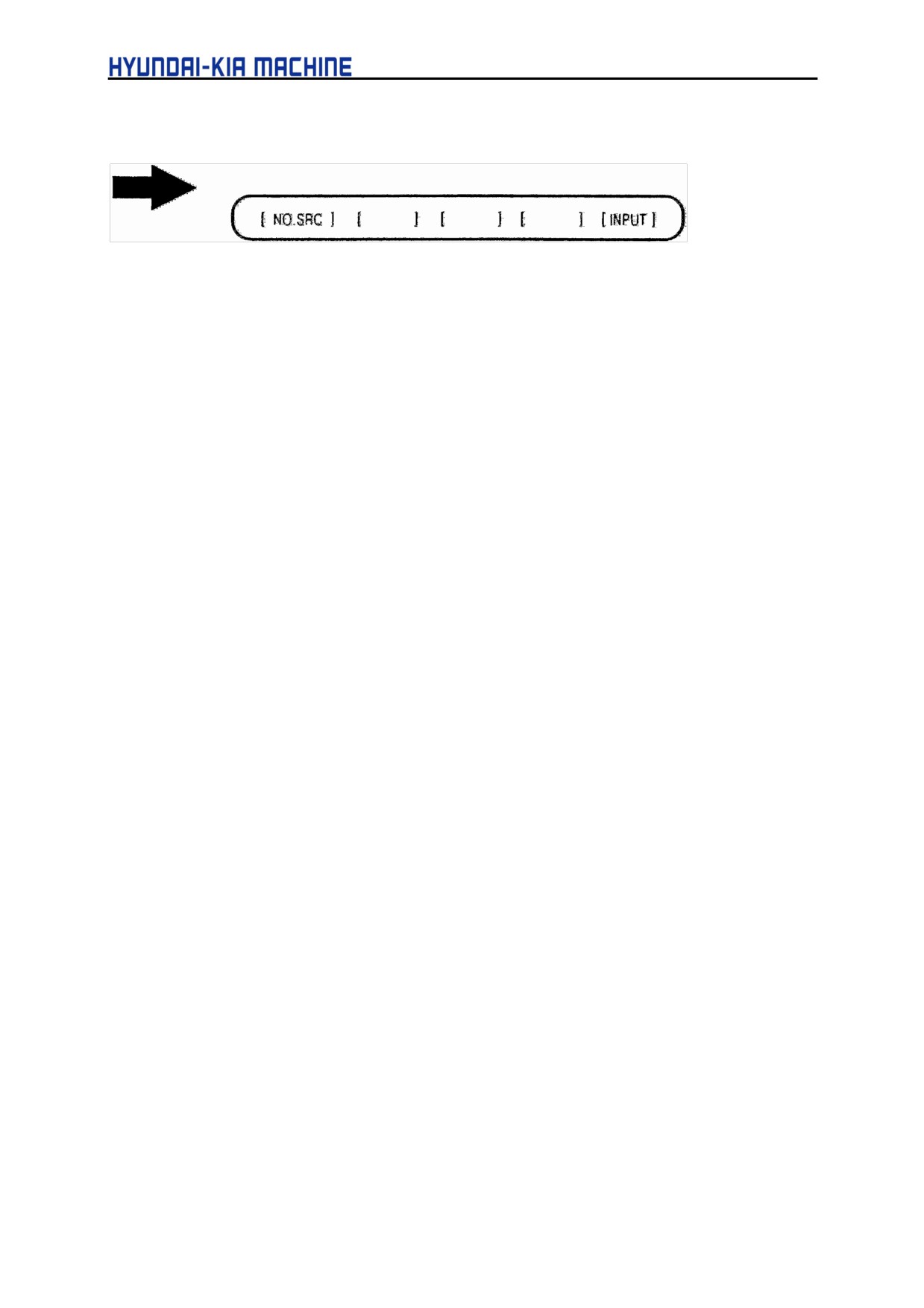
b. Press the [ (OPRT) ) soft key to display:
(Sub menu)
c. Position the cursor to the desired parameter.
d. Key in the desired data Key-in line using the MDI keypad, then press the [INPUT] soft key or the
INPUT key on the MDI keypad.
A-52