MG GS. Service Manual - part 15
STARTING & DRIVING
1 Off: Function in Off state
2 Standby: Function in Stand by state, it is then activated
when the vehicle is brought to a stop and the brake
pedal is released.
3 Parking: Function in Parked state. In this state the
green
indicator in the instrument pack illuminates.
A
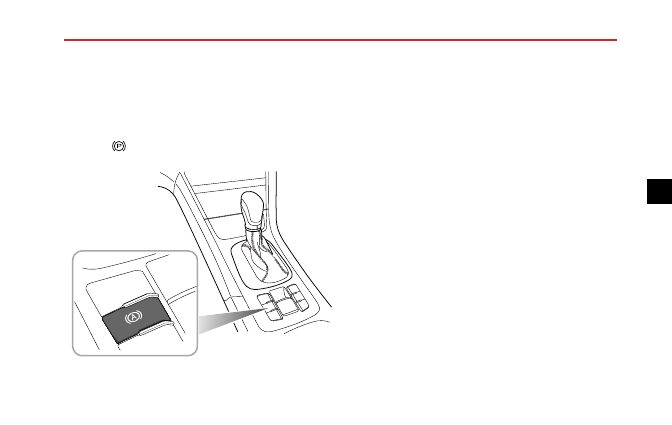
With the driver's seat belt fastened, the door closed and
the engine running, press the auto hold switch to switch
the auto hold function from Off to Standby state.
With the brake pedal firmly pressed and the vehicle
completely stopped, the auto hold function will switch
from the Standby state to the Parking state.
When the auto hold is in the Parking state, engaging D or R
and pressing the accelerator will automatically release the
auto hold function.
With the auto hold in the Parking state, it will result in
the electronic parking brake being applied and the system
exiting the Parking state in some cases (such as removing
the seat belt, stalling or switching off the engine and
stopping for a certain time etc.)
Note: With the brake pressed, press the switch to
switch off the auto hold function, but the electronic
parking brake will not be applied.
Note: It is recommended to turn off the auto hold
function when reversing into the garage.
225
4