Volvo V60 Recharge Plug-in Hybrid (2021 year). Manual in english - page 29
AUDIO, MEDIA AND INTERNET
}}
* Option/accessory.
491
SiriusXM Travel Link
®
*
- Sports
This SiriusXM Travel Link service provides
information about sporting events, tourna-
ments, teams, leagues, etc.
From the SiriusXM Travel Link home screen,
to display sports information:
–
Tap the
Sports
button to display the main
sports screen.
A number of sports categories will be listed
(Football, Baseball, Basketball, etc.)
Tap a sport to select a league in that sport
(NFL, MLB, etc.) or a sport organization (PGA,
LPGA, etc.).
The following is an example of the result of
tapping Baseball
:
1. MLB (Major League Baseball) will be dis-
played.
2. Tap MLB to display the two leagues in
Major League Baseball (American League
or National League).
3. Tap one of the league names to display
the divisions in the league.
4. Tap one of the divisions to display:
•
In progress
: play-by-play information
about a match/game/tournament cur-
rently in progress. Continue tapping to
display. In the detailed view, you can
also select a radio station that is cur-
rently broadcasting an ongoing sport-
ing event
•
Headlines for MLB
: tap to display
brief headline information
•
Scheduled
: schedules for coming
matches, games, etc.
•
Scores
: match/game results
The same principle applies to all sports.
Related information
•
•
•
•
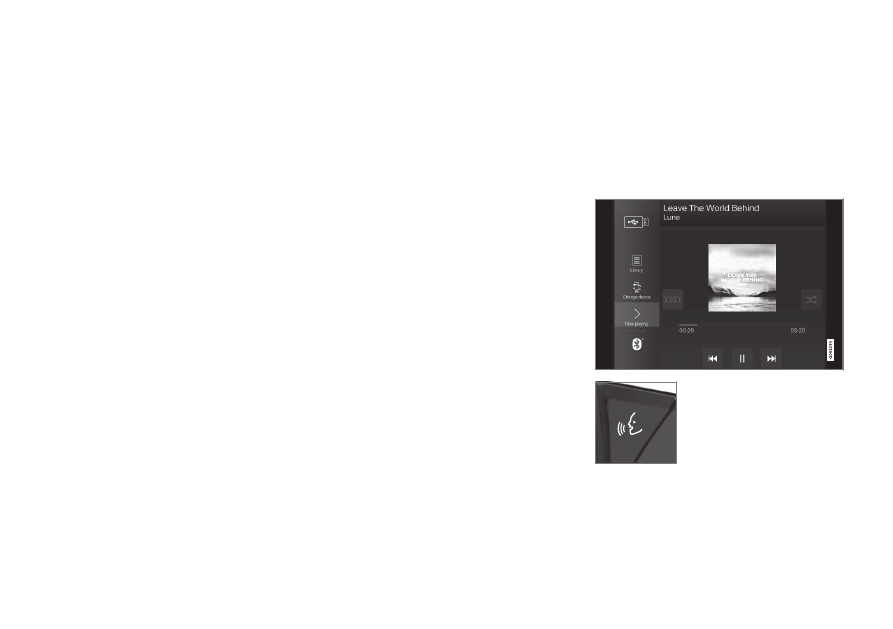
Media player
The media player can play audio from external
audio sources connected via USB port or
Bluetooth. It can also play video format via
the USB port.
When the vehicle is connected to the Internet,
it is also possible to listen to web radio, audio
books and to access music services via apps.
The media player is controlled
from the center display. Sev-
eral functions can also be
controlled using voice com-
mands or the right-side steer-
ing wheel keypad.
The radio, which is also handled by the media
player, is described in a separate section.