Volvo V60 Recharge Plug-in Hybrid (2021 year). Manual in english - page 28
AUDIO, MEDIA AND INTERNET
* Option/accessory.
475
•
•
•
•
•
•
Voice control for radio and media (p. 147)
•
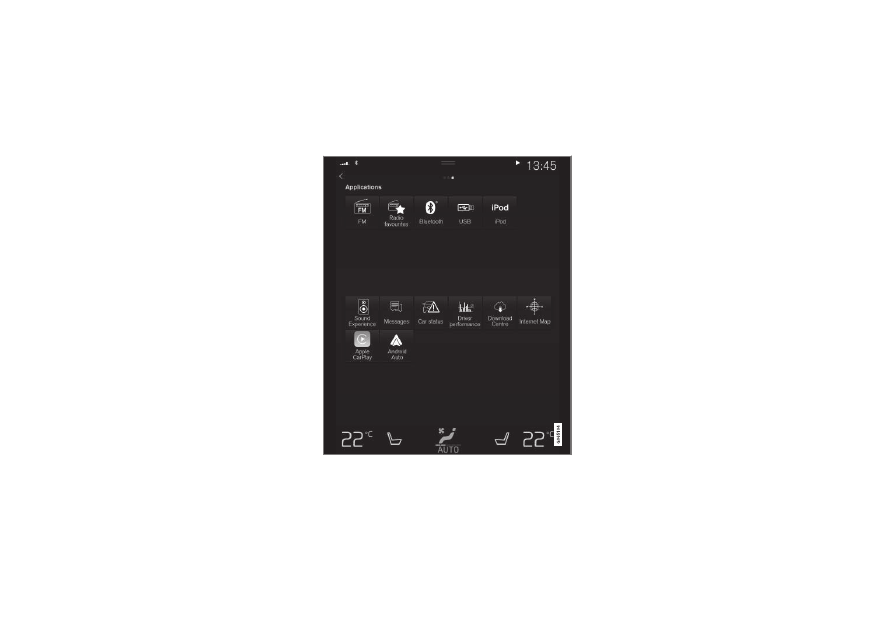
Starting the radio
The radio is started from the center display's
App view.
1. Open the desired waveband (e.g.
FM
)
from App view.
2. Select a radio station.
Related information
•
•
Searching for a radio station (p. 476)
•
Changing waveband and radio station
(p. 476)
•
Storing radio channels in the Radio favor-
ites app (p. 477)
•
•