Volvo V60 Twin Engine (2020 year). Manual in english - page 30
||
SOUND, MEDIA AND INTERNET
* Option/accessory.
510
Related information
•
•
Controlling and changing media (p. 511)
•
•
•
•
•
•
•
•
Media playback
The media player is controlled from the cen-
tre display. Several functions can also be
operated using the steering wheel's right-
hand keypad or voice control.
The media player also operates the radio,
which is described in a separate section.
Starting the media source
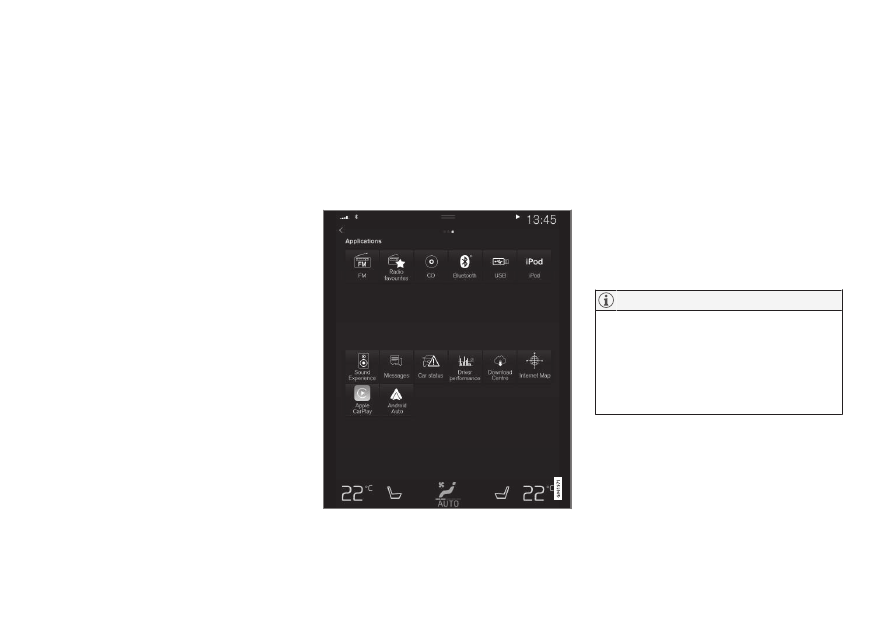
App view. (Generic image, basic apps vary by market
and model.)
CD
*
1. Insert a CD.
2. Open the app
CD
from the app view.
3. Select what to play back.
> Playback begins.
USB memory
1. Insert the USB memory.
2. Open the app
USB
from the app view.
3. Select what to play back.
> Playback begins.
Mp3 player and iPod
®
To start playback from iPod, use the iPod
app (not USB).
When an iPod is used as audio source, the
car's audio and media system has a menu
structure that is similar to the iPod player's
own menu structure.
1. Connect media source.
2. Start playback from the connected media
source.
3. Open the app (
iPod
,
USB
) from the app
view.
> Playback begins.