Volvo S60 Twin Engine (2020 year). Manual in english - page 37
||
MAINTENANCE AND SERVICE
* Option/accessory.
598
Data download may affect other services
that transmit data, e.g. Internet radio. If the
effect on other services is experienced as
disruptive then the download can be inter-
rupted. Alternatively, it may be appropriate
to switch off or interrupt other services.
An update can be interrupted when the
ignition is switched off and the car is left.
However, the update does not have to be
completed before the car is left, this is
because the update is resumed the next
time the car is used.
Update all system software
–
Select
Install all
at the bottom of the list.
If no list is desired, then the
Install all
option
can be selected at
System updates
.
Update individual system software
programs
–
Select
Install
for the software required.
Cancelling software download
–
Tap on X in the activity indicator that has
replaced
Install
at the start of the down-
load.
Note that only the download can be cancelled,
when the installation phase has started, this
cannot be cancelled.
Deactivating the background search
for software update
Automatic search for software updates is acti-
vated when the car is delivered from the fac-
tory, but this function can be deactivated.
1. Tap on
Settings
in the centre display's
top view.
2. Press
System
Download Centre
.
3. Deselect
Auto Software Update
.
Related information
•
•
•
Navigating in the centre display's views
(p. 113)
Car status
The car's general status can be shown in the
centre display along with the opportunity to
book service
3
.
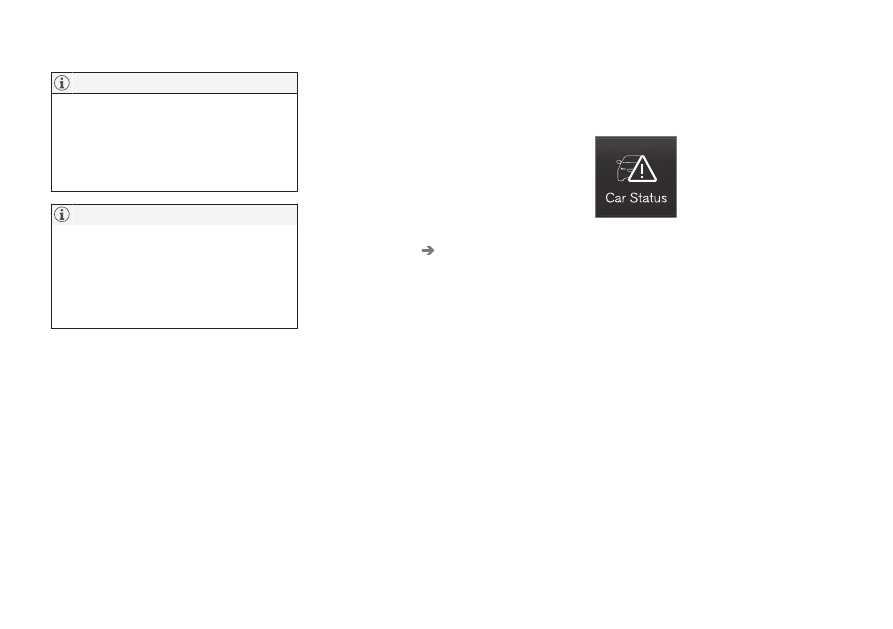
The
Car Status
app is started
from app view in the centre
display and has four tabs:
•
Messages
- status messages
•
Status
- checking engine oil level and
AdBlue level
4
•
TPMS
- checking the tyre pressure
•
Appointments
- appointment information
and car information
3
.
Related information
•
Handling a message saved from the driver
display (p. 105)
•
Checking and filling with engine oil
(p. 607)
•
Tyre pressure monitoring system
•
Book service and repair (p. 599)
•
Sending car information to a workshop
(p. 600)
•