Volvo V40 (2019 year). Manual in english - page 12
-------------------------------------------------------------------------------------------------------------------------------------------------------------
DRIVER SUPPORT
||
Zoom
Park assist camera - limitations
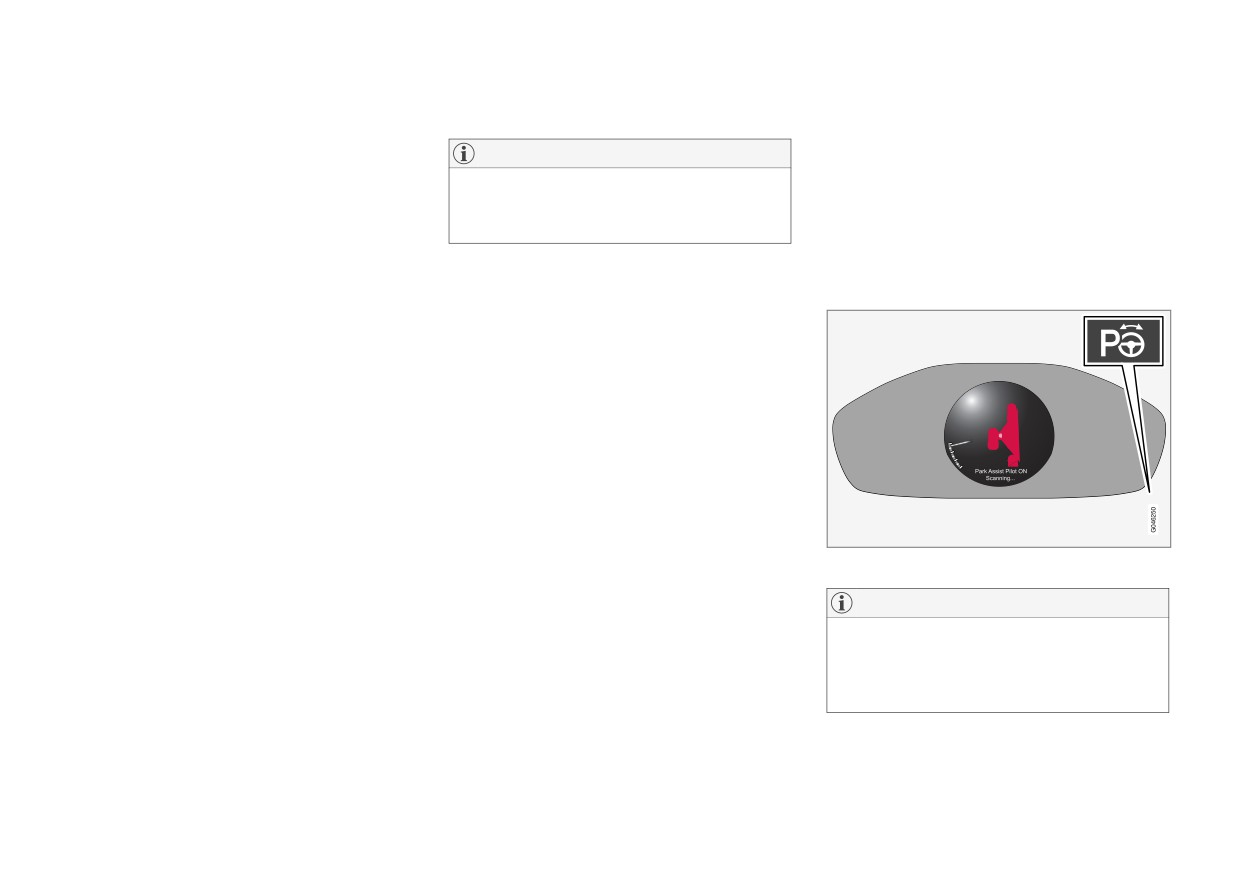
Park Assist Pilot (PAP)*
If precise manoeuvring is required then the cam-
The Park Assist Pilot (PAP - Park Assist Pilot)
era view can be zoomed in:
NOTE
helps the driver to park by first checking whether
a space is sufficiently large and then turning the
• Press CAM or turn TUNE - repeated press/
Bicycle racks or other accessories mounted
steering wheel and steering the car into the
turn changes back to the normal view.
on the back of the car may obscure the line of
space.
If more options are available, they are in a loop
sight of the camera.
- press/turn until the desired camera view is
The combined instrument panel uses symbols,
shown.
graphics and text when elements are to be exe-
To bear in mind
Pay attention to the possibility that, even if it only
cuted.
Related information
looks like a relatively small part of the image is
•
Park assist camera (p. 258)
obscured, it could be a relatively large sector that
•
Park assist camera - limitations (p. 262)
is hidden from view. Obstacles could thereby go
•
Park Assist* (p. 254)
undetected until they are very close to the car.
•
Park Assist Pilot (PAP)* (p. 262)
• Keep the camera lens free from dirt, ice and
snow.
• Clean the camera lens regularly with luke-
warm water and car shampoo - take care not
to scratch the lens.
Related information
• Park assist camera (p. 258)
The On/Off button is on the centre console.
• Park assist camera - settings (p. 261)
• Park Assist* (p. 254)
NOTE
• Park Assist Pilot (PAP)* (p. 262)
Since a towbar is configured with the car's
electrical system, towbar protrusion is
included when the function measures the dis-
tance to an object behind the car.
262
* Option/accessory.