Volkswagen Fox (2004 year). Manual - part 40
Service descriptions
4.1
Clock - set
Set the clock as follows:
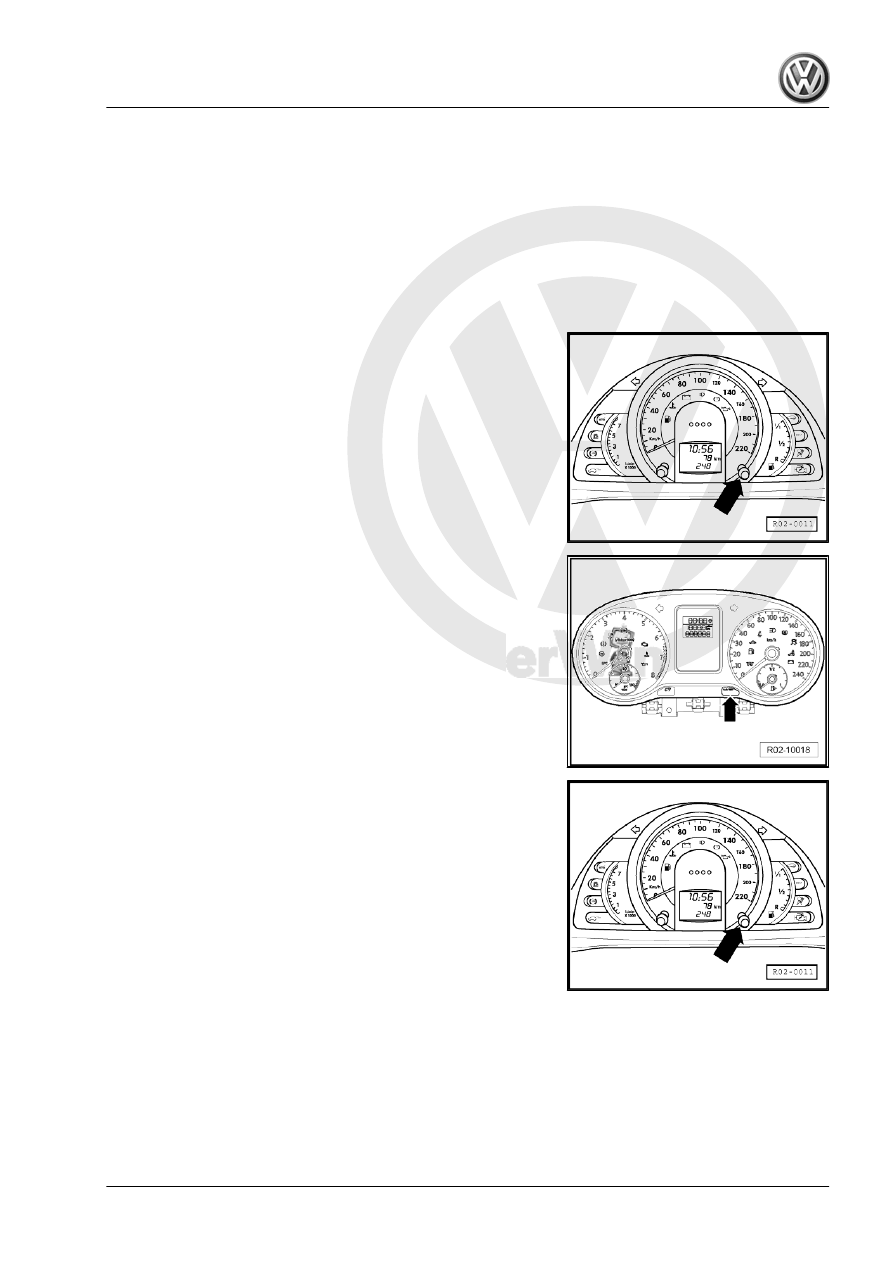
Set the hours (2-line display):
– With the ignition on, select the clock function, pressing the
button -arrow- for less than 2 seconds. There will be a clock
symbol beside the time.
– To activate the hour set function, keep the button -arrow-
pressed until the display starts flashing, then press the button
-arrow- quickly, the numbers will change sequentially in as‐
cending order.
New Fox
Set the minutes:
– To activate the minute set function, keep the button -arrow-
pressed until the display starts flashing, then press the button
-arrow- quickly, the numbers will change sequentially in grow‐
ing order.
– Press the button -arrow- for more than 2 seconds to go back
to partial odometer function.
FOX 2004 ➤
4. Service descriptions
33