Toyota Sienna Hybrid (2023 year). Manual in english - page 20
320
4-5. Using the driving support systems
*
: If equipped
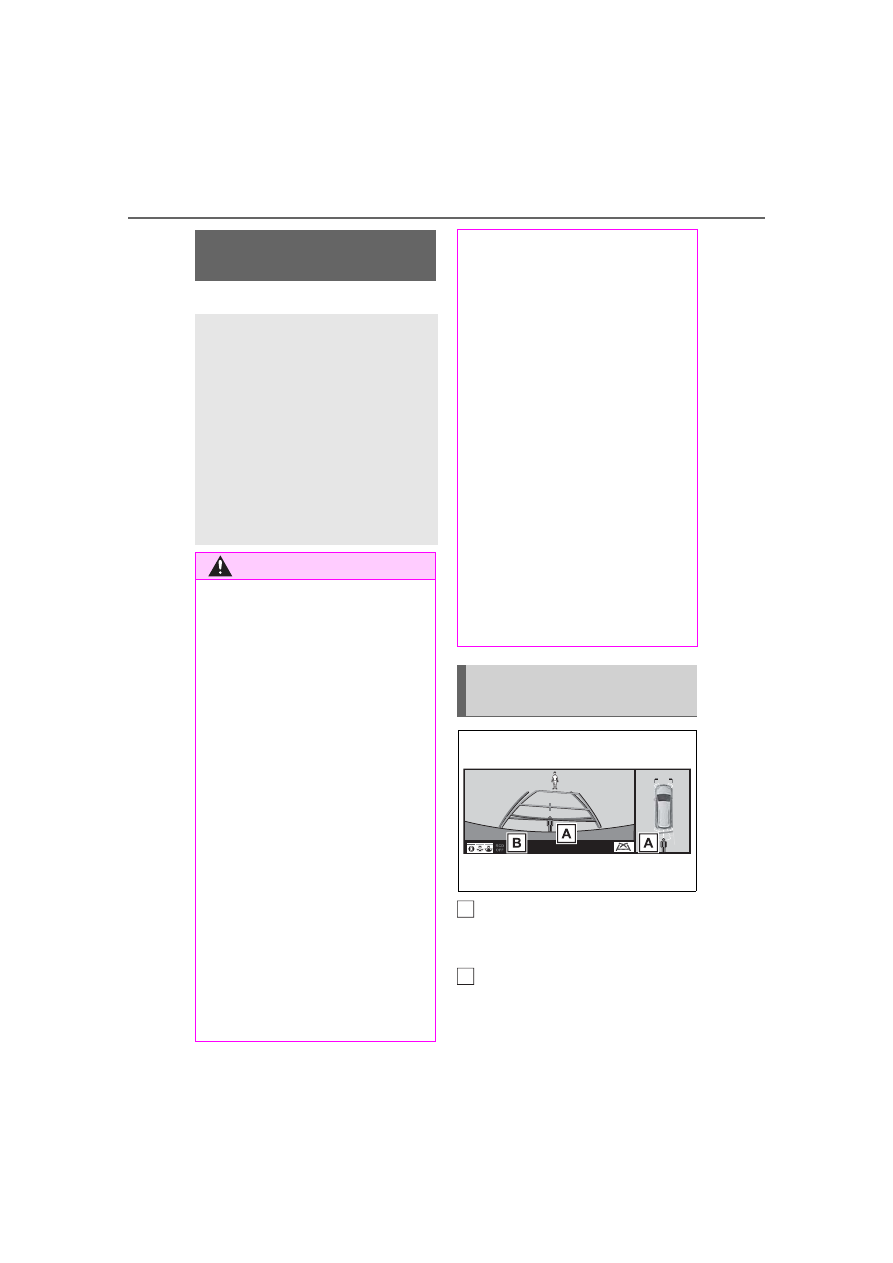
Pedestrian detection icon
Displayed automatically when a
pedestrian is detected.
RCD OFF icon
When the RCD function is disabled,
the RCD OFF icon illuminates.
(Each time the power switch is
RCD (Rear Camera
Detection) function
*
When the vehicle is back-
ing up, the rear camera
detection function can
detect pedestrians in the
detection area behind the
vehicle. If a pedestrian is
detected, a buzzer will
sound and an icon will be
displayed on the audio sys-
tem screen to inform the
driver of the pedestrian.
WARNING
■
Cautions regarding the use of
the system
The recognition and control capa-
bilities for this system are limited.
The driver should always drive
safely by always being responsi-
ble without over relying on the
system and have a understanding
of the surrounding situations.
■
To ensure the system can
operate properly
Observe the following, otherwise
there is the danger that could lead
to an accident.
●
Always clean the camera with-
out damaging it.
●
Do not install market electronic
parts (such as Illuminated
license plate, fog lamps, etc.) in
the camera vicinity.
●
Do not subject the camera vicin-
ity to strong impacts. If the vicin-
ity is subjected to a strong
impact, have the vehicle
inspected by your Toyota
dealer.
●
Do not disassemble, remodel or
paint the camera.
●
Do not attach accessories or
stickers to the camera.
●
Do not install market protection
parts (bumper trim, etc.) to the
rear bumper.
●
Maintain suitable tire air pres-
sure.
●
Make sure the back door is
completely closed.
■
RCD function is turned off
In the following situations the sys-
tem turns off. The RCD function
may not operate properly and
thus there is the danger that an
accident may occur.
●
The contents mentioned above
are not observed.
●
Suspensions other than Toyota
genuine parts are installed.
Display (audio system
screen)
A
B