Toyota Tundra. Manual - part 825
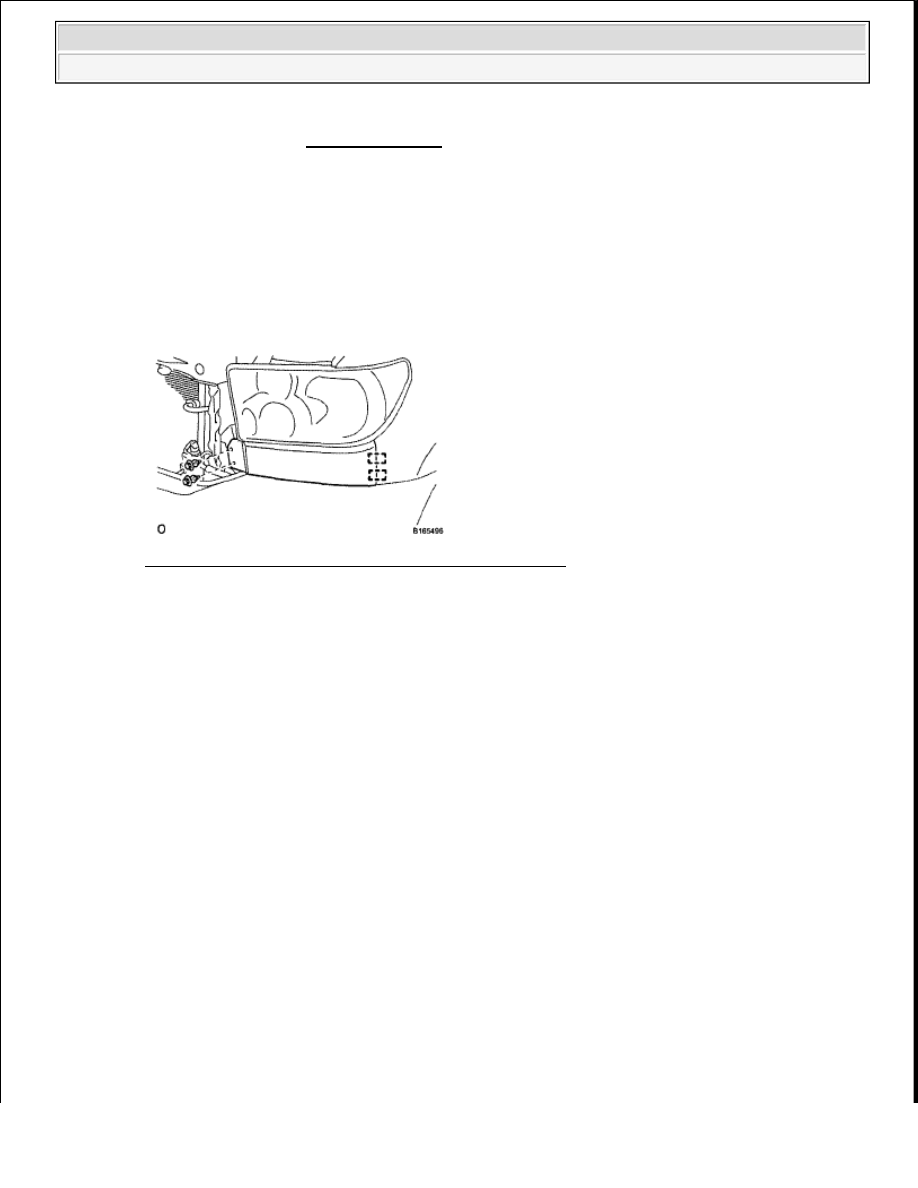
2. REMOVE FRONT END PANEL LH
a. Using a clip remover, remove the 2 clips.
Fig. 5: Identifying Front End Panel LH Clips And Pins
Courtesy of TOYOTA MOTOR SALES, U.S.A., INC.
b. Detach the 2 pins and remove the panel.
3. REMOVE FRONT END PANEL RH
HINT:
Use the same procedures described for the LH side.
4. REMOVE FRONT BUMPER COVER
a. Using a screwdriver, remove the 2 pin hold clips.
HINT:
Use the same procedures for the RH side and LH side.
b. Using a clip remover, remove the 2 clips.
HINT:
Use the same procedures for the RH side and LH side.
c. Put protective tape around the bumper cover.
d. Using a clip remover, remove the 8 clips.
(see INITIALIZATION ).
After the ignition switch is turned OFF, the navigation system
requires approximately 90 seconds to record various types of
memory and settings. As a result, after turning the ignition switch
OFF, wait 90 seconds or more before disconnecting the cable from
the negative (-) battery terminal.
2009 Toyota Tundra
2009 ACCESSORIES AND EQUIPMENT Exterior - Tundra