Toyota Tundra. Manual - part 587
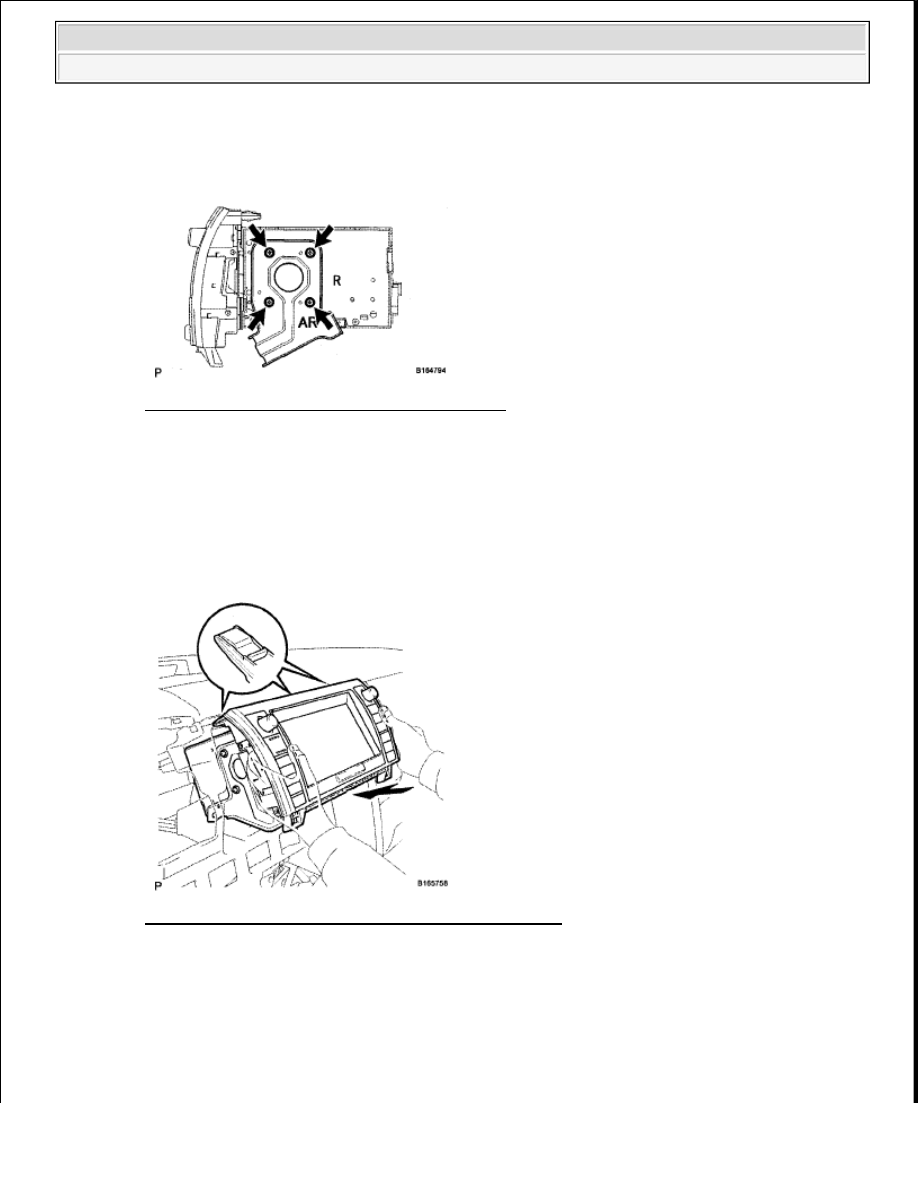
2. INSTALL NO. 1 RADIO BRACKET
a. Install the bracket with the 4 bolts.
Fig. 467: Identifying No. 1 Radio Bracket Bolts
Courtesy of TOYOTA MOTOR SALES, U.S.A., INC.
3. INSTALL NAVIGATION RECEIVER ASSEMBLY WITH BRACKET
a. Connect the connectors.
b. Insert the navigation receiver as shown in the illustration to attach the 3 clips on its backside.
Fig. 468: Removal/Installation Of Navigation Receiver
Courtesy of TOYOTA MOTOR SALES, U.S.A., INC.
c. Install the navigation receiver with the 4 bolts.
NOTE:
When inserting the navigation receiver, do not press the knobs on it.
2009 Toyota Tundra
2009 ACCESSORIES AND EQUIPMENT Navigation - Tundra