Subaru Legacy (2023 year). Manual in english - page 14
(214,1)
3-8. Center Information Dis-
play (CID)
WARNING
Always pay attention to safe driving
when operating the center informa-
tion display while the vehicle is in
motion. When operation of the cen-
ter information display is disturbing
your awareness and ability to con-
centrate on driving, stop the vehicle
in a safe place before performing
operations on the display. Also, do
not concentrate on the display while
driving. Doing so could result in an
accident.
&
Features
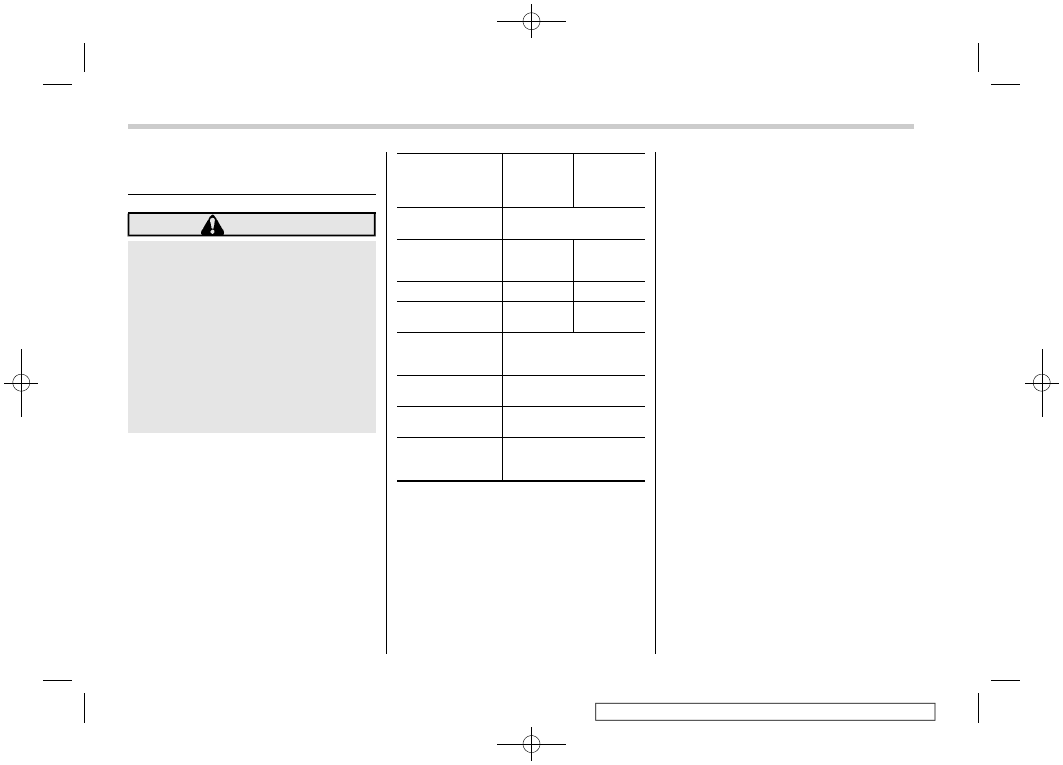
All information is displayed on the center
information display, including vehicle set-
tings, vehicle status, navigation system (if
equipped) operation, audio operation, and
climate control operation.
Items
Page for
11.6-inch
display
models
Page for
dual 7.0-
inch display
models
Interruption
screen
Vehicle status and
maintenance in-
formation
Vehicle settings
Climate control
operations
Front View Moni-
tor (if equipped)/
Rear view camera
Navigation system
Refer to the navigation/
audio Owner’s Manual.
Audio/telephone
Refer to the navigation/
audio Owner’s Manual.
EyeSight
Refer to the Owner’s
Manual supplement for
the EyeSight system.
The center information display can also be
used to set and initialize the center
information display itself.
NOTE
.
When the vehicle is in motion,
certain functions and selections may
not be available.
.
The language and units for both the
center information display and the
combination meter display (color LCD)
can be changed. For details about
language settings, refer to “General
settings”
P221 (11.6- inch display
models) or “General settings”
(dual 7.0-inch display models). For de-
tails about unit settings, refer to “Car
settings”
P226 (11.6-inch display
models) or “Vehicle setting icons”
P246 (dual 7.0-inch display models).
.
The images displayed in this Own-
er’s Manual are sample images. The
actual image may vary depending on
the region and vehicle specifications.
&
Welcome Screen
Welcome screen and Good-bye screen
are motion graphic displayed on the
combination meter display and center
information display upon entering and
exiting the vehicle.
When the driver’s door is opened and
closed, the welcome screen will appear for
a short time.
NOTE
.
The welcome screen will disappear
when the ignition switch is turned to the
“ON” position while the welcome
screen is shown.
.
The welcome screen can be turned
on or off. For details, refer to “General
Center Information Display (CID)
212