Subaru Solterra (2023 year). Manual in english - page 19
305
5-4. Using the driving support systems
5
Dri
vin
g
■
Certification
P.625
The blind spot monitor can be
enabled/disabled on
of the
multi-information display.
(
P.154)
When the Blind Spot Monitor is
off, the driving assist information
indicator (
P.147) will illumi-
nate. At this time, “Blind Spot
Monitor OFF” will be displayed
on the multi-information display.
WARNING
■
To ensure the system can
operate properly
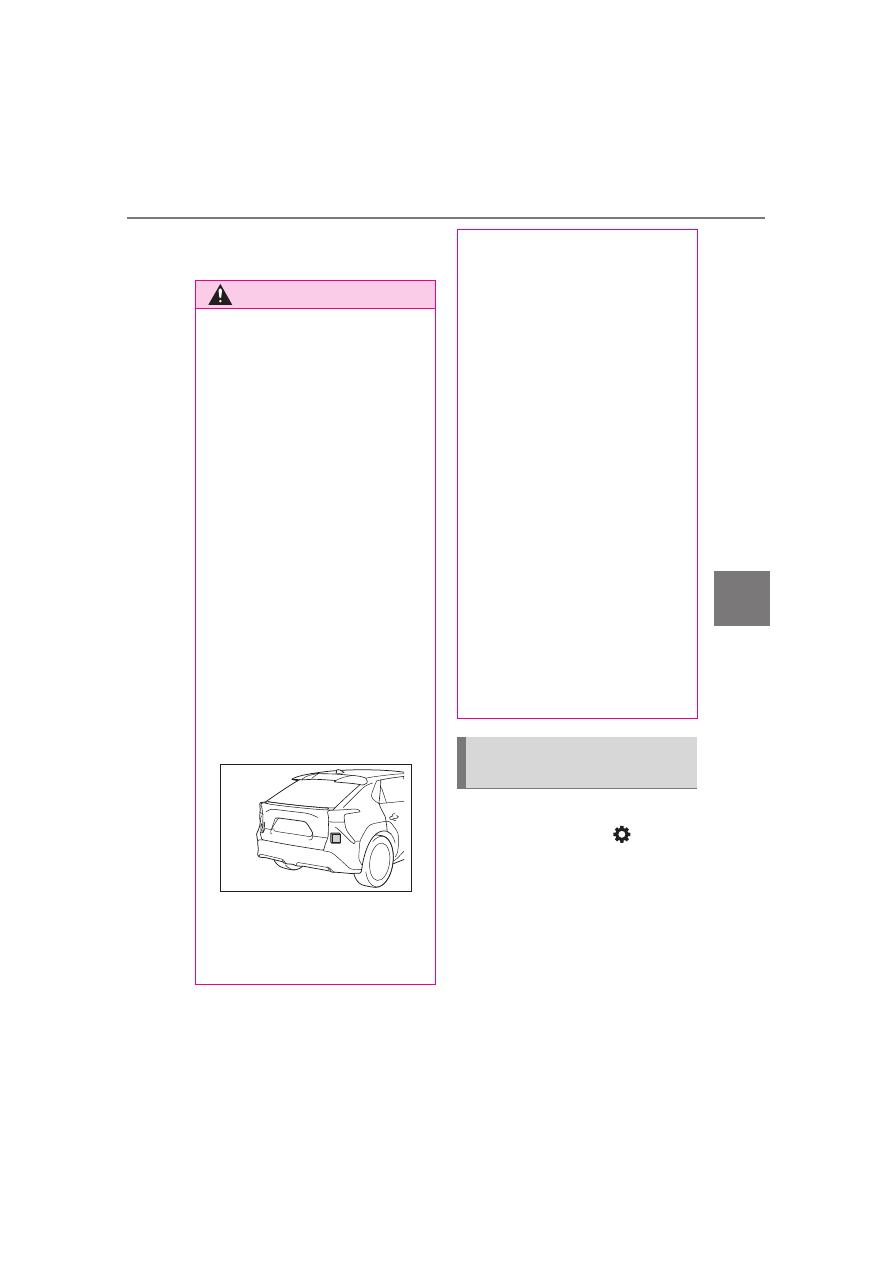
Blind Spot Monitor sensors are
installed behind the left and right
sides of the rear bumper respec-
tively. Observe the following to
ensure the Blind Spot Monitor can
operate correctly.
●
Keep the sensors and the sur-
rounding areas on the rear
bumper clean at all times.
If a sensor or its surrounding area
on the rear bumper is dirty or cov-
ered with snow, the Blind Spot
Monitor may not operate and a
warning message (
P.526) will
be displayed. In this situation,
clear off the dirt or snow and drive
the vehicle with the operation con-
ditions of the BSM function
(
P.307) satisfied for approxi-
mately 10 minutes. If the warning
message does not disappear,
have the vehicle inspected by
your SUBARU dealer.
●
Do not attach accessories,
stickers (including transparent
stickers), aluminum tape, etc.,
to a sensor or its surrounding
area on the rear bumper.
●
Do not subject a sensor or its
surrounding area on the rear
bumper to a strong impact.
If a sensor is moved even
slightly off position, the system
may malfunction and vehicles
may not be detected correctly.
In the following situations, have
your vehicle inspected by your
SUBARU dealer.
• A sensor or its surrounding area
is subject to a strong impact.
• If the surrounding area of a sen-
sor is scratched or dented, or
part of them has become dis-
connected.
●
Do not disassemble the sensor.
●
Do not modify the sensor or sur-
rounding area on the rear
bumper.
●
If a sensor or the rear bumper
needs to be removed/installed
or replaced, contact your SUB-
ARU dealer.
●
Do not paint the rear bumper
any color other than an official
SUBARU color.
Turning the Blind Spot
Monitor on/off