Subaru Forester (2022 year). Manual in english - page 15
(233,1)
NOTE
.
The reminder will be displayed by
either date or distance in accordance
with the setting.
.
Even when either “Day” or “Dis-
tance” are displayed as “_ _” a pop-up
screen will appear.
.
The reminder will be displayed until
either of the following conditions is
satisfied.
– The period of time passed after
the registered notification date is 15
days or more.
– The total distance driven after the
registered notification distance is
approximately 311 miles (500 km) or
more.
!
Oil filter setting
The setting procedure is the same as
“Engine oil setting”
P230, but select the
“Oil Filter” item in step 1.
!
Tires setting
The setting procedure is the same as
“Engine oil setting”
P230, but select the
“Tires” item in step 1.
!
Maintenance schedule setting
The setting procedure is the same as
“Engine oil setting”
P230, but select the
“Maintenance Schedule” item in step 1.
!
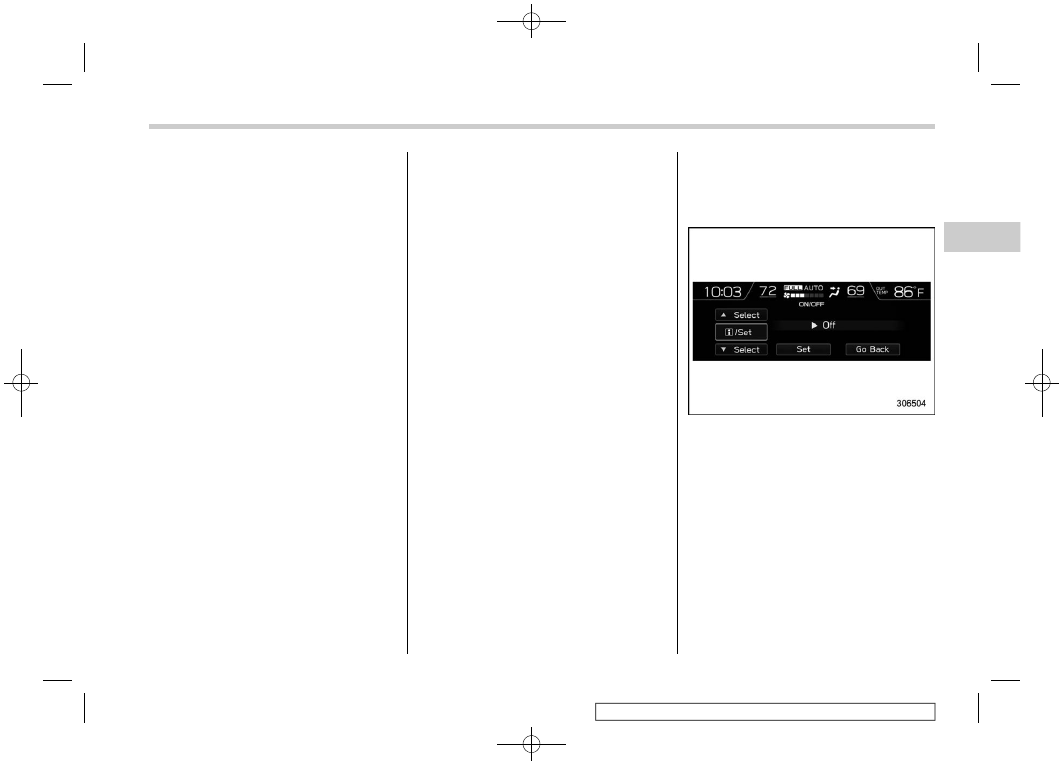
On/Off setting
1. Select “On/Off” from the 2nd menu on
the setting screen. Refer to “Setting
screen”
2. Select “On” or “Off” to turn the opening
screen on or off by using the control
switches.
3. Select “Set” to exit settings. Select “Go
Back” to return to the previous screen
without applying the setting changes.
– CONTINUED –
Multi-function display (color LCD)
231
3
Instruments
and
controls