Subaru Legacy (2022 year). Manual in english - page 14
(215,1)
&
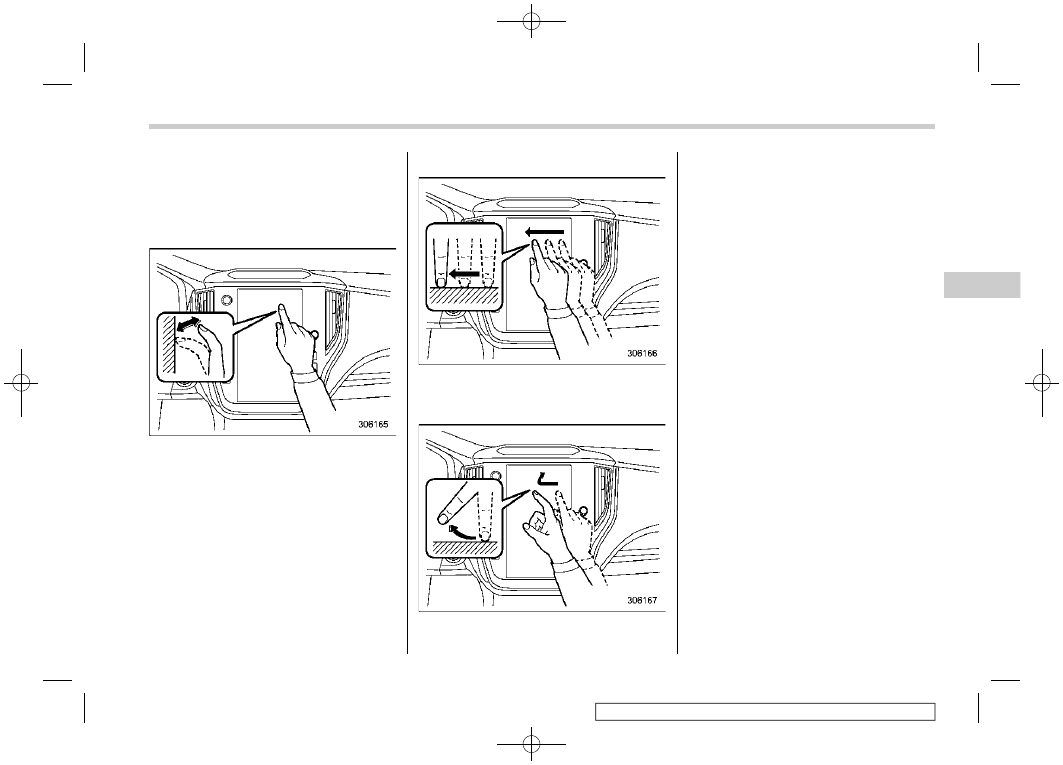
Touch Screen Operations
The center information display has a touch
screen. Operations are performed by
touching the touch screen directly.
!
Touch
Quickly touch and release once.
!
Drag
Touch the screen and move the screen to
the desired position.
!
Swipe
Quickly move the screen by swiping with
your finger.
NOTE
Swipe operations may not be per-
formed smoothly in high altitudes.
&
11.6-Inch Display Models (If
Equipped)
NOTE
For dual 7.0-inch display models, refer
to “Dual 7.0-Inch Display Models”
– CONTINUED –
Center Information Display (CID)
213
3
Instruments
and
Controls