Renault Master (2022 year). Manual in english - page 5
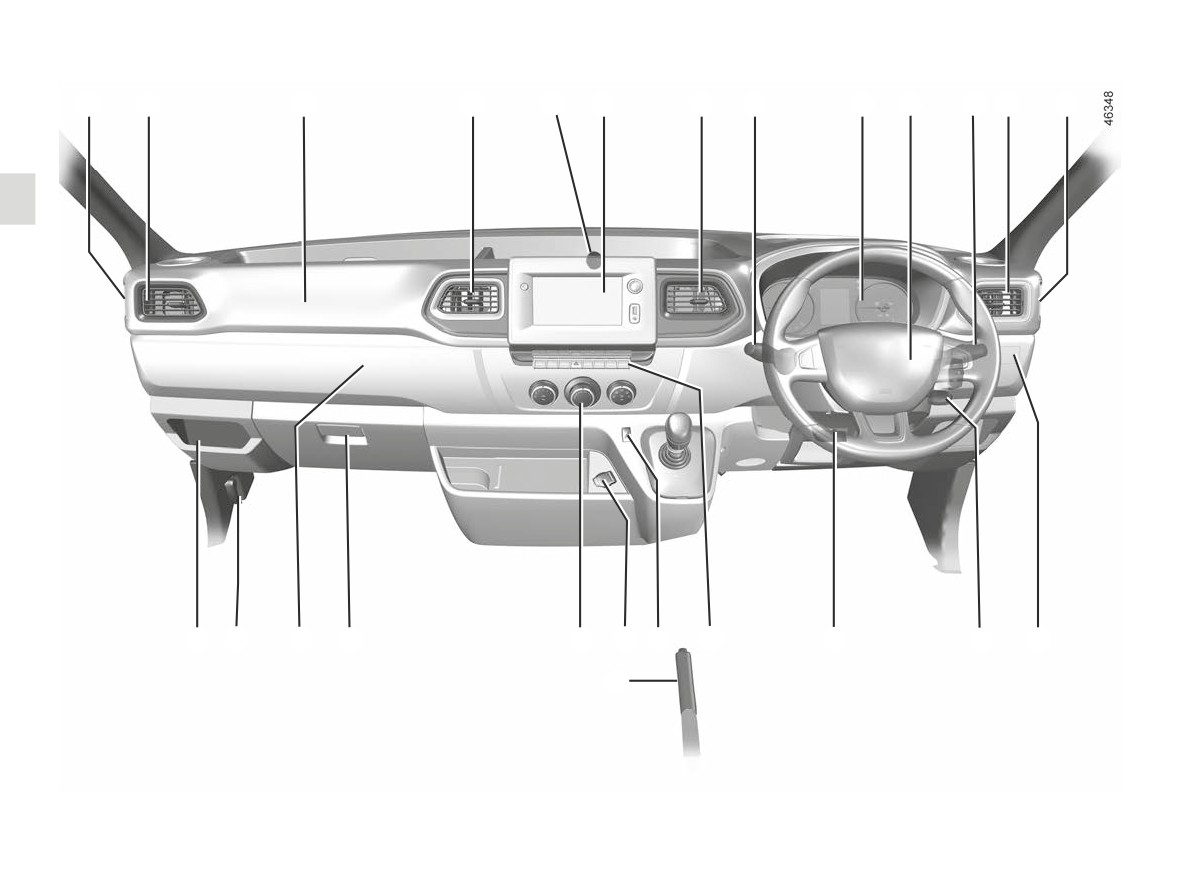
DRIVER’S POSITION, RIGHT-HAND DRIVE (1/2)
1
2
3
4
5
6
4
7
8
9
10
2
1
22
21
20
19
18
16
15
14
13
12
11
17
1.88
DRIVER’S POSITION, RIGHT-HAND DRIVE (2/2)
The equipment fitted, described below, DEPENDS ON THE VERSION AND COUNTRY.
1
Side window demister outlet.
11
Controls for:
15
Cruise control/speed limiter main
- activating/deactivating the load
control.
2
Side air vent.
position;
- activating/deactivating the
16
Cigarette lighter or accessories
3
Passenger airbag location.
power take-off;
socket.
- activating/deactivating fast idle
4
Centre air vent.
speed;
17
Handbrake.
- electric beam height adjust-
5
Multimedia socket
ment.
18
Heating and ventilation controls.
6
Location for:
12
Ignition switch.
19
Glovebox or storage compartment
- radio;
- navigation screen;
13
Control for adjusting steering
20
Removable cup holder
- storage compartment.
wheel height.
21
Bonnet release control.
7
Stalk:
14
Switches:
- direction indicators;
- grip control;
22
Fuse box.
- exterior lights;
- activation/deactivation of the
- front fog lights;
Stop and Start function;
- rear fog lights.
- activation/deactivation of ECO
mode;
8
Instrument panel.
- hazard warning lights;
- electric door locking;
9
Driver airbag location.
- activating/deactivating the park-
ing distance control;
10
- Windscreen wiper/washer stalk.
- activation/deactivation of the
– Information readout control.
blind spot warning;
- activation/deactivation of the
lane departure warning.
1.89
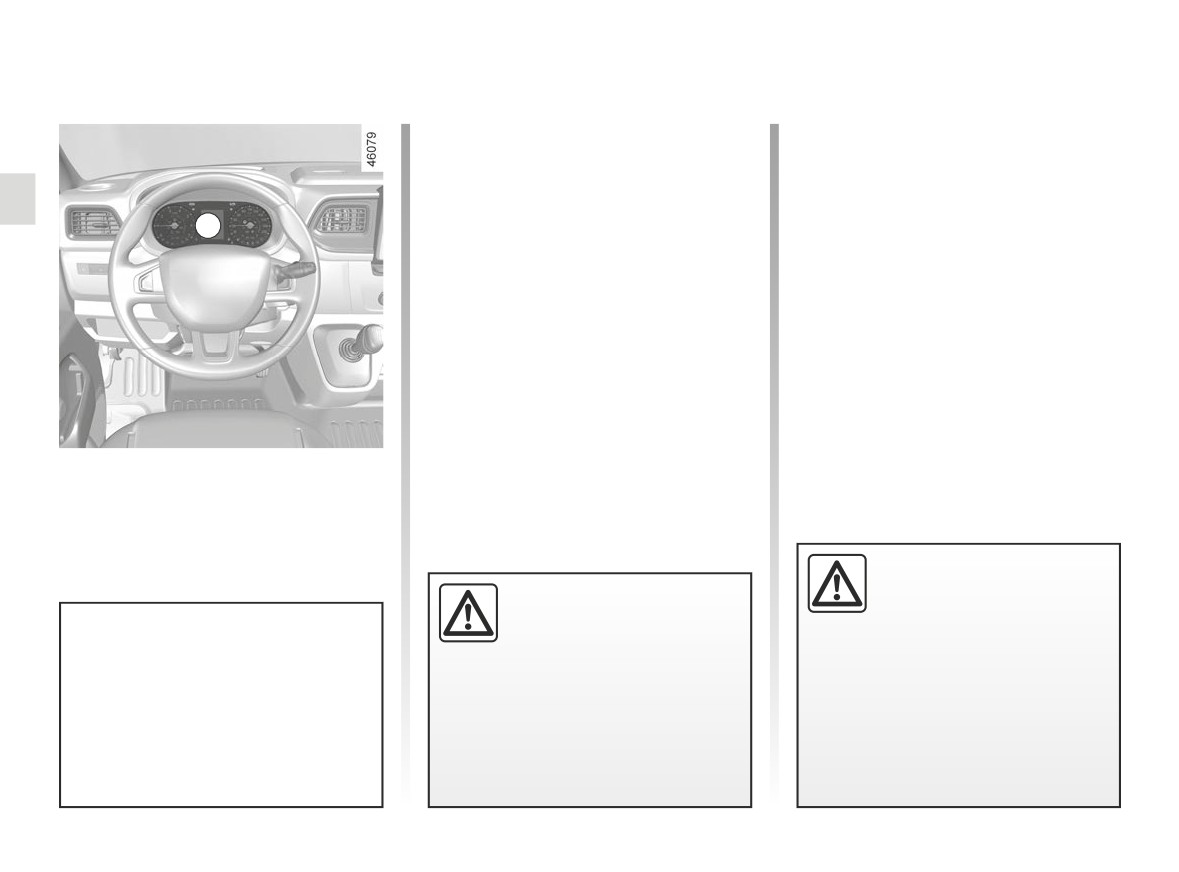
WARNING LIGHTS (1/4)
The presence and operation of the warning lights DEPEND ON THE EQUIPMENT AND COUNTRY.
Side light tell-tale light
Indicator light Airbag
š
å
It lights up when the ignition or
Main beam headlight tell-
the engine is switched on and goes off
á
tale
after a few seconds. If it does not light
A
up when the ignition is switched on, or if
Dipped beam headlight tell-
k
it lights up when the engine is running,
tale
it indicates a fault in the system.
Automatic main beam head-
Contact your approved Dealer as soon
light indicator light ➥ 1.112
as possible;
Front fog light tell-tale
g
Low fuel level warning light
M
This goes out as soon as the
Rear fog light tell-tale light
engine starts. If it lights up or remains
lit, fill up with fuel as soon as possible.
Left-hand direction indicator
c
tell-tale light
Instrument panel A
Right-hand direction indica-
b
tor tell-tale light
If no lights or sounds are ap-
parent, this indicates a fault
Warning light
®
re-
in the instrument panel. This
quires you to stop immedi-
indicates that it is essential
ately, for your own safety,
to stop immediately (as soon as traf-
Warning light
means you
as soon as traffic conditions
fic conditions allow). Ensure that the
should drive very carefully to an
allow. Switch off the engine and do
vehicle is correctly immobilised and
authorised dealer as soon as
not restart it. Contact an approved
contact an approved Dealer.
possible. Failure to follow this rec-
Dealer.
ommendation risks damaging your
vehicle.
1.90
WARNING LIGHTS (2/4)
The presence and operation of the warning lights DEPEND ON THE EQUIPMENT AND COUNTRY.
STOP light
Brake circuit fault warning
Oil pressure warning light
®
D
À
light
It lights up when the ignition or
This comes on when the igni-
the engine is switched on and goes off
tion is switched on and goes out after
It lights up when the ignition or the
after a few seconds.
about 3 seconds.
engine is switched on and goes off after
It comes on with other warning lights
a few seconds.
If it comes on on the road, accompa-
and/or messages, and is accompanied
nied by the
®
warning light and
If it comes on during braking and is ac-
by a beep.
a beep, stop immediately and cut the
companied by the
®
warning light
It requires you to stop immediately, for
ignition.
and a beep, it indicates that the fluid
your own safety, as soon as traffic con-
level in the circuit is low or that there is
Check the oil level. If the level is normal,
ditions allow. Switch off the engine and
a braking system fault.
the warning light is related to something
do not restart it.
else.
Stop as soon as traffic conditions allow
Contact an approved Dealer.
and consult an approved dealer.
Call an approved Dealer.
Variable power assisted
Battery charge warning light
Particle filter system warn-
U
steering warning light
Ú
ing light ➥ 2.7
It lights up when the ignition or
It lights up when the ignition or
the engine is switched on and goes off
Warning light for reagent
the engine is switched on and goes off
after a few seconds.
level and faults in the ex-
after a few seconds.
haust gas reduction system ➥ 1.122
If it comes on on the road, accompa-
If it comes on while driving, alongside
nied by the
®
warning light and a
the warning light
®
, this means
beep, this indicates an overload or dis-
there is a system fault.
charge in the electrical circuit.
Call an approved Dealer.
Stop as soon as traffic conditions allow
and contact an approved Dealer.
1.91
WARNING LIGHTS (3/4)
The presence and operation of the warning lights DEPEND ON THE EQUIPMENT AND COUNTRY.
Warning light
Preheating warning light
Door status warning light
É
This comes on when the igni-
This should come on when
If it lights up when the ignition
tion is switched on and goes out after
the ignition is switched on. It indicates
is switched on, it indicates that a door is
about three seconds. It may light up in
that the heater plugs are in operation. It
not properly closed.
conjunction with other warning lights
goes out as soon as preheating is suf-
Tyre pressure loss warning
and/or messages on the instrument
ficient and the engine may be started.
➥ 2.35
panel.
Coolant temperature warn-
It means you should drive very care-
Anti-lock braking warning
Ô
ing light
x
fully to an approved Dealer as soon as
light
It may light up in blue when the ignition
possible. If you fail to follow this recom-
This light comes on when the ignition
is switched on or if the engine is started
mendation, you risk damaging the ve-
is switched on and goes out within ap-
while the engine temperature is low.
hicle. Depending on the vehicle, this
proximately three seconds. If it comes
If it appears in red, stop and leave the
warning light is accompanied by a mes-
on when you are driving, it indicates
engine idle for a minute or two.
sage on the instrument panel.
a fault on the antilock braking system.
The temperature should lower and the
Braking will then occur normally without
Toxic fume filter system
warning light should disappear. If not,
the anti-lock system.
Ä
warning light
stop the engine. Let the engine cool
Contact an approved dealer as soon as
On equipped vehicles, the light comes
down, then check the coolant level.
possible.
on when the ignition is switched on then
➥ 4.8.
goes out.
If the level is normal, the warning light
Engine standby warning
- If it lights up continuously accom-
is related to something else. Call an ap-
light ➥ 2.4
panied by the
warning light,
proved Dealer.
Unavailability of engine
please consult an authorised dealer
standby warning light ➥ 2.4
as soon as possible;
Handbrake "on” warning
- If it flashes, reduce the engine speed
}
light ➥ 2.19
until the light stops flashing. Contact
your approved Dealer as soon as
possible ➥ 2.16
1.92
WARNING LIGHTS (4/4)
The presence and operation of the warning lights DEPEND ON THE EQUIPMENT AND COUNTRY.
Warning light for the elec-
Speed limiter warning light
tronic stability program
Ð
➥ 2.48
(ESC) and traction control system
Cruise control warning light
It lights up when the ignition or the
Ï
➥ 2.51
engine is switched on and goes off after
B
Lane departure system
a few seconds.
warning light ➥ 1.90
There are several reasons for the warn-
Emergency active brake
ing light to appear: ➥ 2.23.
assist ➥ 2.29
Side winds assistance warn-
Mode warning light ECO
ing light ➥ 2.23
This comes on when ECO
Gear change indicators
mode is activated ➥ 2.11.
[\
This lights up to advise
you to change to a higher gear (arrow
ight
pointing upwards) or lower gear (arrow
If it comes on, there is a fault in the
pointing downwards) ➥ 2.11.
On display B
system. Refer to the handbook for the
Brake pedal warning light
equipment.
Front
seat
belt
reminder
Ó
ß
warning light ➥ 1.23
This lights up when the brake
Overspeed warning light
pedal should be depressed ➥ 2.67.
➥ 1.94
Passenger Airbag OFF
¹
➥ 1.80
1.93
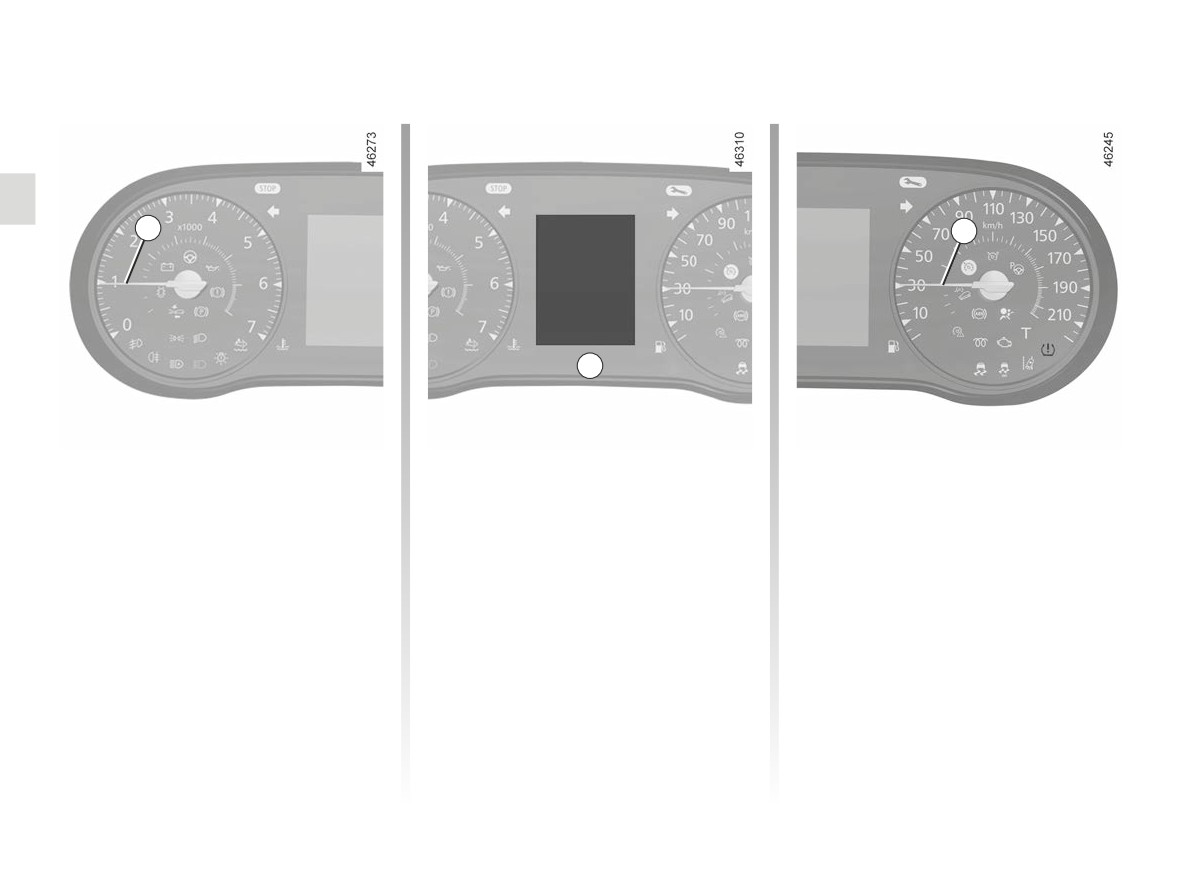
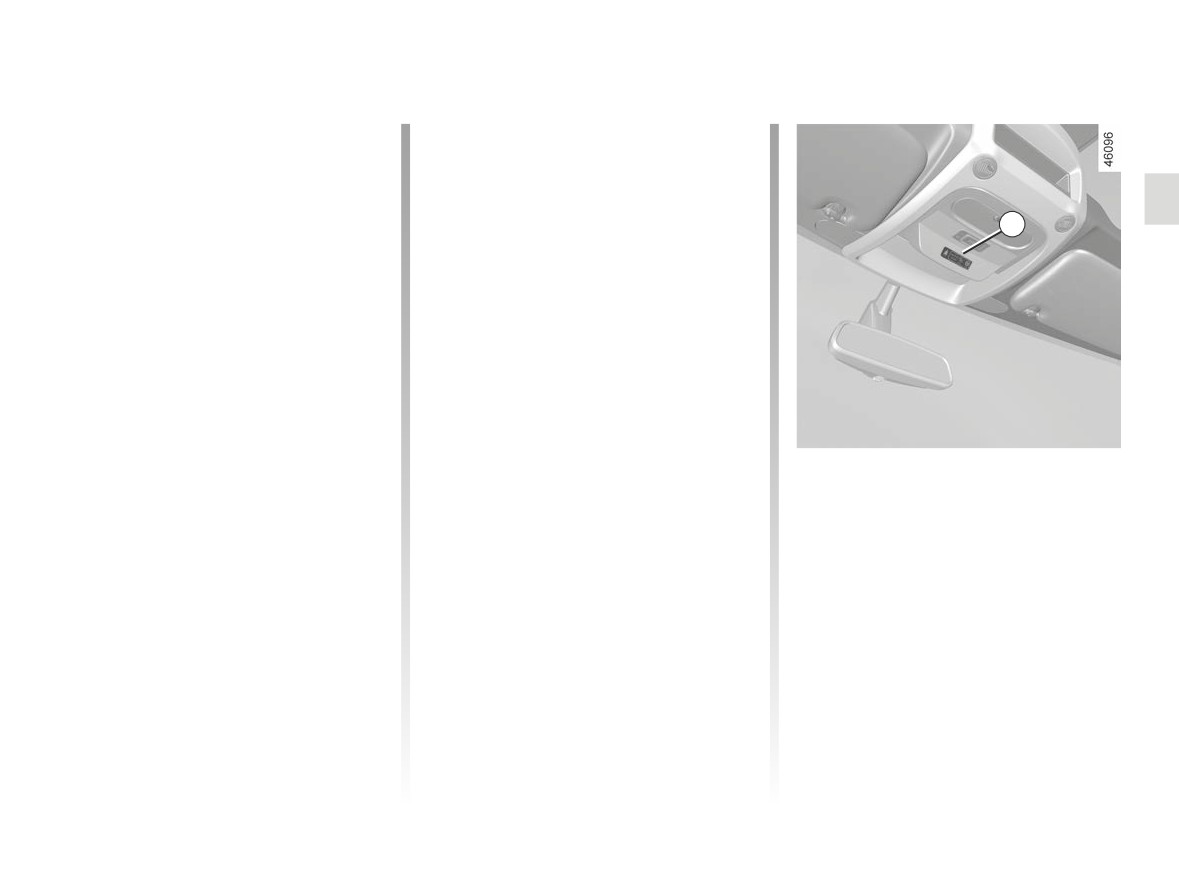
DISPLAYS AND INDICATORS (1/2)
The presence and operation of the display and indicators DEPENDS ON THE LEVEL OF EQUIPMENT AND THE COUNTRY.
1
2
A
Rev counter 1 (rpm x 1,000)
Trip computer A ➥ 1.96
Speedometer 2 (kph or mph)
Overspeed buzzer
Depending on the vehicle and country,
the
warning light is displayed
and a beep sounds. This beep sounds
as soon as the vehicle is travelling at
over 75 mph (120 km/h).
This warning light remains lit for as long
as the vehicle is travelling at over
74 mph (120 km/h).
1.94
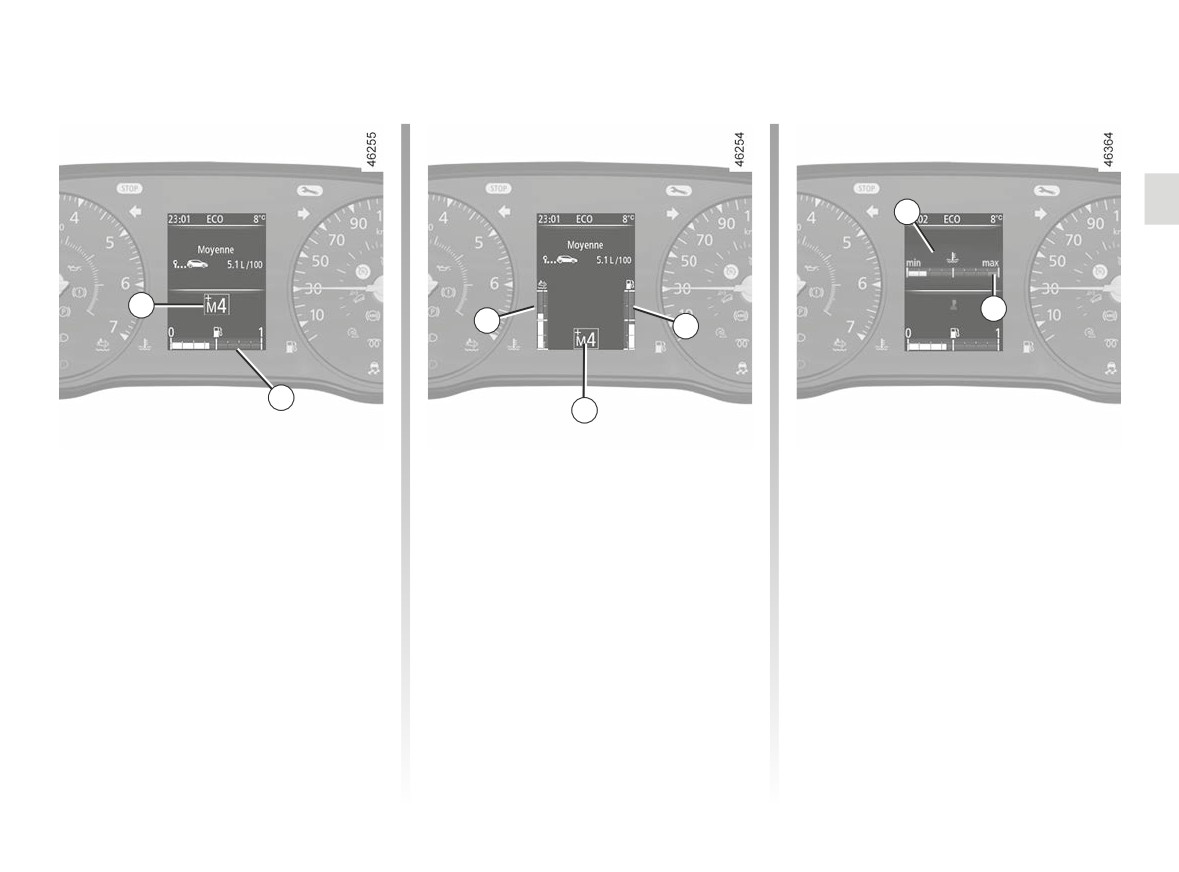
DISPLAYS AND INDICATORS (2/2)
The presence and operation of the display and indicators DEPENDS ON THE LEVEL OF EQUIPMENT AND THE COUNTRY.
6
3
7
5
4
4
3
Gearbox display 3
Reagent gauge 5
Coolant temperature indicator 6
This indicates the gear engaged
Depending on the vehicle
In normal use, indicator 6 should be
➥ 2.67.
before area 7. Under "intensive" oper-
If the minimum reagent level is reached,
ating conditions, the needle may ap-
proach this zone. This is not serious
the warning light
appears and a
Fuel gauge 4
beep sounds. ➥ 1.122.
unless the warning light
®
comes
If the minimum fuel level is reached,
on accompanied by a message on the
instrument panel and a beep.
the warning light
appears and a
beep sounds. Fill up as soon as pos-
sible.
1.95
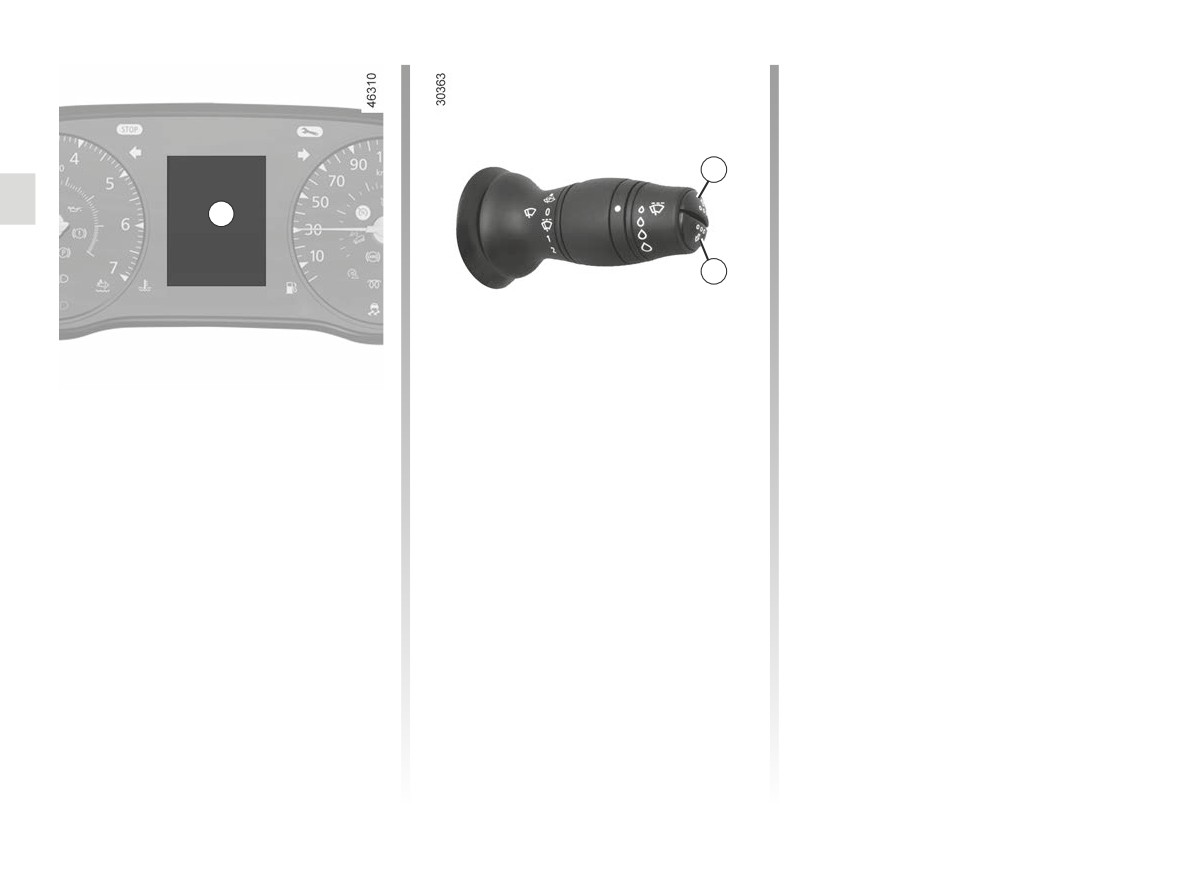
TRIP COMPUTER: general information (1/2)
a) total mileage and trip mileage re-
corder;
b) journey parameters:
- average fuel consumption;
1
- current fuel consumption;
A
- estimated range with remaining
fuel;
- distance travelled;
2
- average speed;
c) current speed;
d) engine coolant temperature;
e) set the time;
Trip computer and warning
Display selection keys 1
f)
distance before service;
system A
and 2
g) tyre pressure reset;
Depending on the vehicle, this includes
Scroll through the following informa-
h) general adjustment;
the following functions:
tion upwards (button 1) or downwards
i)
trip log, operating faults and informa-
(button 2) by pressing briefly and suc-
– distance travelled;
tion message readout;
cessively (the display depends on the
- journey settings;
vehicle equipment and country).
j)
Estimated range with remaining rea-
- information messages;
gent.
- operating fault messages
(con-
- warning messages (connected to the
®
warning light);
– setting the time.
All these functions are described on the
following pages.
1.96
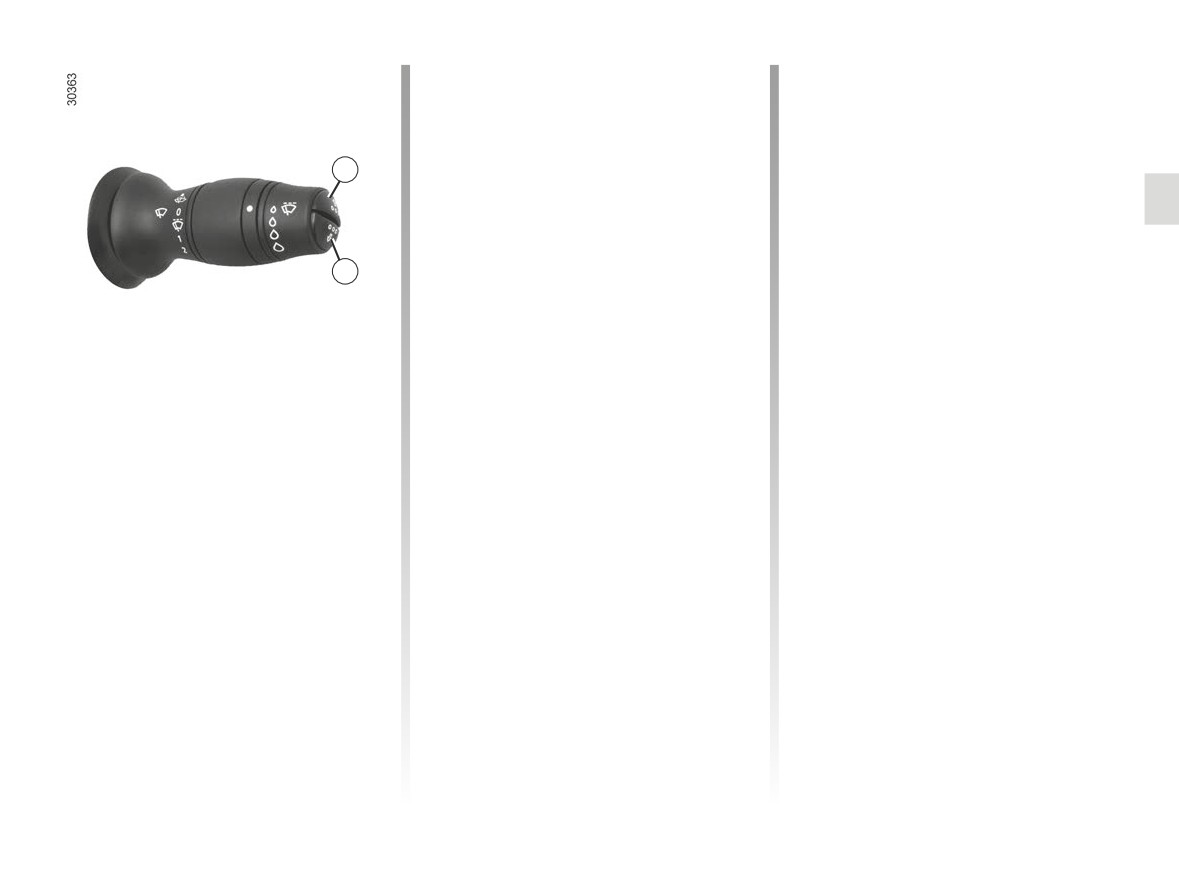
TRIP COMPUTER: general information (2/2)
Interpreting some of the
Automatic resetting of the
values displayed after
journey parameters
resetting
Resetting occurs automatically when
The values showing average fuel con-
the maximum value of any of the pa-
1
sumption, range and average speed
rameters is exceeded.
will become more stable and reliable
the further you travel after pressing the
reset button.
2
For the first few miles after pressing
the reset key you will notice that the
range increases as you travel. This
range takes into account the average
fuel consumption since the last time the
reset button was pressed. Therefore,
the average fuel consumption may de-
Trip mileage resetting
crease when:
With “trip mileage recorder” selected on
- the vehicle stops accelerating;
the display, press button 1 or 2 until the
- the engine reaches its operating
mileage recorder resets to zero.
temperature (if the engine was cold
when the reset key was pressed);
Resetting the journey
- when driving from an urban area
parameters (reset button)
onto the open road.
With one of the journey parameters se-
lected on the display, press button 1
or 2 until the display resets.
1.97
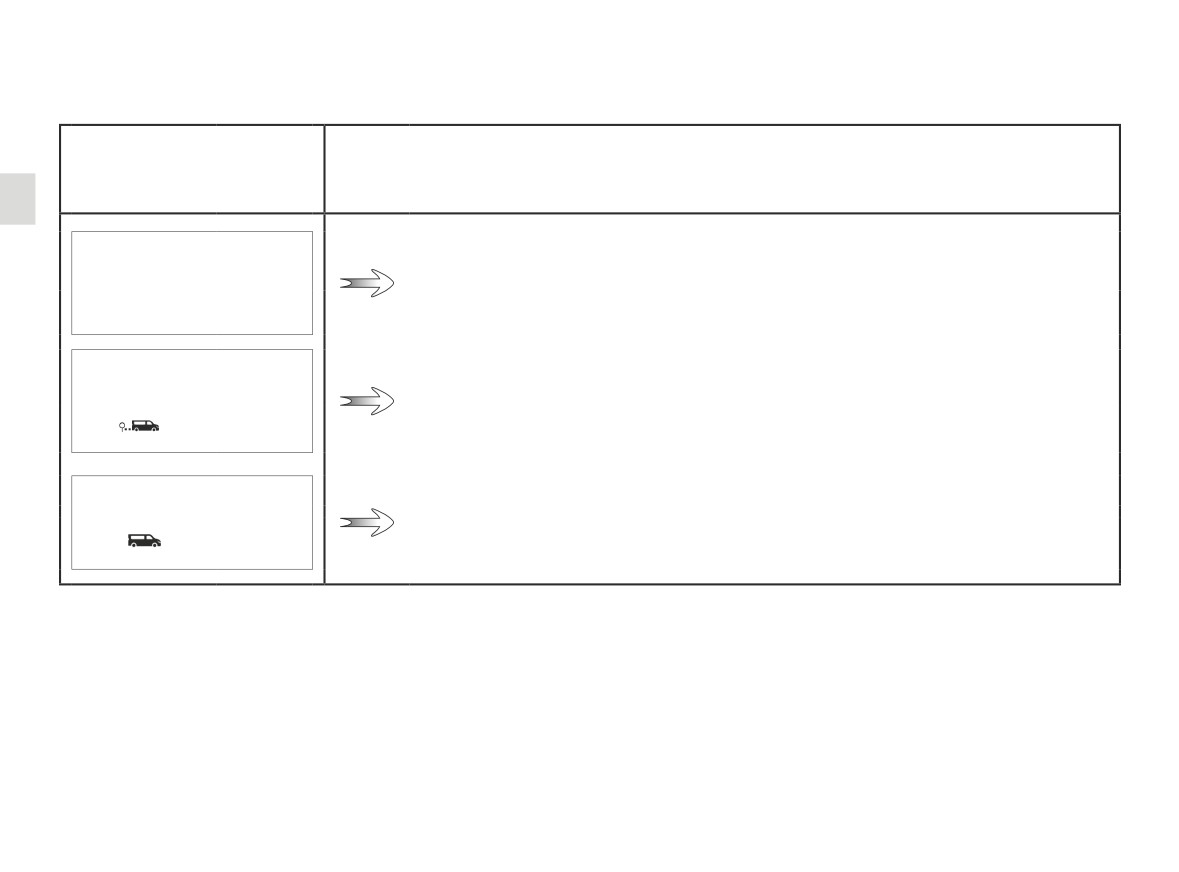
TRIP COMPUTER AND WARNING SYSTEM: journey parameters (1/6)
The display of information shown below DEPENDS ON THE VEHICLE EQUIPMENT AND COUNTRY.
Examples of selections
Interpreting the display selected
101778 km
112.4 km
a) Total mileage and trip mileage recorder.
Average
b) Journey parameters:
Average fuel consumption.
The value is displayed after having travelled at least 400 metres since the last
5.8 L/100
reset.
Current
Current fuel consumption.
Value displayed after reaching a speed of 12 mph (20 km/h), depending on the
7.4 L/100
vehicle.
1.98
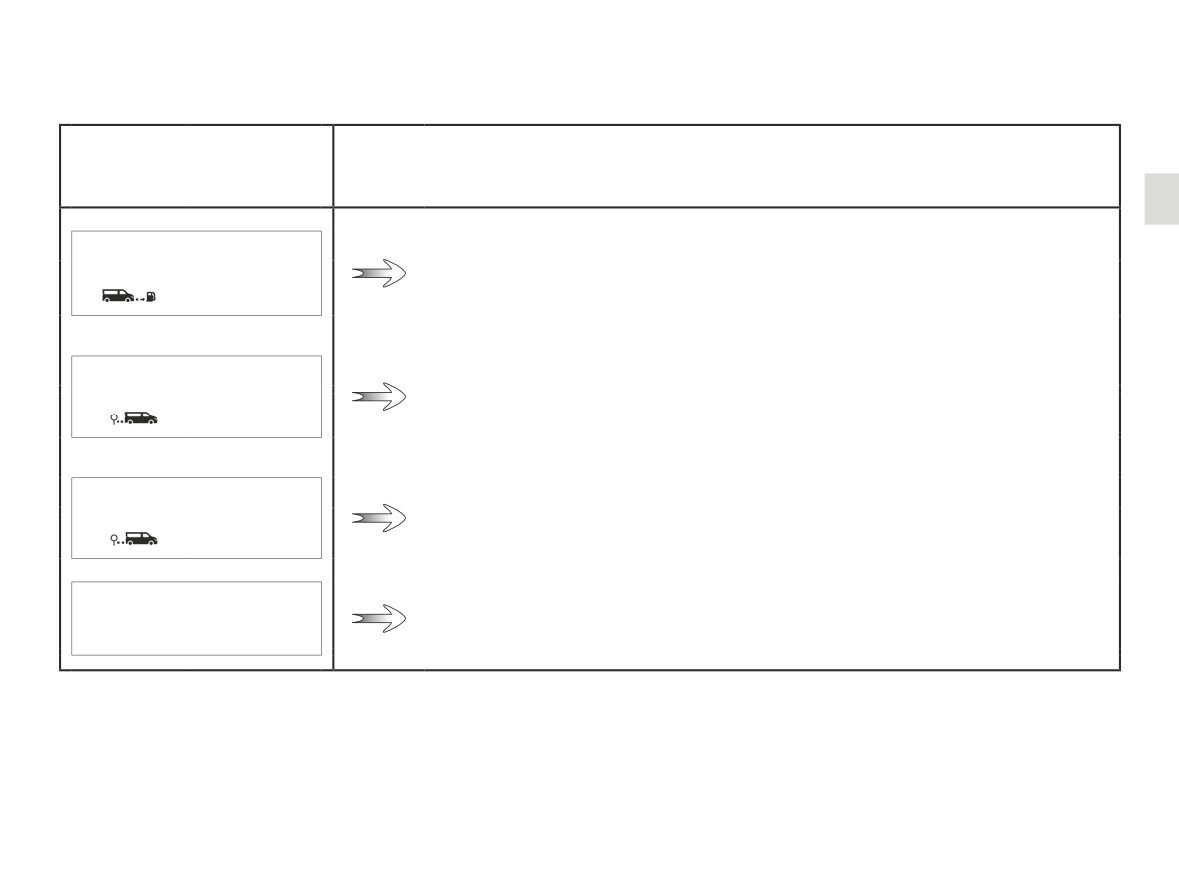
TRIP COMPUTER AND WARNING SYSTEM: journey parameters (2/6)
The display of information shown below DEPENDS ON THE VEHICLE EQUIPMENT AND COUNTRY.
Examples of selections
Interpreting the display selected
Range
b) Journey parameters (continued):
Estimated range with remaining fuel.
541 km
The value is displayed after driving 400 metres.
Distance
Distance travelled since last reset.
522 km
Average
Average speed since the last reset.
The value is displayed after driving 400 metres.
123.4 km/h
55.8 mph (90 km/h)
c) Current speed (depending on the vehicle).
1.99
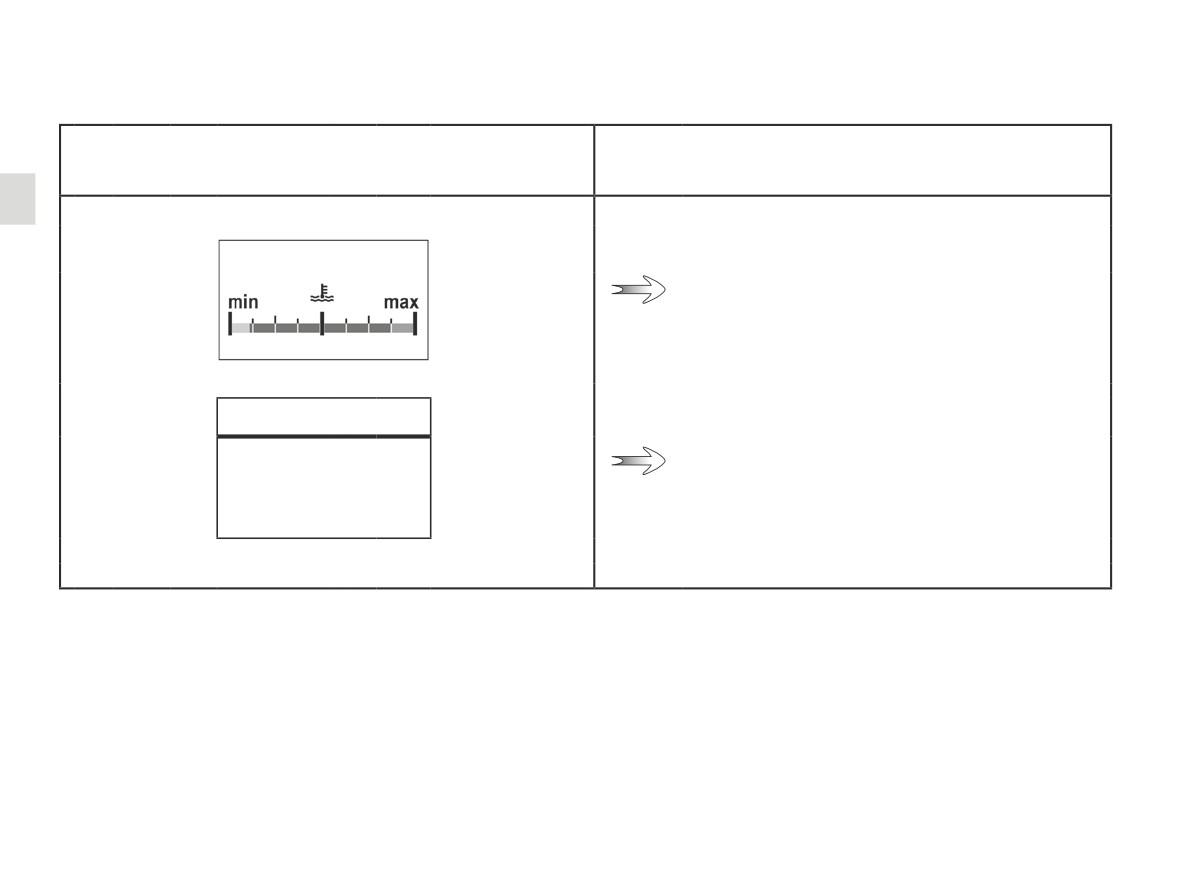
TRIP COMPUTER AND WARNING SYSTEM: journey parameters (3/6)
The display of information shown below DEPENDS ON THE VEHICLE EQUIPMENT AND COUNTRY.
Examples of selections
Interpreting the display selected
d) Engine coolant temperature.
16°
e) Setting the time.
12:00
1.100
TRIP COMPUTER AND WARNING SYSTEM: journey parameters (4/6)
The display of information shown below DEPENDS ON THE VEHICLE EQUIPMENT AND COUNTRY.
Examples of selections
Interpreting the display selected
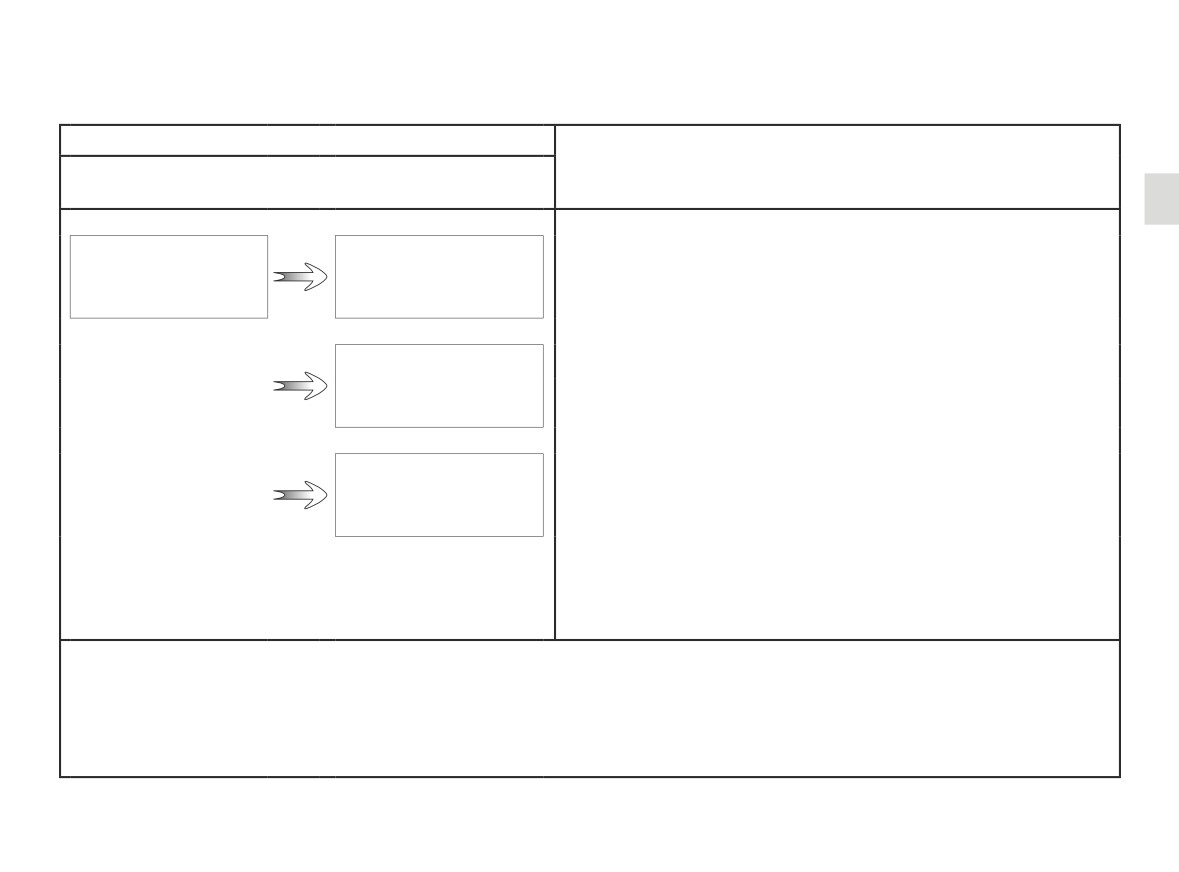
On-board computer with mileage-
before-service message
f)
Service distance.
With the ignition switched on, the engine not running and
Service Due in
Service Intervals
the display set to “Service Intervals”, press button 1 or 2 for ap-
40 000 km / 24 months
proximately 5 seconds to display the mileage before service
(distance or time to the next service). When the distance value
approaches its limit, there are several possible scenarios:
- range less than 930 miles (1,500 km) or one month: the
Service Due in
message “Service Due” is displayed accompanied by the
300 km / 24 days
nearest term (distance or time);
- range equal to 0 miles (0 km) or date of service reached:
the message “Service Required” is displayed accompanied
The vehicle requires a service as soon as possible.
Service Required
Reset: to reset the distance before the next service, press and hold button 1 or 2 for approximately 10 seconds until the display
shows the mileage before service permanently.
NB: if a service is performed without changing the engine oil, only the mileage before the next service should be reset. In the
event of an oil change, both the distance before the next service and the next oil change should be reset.
1.101
TRIP COMPUTER AND WARNING SYSTEM: journey parameters (5/6)
The display of information shown below DEPENDS ON THE VEHICLE EQUIPMENT AND COUNTRY.
Examples of selections
Interpreting the display selected
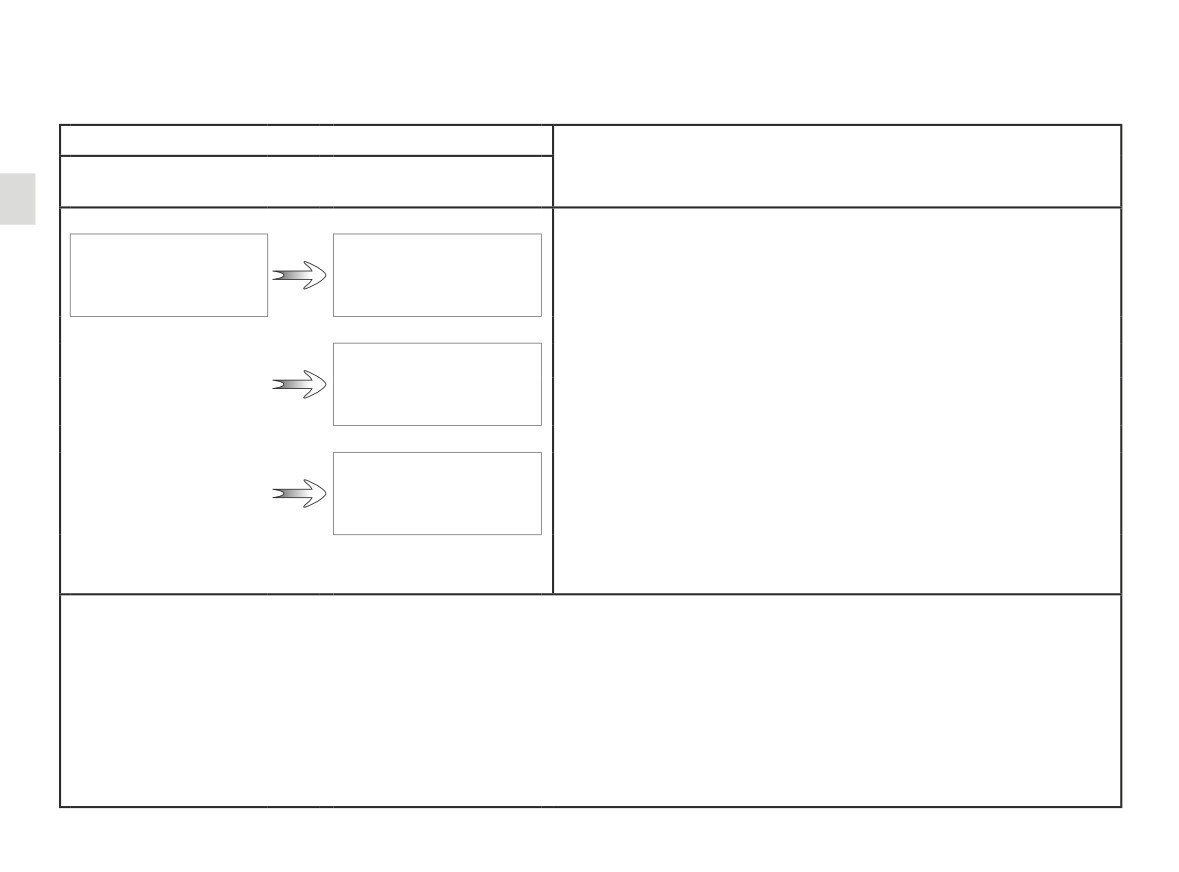
On-board computer with distance before
next service message (cntd.)
f)
Mileage before service
With the ignition on, the engine not running and the display
Oil Change in
Service Intervals
showing “Service Intervals”, press button 1 or 2 for about 5 sec-
40 000 km / 24 months
onds to display the mileage before the next service, then press
button 2 to view the mileage before the next oil change (distance
or time remaining before the next service). When the distance
value approaches its limit, there are several possible scenarios:
Service Due in
- range less than 930 miles (1,500 km) or one month: the
300 km / 24 days
message “Service Due” is displayed accompanied by the
nearest term (distance or time);
- range equal to 0 miles (0 km) or date of oil change reached:
the message “Service Required” is displayed accompanied
Service Required
The vehicle requires an oil change as soon as possible.
Depending on the vehicle, the mileage before an oil change varies according to the driving style (frequent driving at low speed,
door-to-door journeys, extensive use at idling speed, towing a trailer, etc.). The distance remaining until the next oil change can
therefore decrease more quickly in some cases than the actual distance travelled.
Reset: to reset the distance before the next service, press and hold button 1 or 2 for approximately 10 seconds until the display
shows the mileage before oil change permanently.
NB: if a service is performed without changing the engine oil, only the mileage before the next service should be reset. In the
event of an oil change, both the distance before the next service and the next oil change should be reset.
1.102
TRIP COMPUTER AND WARNING SYSTEM: journey parameters (6/6)
The display of information shown below DEPENDS ON THE VEHICLE EQUIPMENT AND COUNTRY.
Examples of selections
Interpreting the display selected
Tyre pressure
g) Tyre pressure reset ➥ 2.35.
init. long press
h) General settings.
Settings (Press
Press button 1 or 2for approximately 5 seconds
and hold)
to select the display language.
i) Trip log.
Successive display:
Vehicle Systems OK
- information messages (ESC deactivated/ac-
tivated, STOP and START activated etc.);
- operating fault messages (check the injection
system, airbag etc.).
j) Estimated range with remaining reagent
Top Up AdBlue
➥ 1.122.
before 2400 km
1.103
TRIP COMPUTER: information messages
These can help in the vehicle starting phase, or give information about a selection or a driving status.
Examples of information messages are given in the following pages.
Examples of messages
Interpretation of messages
Traction control Off
Indicates that you have deactivated the traction control function.
Steering Wheel Not Locked
Indicates that the steering column has not been locked.
Parking Brake ON
Indicates that the parking brake has been applied.
1.104
TRIP COMPUTER: operating fault messages
as possible. If you fail to follow this recommendation, you risk damaging your vehicle.
warning light stays on. Examples of operating fault messages are given on the following pages.
Examples of messages
Interpretation of messages
Indicates a fault in the traction control system or in the electronic stability
WARNING: Check ESC
program ➥ 2.23.
Indicates that there is water present in the diesel fuel.
Clean Diesel Filter
Contact an approved Dealer as soon as possible.
Indicates that a fault has occurred in the gearbox; contact an approved
WARNING: Check Gearbox
Dealer as soon as possible.
Indicates a fault in the automatic lights operation. Consult an approved
WARNING: Check Lighting
dealer.
- Indicates a fault in the vehicle’s emission control system.
Check Anti- Pollution System
- Indicates a fault in the exhaust gas reduction system when it is accompa-
nied by the
warning light. ➥ 1.122.
1.105
TRIP COMPUTER: warning messages
These appear with the® warning light and require you to stop immediately, for your own safety, as soon as traffic
conditions allow. Stop your engine and do not restart it. Contact an approved Dealer.
Some examples of warning messages are given below. Note: the messages appear on the display either individually or alternately
(when there are several messages to be displayed), and may be accompanied by a warning light and/or a beep.
Examples of messages
Interpretation of messages
WARNING: Power Steering
Indicates a fault in the steering system.
Indicates an injection fault, the vehicle’s engine has overheated or
WARNING: Engine Failure Risk
there is a serious engine fault.
WARNING: Electric System
Indicates a fault in the vehicle battery charging circuit (alternator, etc.).
WARNING: Gearbox Overheating
Indicates that the gearbox is overheating.
Puncture
Indicates that at least one wheel is punctured or severely underinflated.
1.106
CLOCK AND EXTERIOR TEMPERATURE (1/2)
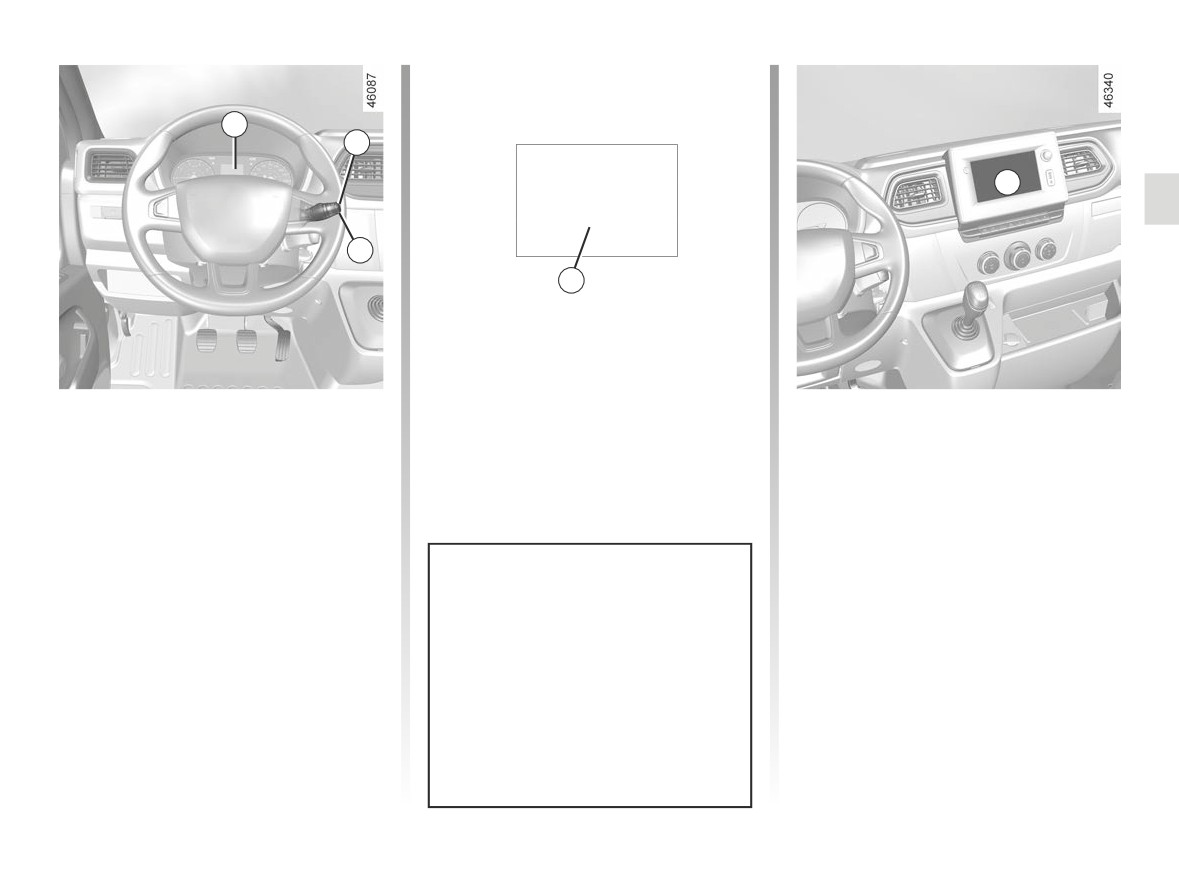
A
1
B
12:00
2
3
Display A
Display B
To access the clock setting display,
Vehicles fitted with a multimedia
press 1 or 2 as many times as neces-
touch-screen, navigation aid sys-
sary until 3 is displayed.
tems, telephones, etc.
Press and hold button 1 or 2 until the
Refer to the separate instructions for
hours flash. You are now in setting
the function to understand the special
mode, press and hold the 1 or 2 button
features of this equipment.
to set the hour.
Wait a few seconds, the minutes flash:
repeatedly press the 1 or 2 button to set
If the power supply is cut (battery
them.
disconnected, supply wire cut, etc.),
the clock must be reset.
When setting is complete, wait a few
seconds before changing the display.
For safety reasons, carry out any
adjustments when the vehicle is not
being driven.
1.107
CLOCK AND EXTERIOR TEMPERATURE (2/2)
External temperature
indicator
Special note:
When the exterior temperature is - 3°C
to + 3°C, the °C characters flash (sig-
nalling a risk of ice on the road).
External temperature in-
dicator
As ice formation is related
to climatic exposure, local
air humidity and temperature, the
external temperature alone is not
sufficient to detect ice.
1.108
SCREEN WASHER, WIPER (1/3)
1
1
E
2
A
B
C
F
D
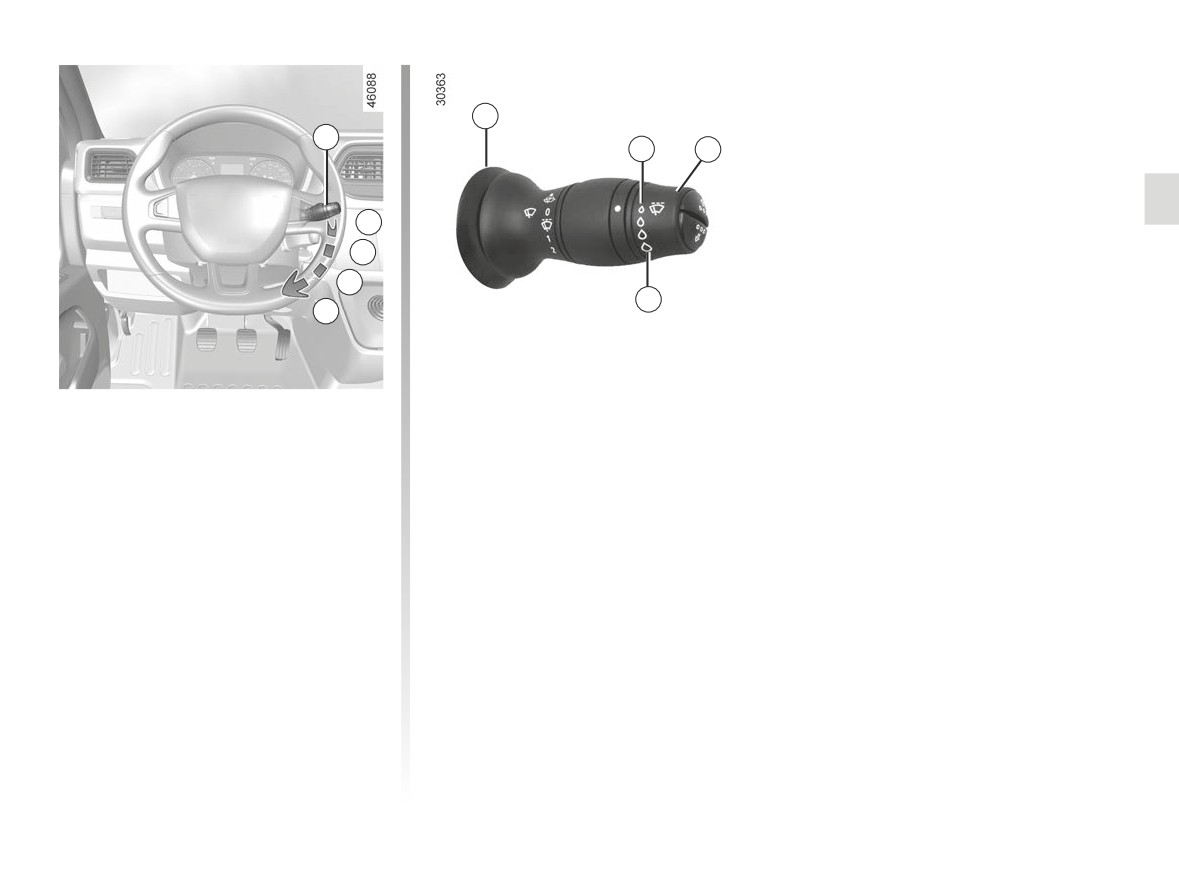
Vehicle fitted with intermittent
Special note
windscreen wipers
When driving the vehicle, the wiping
speed slows down whenever the ve-
A park
hicle stops. For example, fast wiping
B intermittent wiping
speed will slow to normal wiping speed.
The wipers will pause for several
As soon as the vehicle moves off,
seconds between sweeps. It is pos-
wiping will return to the speed originally
sible to change the time between
selected.
sweeps by turning ring 2.
If stalk 1 is operated, it overrides and
C normal wiping speed
cancels the automatic function.
D fast wiping speed
Note: in the event of mechanical sei-
zure, the system automatically cuts the
power supply to the wipers.
1.109