Mitsubishi Montero (2002-2004). Manual - part 294
 

  Index      Mitsubishi     Mitsubishi Montero - service repair manual 2002-2004 year


Search            


Content   ..  292  293  294  295   ..


Mitsubishi Montero (2002-2004). Manual - part 294


SYMPTOM PROCEDURES

TSB Revision

SWS SYMPTOM PROCEDURES

54Bb-223

DIAGNOSIS

Required Special Tools:

• MB991223: Harness Set

• MB991502: Scan Tool (MUT-II) 

Check the input signal (by using the pulse check mode of 
the monitor.)
Check the input signals from the sunroof switch.

CAUTION

To prevent damage to scan tool MB991502, always turn the 
ignition switch to the "LOCK" (OFF) position before con-
necting or disconnecting scan tool MB991502.
(1) Connect scan tool MB991502 to the data link connector 

(16-pin).

(2) Operate scan tool MB991502 according to the procedure 

below to display "PULSE CHECK."

1. Select "SYSTEM SELECT."
2. Select "SWS."
3. Select "PULSE CHECK."

(3) When each function of the sunroof switch is operated 

(turned on), check that scan tool MB991502 sounds.

Q: Does scan tool MB991502 sound when the sunroof 

switch is operated?
YES : 
Replace the sunroof motor assembly. The sunroof 

function should now work normally.

NO :  Refer to Inspection Procedure O-9 "ETACS-ECU 

does not receive a signal from "UP, ""OPEN" or 
"CLOSE/DOWN" switch 

P.54Bc-41

."

INSPECTION PROCEDURE F-3: Sunroof: Sunroof timer function does not work normally.

NOTE: This troubleshooting procedure requires the 
use of scan tool MB991502 and SWS monitor kit 
MB991862. For details on how to use the SWS mon-
itor, refer to "How to use SWS monitor 

P.54Ba-8

."

.

AC101570AB

MB991502

16 PIN

COLUMN

SWITCH

CONNECTOR

Sunroof Timer Function

SYMPTOM PROCEDURES

TSB Revision

SWS SYMPTOM PROCEDURES

54Bb-224

CIRCUIT OPERATION

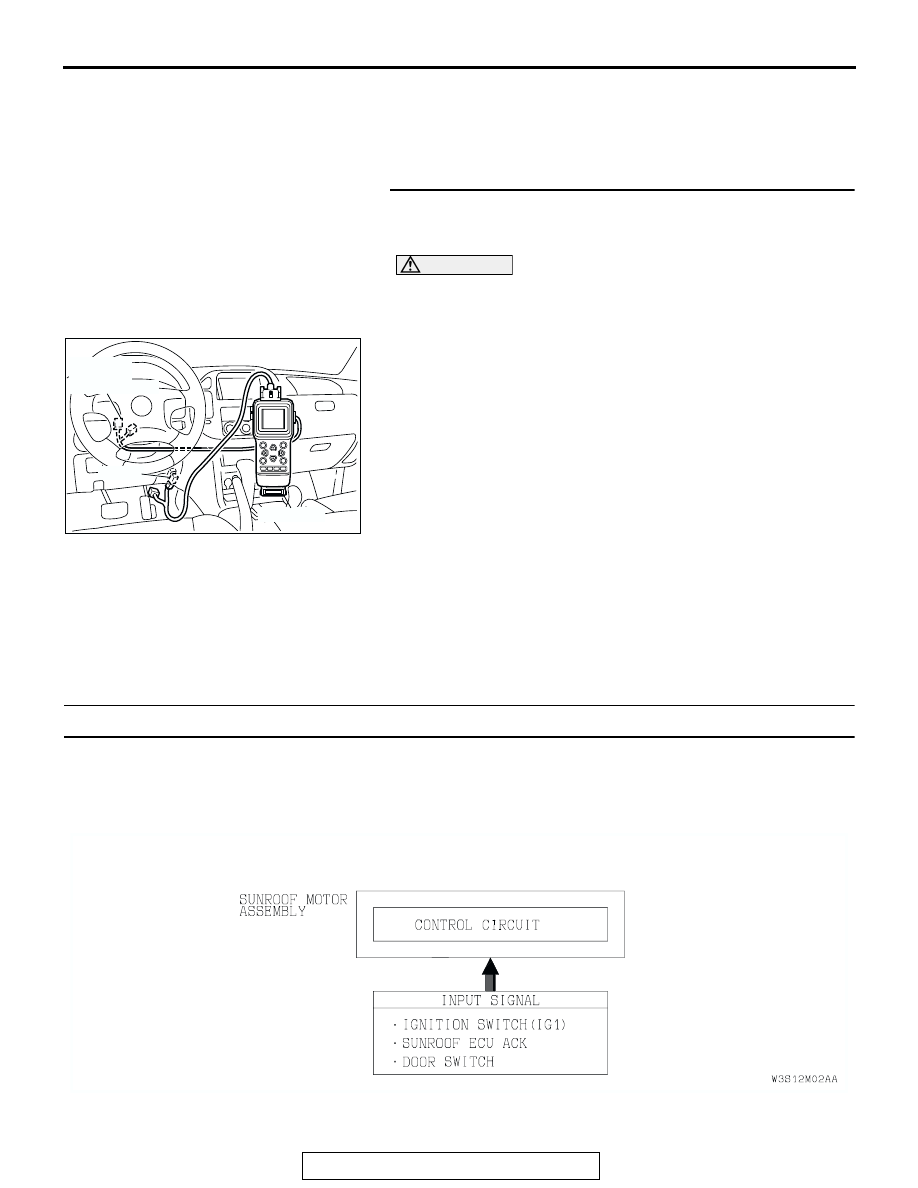
• The sunroof timer function works according to the 

signals from the following switches:

• Ignition switch (IG1): OFF

• Driver’s and passenger’s door switch: OFF

• Vehicle condition

• Ignition switch: LOCK position

• Driver’s and passenger’s door: Closed

• When a front door is opened and closed while the 

sunroof timer function is on, the sunroof operative 
duration will be changed.

.

TECHNICAL DESCRIPTION (COMMENT)
If the sunroof timer function does not work normally, 
the input circuits from the switches described in 
"CIRCUIT OPERATION", the sunroof motor assem-
bly, the ETACS-ECU or the SWS communication line 
may be defective. 

.

TROUBLESHOOTING HINTS

• The driver's or passenger's door switch may be 

defective

• The sunroof motor assembly may be defective

• The wiring harness or connectors may have 

loose, corroded or damaged terminals, or termi-
nals pushed back in the connector

SYMPTOM PROCEDURES

TSB Revision

SWS SYMPTOM PROCEDURES

54Bb-225

DIAGNOSIS

Required Special Tools:

• MB991223: Harness Set

• MB991502: Scan Tool (MUT-II) 

• MB991862: SWS Monitor Kit

STEP 1. Use scan tool MB991502 to select "ECU COMM 
CHK" on the SWS monitor display.
Check the following ECUs:

• ETACS-ECU

• Sunroof motor assembly (sunroof-ECU)

CAUTION

To prevent damage to scan tool MB991502, always turn the 
ignition switch to the "LOCK" (OFF) position before con-
necting or disconnecting scan tool MB991502. 
(1) Connect scan tool MB991502 to the data link connector 

(16-pin).

(2) Connect SWS monitor kit MB991862 to the data link 

connector (13-pin).

(3) Turn the ignition switch to the "ON" position.
(4) Operate scan tool MB991502 according to the procedure 

below to display "ECU COMM CHK."

1. Select "SYSTEM SELECT."
2. Select "SWS."
3. Select "SWS MONITOR."
4. Select "ECU COMM CHK."

(5) Scan tool MB991502 should show "OK" on the "ECU 

COMM CHK" menus for the "ETACS ECU" and "SUNROOF 
ECU" menus.

Q: Is "OK" displayed on the "ETACS ECU" and "SUNROOF 

ECU" menus?
"OK" are displayed for all the items : 
Go to Step 2.
"NG" is displayed on the "ETACS ECU" menu : Refer to 

Inspection Procedure A-3 "Communication with 
ETACS-ECU is not possible 

P.54Bb-25

."

"NG" is displayed on the "SUNROOF ECU" menu : 

Refer to Inspection Procedure A-5 "Communication 
with sunroof motor (sunroof-ECU) is not possible 

P.54Bb-40

."

AC204222AB

16-pin

13-pin

MB991502

MB991862

SYMPTOM PROCEDURES

TSB Revision

SWS SYMPTOM PROCEDURES

54Bb-226

STEP 2. Check the input signal by using "FUNCTION 
DIAG." menu of the SWS monitor.
(1) Turn the ignition switch to the "OFF" position to check the 

input signals from the following switches.

(2) Operate scan tool MB991502 according to the procedure 

below to display "SUNROOF-OPE."

1. Select "SYSTEM SELECT."
2. Select "SWS."
3. Select "SWS MONITOR."
4. Select "FUNCTION DIAG."
5. Select "SUNROOF."
6. Select "SUNROOF-OPE."

(3) Check that normal conditions are displayed on the items 

described in the table below.

Q: Are normal conditions displayed on the "IG SW (IG1)" 

and "S/R ECU ACK"?
YES : 
Replace the sunroof motor assembly. The sunroof 

timer function should now work normally.

NO : 

• Normal condition is not displayed on the "IG 

SW(IG1)": Refer to Inspection Procedure O-2 
"ETACS-ECU does not receive a signal from the 
ignition switch (IG1) 

P.54Bc-7

."

• Normal condition is not displayed on the "S/R 

ECU ACK": Replace the sunroof motor assembly. 
The sunroof timer function should now work 
normally.

INSPECTION PROCEDURE F-4: Sunroof: Safety mechanism does not function.

.

TECHNICAL DESCRIPTION (COMMENT)
The sunroof motor assembly monitors load condition 
according to the current, which runs in the motor. If a 
predetermined current is exceeded, the sunroof 
motor reverses due to safety mechanism. If the sun-
roof motor does not reverse when an excessive load 
is applied, the sunroof motor assembly may be 
defective.

.

TROUBLESHOOTING HINT
The sunroof motor assembly may be defective

.

DIAGNOSIS
Replace the sunroof motor assembly.
Verify the sunroof safety mechanism should now work nor-
mally.

ITEM NO.

ITEM NAME

NORMAL 
CONDITION

ITEM 30

IG SW (IG1)

OFF

ITEM 72

S/R ECU ACK

NORMAL ACK

AC204222AB

16-pin

13-pin

MB991502

MB991862


Content   ..  292  293  294  295   ..