Lexus ES350 (2023 year). Manual in english - page 14
233
4-5. Using the driving support systems
4
Driving
Center Display (Panoramic view monitor):
“BRAKE!”
Multi-information display: “BRAKE!”
PKSB OFF indicator: Not illuminated
Buzzer: Short beep
Vehicle stopped by system opera-
tion
The vehicle has been stopped by brake
control operation.
Center Display (Panoramic view monitor):
“Switch to Brake” (If the accelerator pedal
is not depressed, “Press Brake Pedal” will
be displayed.)
Multi-information display: “Switch to
Brake” (If the accelerator pedal is not
depressed, “Press Brake Pedal” will be dis-
played.)
PKSB OFF indicator: Illuminated
Buzzer: Short beep
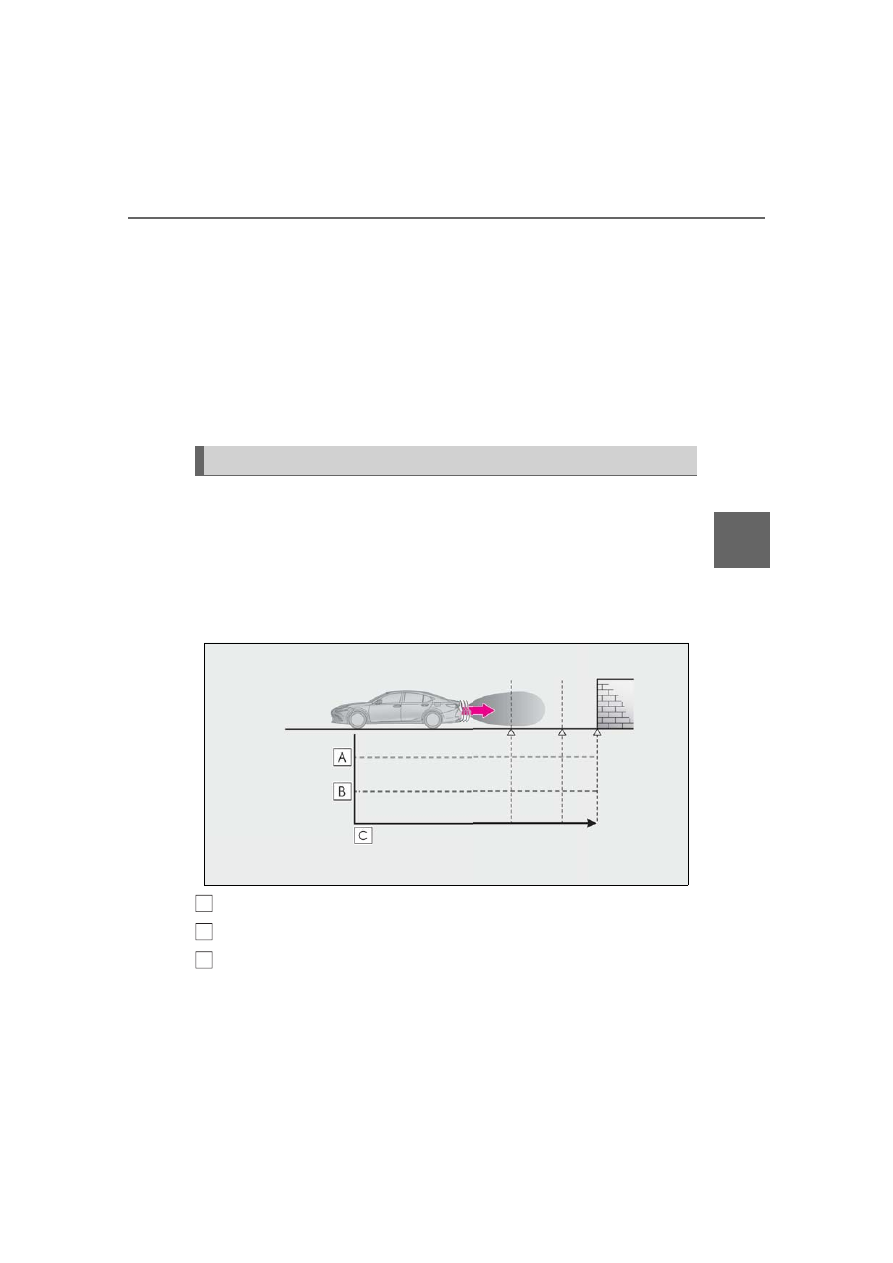
If the Parking Support Brake determines that a collision with a detected object or
pedestrian is possible, the engine output will be restricted to restrain any increase
in the vehicle speed. (Engine output restriction control: See figure 2 below.)
Additionally, if the accelerator pedal continues to be depressed, the brakes will be
applied automatically to reduce the vehicle speed. (Brake control: See figure 3
below.)
Figure 1 When the PKSB (Parking Support Brake) is disabled
Engine output
Braking force
Time
Figure 2 When engine output restriction control operates
System overview
A
B
C