Lexus NX450H+ (2022 year). Manual in english - page 30
6
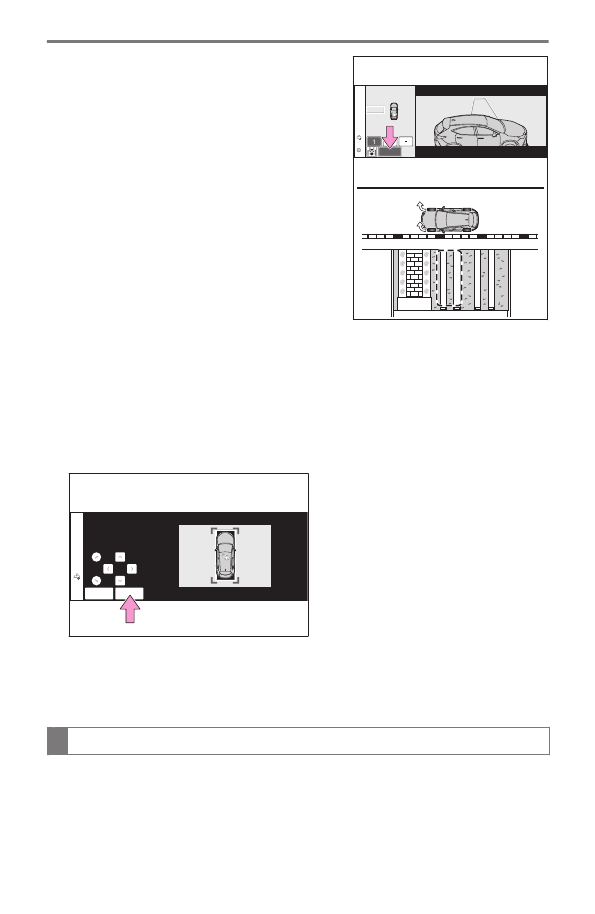
Select [Start] button.
A buzzer will sound, an operation message will
be displayed on the multi-information display, an-
dassistance will begin operating. When the brake
pedal is released, "Moving Forward..."will be dis-
played and the vehicle will begin moving forward.
If you feel that the vehicle is approaching close to
a surrounding vehicle, object, person, or gutter:
7
Perform operations as indicated by the advice displays until the vehicle stops in
the target parking space.
8
Check the position that the vehicle has stopped. If necessary, adjust the posi-
tion of the parking spot to be registered using the arrow buttons, and then
select [Reg.] button.
"Registration Completed" will be displayed on the center display.
●
Register the parking space only if there are no obstructions within the area shown by
the thick lines.
●
The amount that the position of the parking spot to be registered can be adjusted is
limited.
When parking in a parking space registered to the memory function
1
Stop the vehicle with it aligned near the center of the target parking space.
6-2. Using the safe driving support functions
494