Lexus UX200 (2022 year). Manual in english - page 13
219
4-5. Using the driving support systems
4
Driving
Use the meter control switches to
enable/disable the intuitive parking
assist. (
1
Press
or
to select
.
2
Press
or
to select “PKSA”
and then press “OK”.
3
Press
or
to select
and
then press “OK”.
When the intuitive parking assist func-
tion is disabled, the intuitive parking
assist OFF indicator (
nates on the multi-information display.
When the intuitive parking assist func-
tion is turned on or off, operation of the
intuitive parking assist function contin-
ues in the same condition the next time
the engine is started.
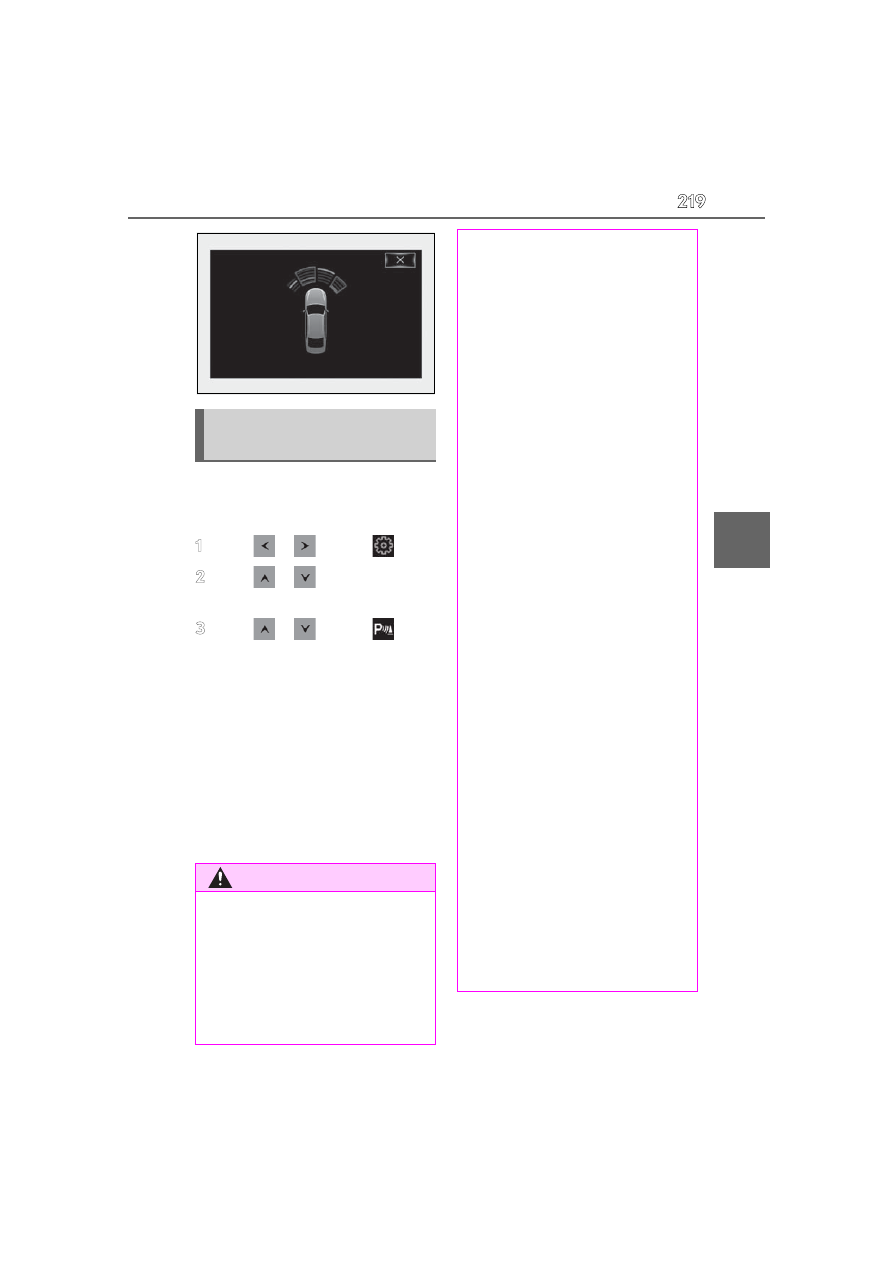
Turning intuitive parking assist
on/off
WARNING
■
Cautions regarding the use of the
system
There is a limit to the degree of recogni-
tion accuracy and control performance
that this system can provide, do not
overly rely on this system. The driver is
always responsible for paying attention
to the vehicle’s surroundings and driving
safely.
■
To ensure the system can operate
properly
Observe the following precautions.
Failing to do so may result in the vehicle
being unable to be driven safely and pos-
sibly cause an accident.
●
Do not damage the sensors, and
always keep them clean.
●
Do not attach a sticker or install an
electronic component, such as a back-
lit license plate (especially fluorescent
type), fog lights, fender pole or wire-
less antenna near a radar sensor.
●
Do not subject the surrounding area of
the sensor to a strong impact. If sub-
jected to an impact, have the vehicle
inspected by your Lexus dealer. If the
front or rear bumper needs to be
removed/installed or replaced, con-
tact your Lexus dealer.
●
Do not modify, disassemble or paint
the sensors.
●
Do not attach a license plate cover.
●
Keep your tires properly inflated.
■
When to disable the function
In the following situations, disable the
function as it may operate even though
there is no possibility of a collision.
●
Failing to observe the warnings above.
●
A non-genuine Lexus suspension
(lowered suspension, etc.) is installed.
■
Notes when washing the vehicle
Do not apply intensive bursts of water or
steam to the sensor area.
Doing so may result in the sensor mal-
functioning.
●
When using a high pressure washer to
wash the vehicle, do not spray the sen-
sors directly, as doing so may cause a
sensor to malfunction.