Lexus LX600 (2022 year). Manual in english - page 13
219
4-5. Using the driving support systems
4
D
riv
ing
The system can detect the following
(The detectable objects differs
depending on the function.):
Vehicles
Bicyclists
Pedestrians
■
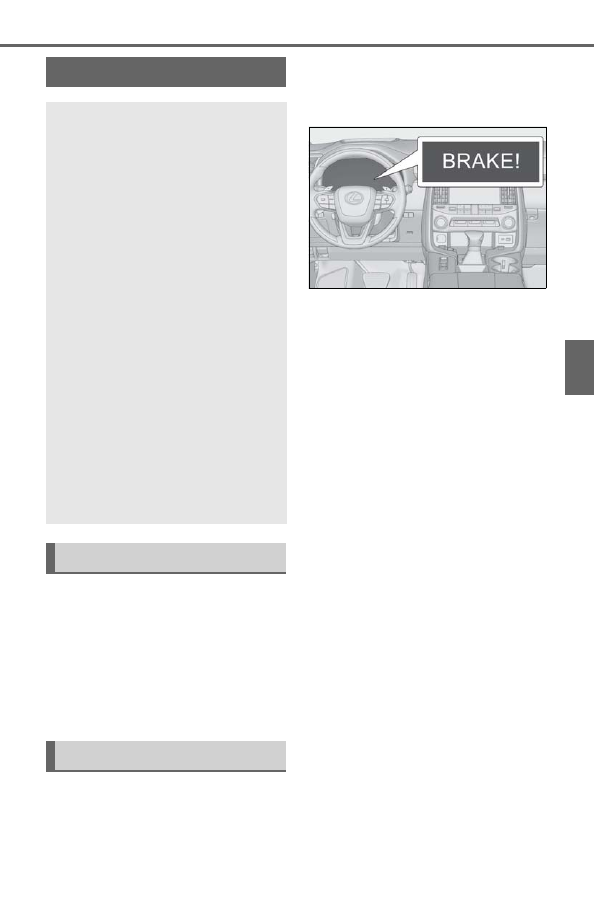
Pre-collision warning
When the system determines that the
possibility of a frontal collision is high, a
buzzer will sound and a warning mes-
sage will be displayed on the multi-
information display to urge the driver
to take evasive action.
■
Pre-collision brake assist
When the system determines that the
possibility of a frontal collision is high,
the system applies greater braking
force in relation to how strongly the
brake pedal is depressed.
■
Pre-collision braking
If the system determines that the possi-
bility of a frontal collision is extremely
high, the brakes are automatically
applied to help avoid the collision or
reduce the impact of the collision.
■
Emergency steering assist
If the system determines that the possi-
bility of a frontal collision is high and
that there is sufficient space for the
vehicle to be steered into within its
lane, and the driver has begun evasive
maneuver or steering, emergency
steering assist will assist the steering
movements to help enhance the vehi-
cle stability and for lane departure pre-
vention. During operation, the
indicator will illuminate in green.
PCS (Pre-Collision System)
The pre-collision system uses a
radar sensor and front camera to
detect objects (
the vehicle. When the system
determines that the possibility of a
frontal collision with an object is
high, a warning operates to urge
the driver to take evasive action
and the potential brake pressure is
increased to help the driver avoid
the collision. If the system deter-
mines that the possibility of a fron-
tal collision with an object is
extremely high, the brakes are
automatically applied to help avoid
the collision or help reduce the
impact of the collision.
The pre-collision system can be dis-
abled/enabled and the warning tim-
ing can be changed. (
Detectable objects
System functions