Infiniti QX50 (2021 year). Manual in english - page 17
STANDARD MODE
STANDARD mode is recommended for nor-
mal driving. Push the Drive Mode Selector
switch until “STANDARD” appears in the ve-
hicle information display. STANDARD mode
will also be displayed in the upper display.
SPORT MODE
The SPORT mode adjusts the engine and
transmission to enhance performance. Push
the Drive Mode Selector switch to the
SPORT position. “SPORT” appears in the ve-
hicle information display. SPORT mode will
also be displayed in the upper display.
NOTE:
In the SPORT mode, fuel economy may be
reduced.
PERSONAL MODE
PERSONAL mode is used for adjusting the
steering mode and drive modes. Turn the
PERSONAL mode off for normal driving.
Push the Drive Mode Selector switch until
“PERSONAL” appears in the vehicle informa-
tion display. PERSONAL mode will also be
displayed in the upper display. For additional
information, refer to the INFINITI InTouch™
Owner’s Manual.
How to set the PERSONAL mode
Perform the following steps to set the PER-
SONAL mode:
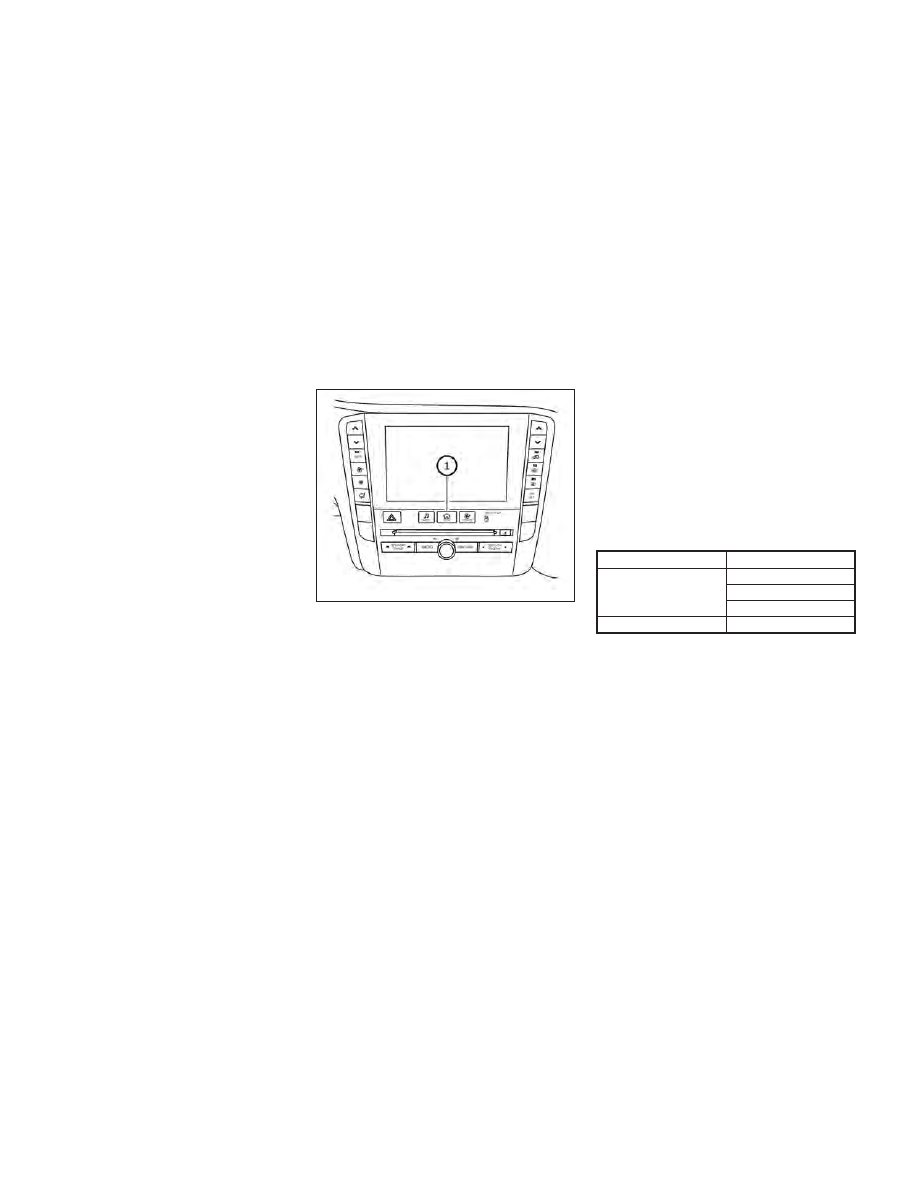
1. Press the MENU button
O
1
and select
“Drive Mode Selector” on the lower
display.
2. Select “Engine/Transmission,” “Steering,”
“Active Trace Control” or “Active Engine
Brake” and select each item. (See “Engine/
Transmission,” “Steering,” “Active Trace
Control” or “Active Engine Brake” about
the feature of each item.)
3. Select “Back” or press the MENU button
to finish the PERSONAL mode setting.
Engine/Transmission:
“Engine/Transmission” can be set to “Stan-
dard,” “Sport” or “Eco.”
Steering (models with Direct Adaptive
Steering®):
Four combinations of steering mode and
steering response can be set.
Mode
Response
Sport
Dynamic+
Dynamic
Default
Standard
Default
Steering (models without Direct Adaptive
Steering®):
“Steering” can be set to “Sport” or “Standard.”
Active Trace Control:
“Active Trace Control” can be set to ON (en-
abled) or OFF (disabled). For additional infor-
mation, see “Active Trace Control” (P. 5-156).
LSD2982
Starting and driving
5-29