Infiniti QX50 (2021 year). Manual in english - page 15
Press the
to decrease the rear
temperature.
If front passengers touch the “
SYNC”
key on the CLIMATE screen, the rear tem-
perature settings will synchronize with the
driver’s and passenger’s side settings.
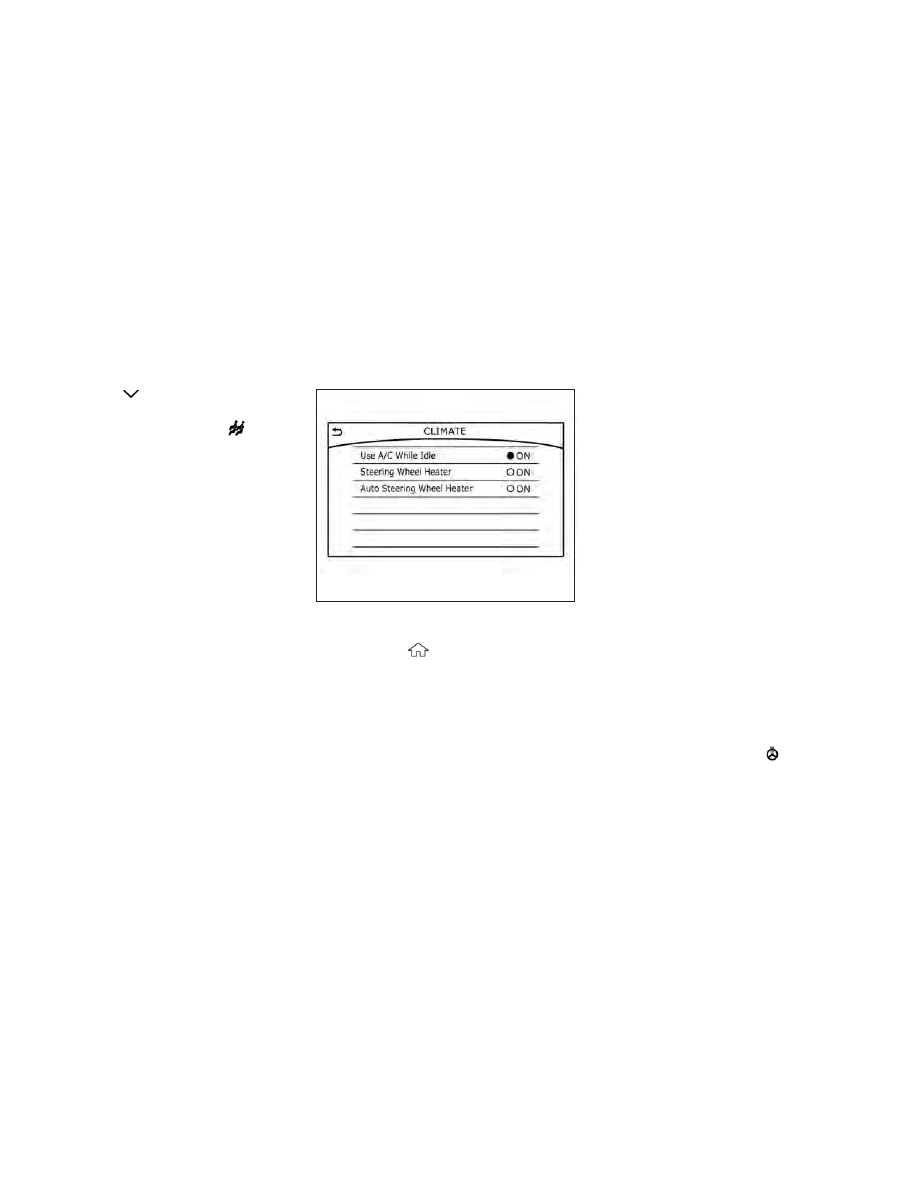
Heater and air conditioner settings can be
changed on the screen.
1. Press the
MENU button on the
lower display menu.
2. Using the arrow, tab over to the next
screen and touch the “Settings” key.
Touch the arrow again to get to the next
screen and touch “Other”.
3. Touch the “CLIMATE” key.
Available setting items may vary depending
on models and specifications.
Available settings
•
Use A/C While Idle (if so equipped)
Touch to turn on/off the Idling Stop Prior-
ity mode. While this item is turned on and
the engine is on, the Climate Control will
not be affected by the Idling Stop activa-
tion. Otherwise, when the engine is off by
the Idle Stop function, the Climate Control
System will be able to heat and cool the
cabin.
•
Steering Wheel Heater
Touch to turn the steering wheel heater on
and off.
•
Auto Steering Wheel Heater
The automatic control mode for the
steering-wheel heating can be turned on
and off. When the item is turned on, the
steering-wheel heating will turn on auto-
matically if the temperature inside the ve-
hicle compartment is low at the time when
the ignition switch is turned on. Regardless
of the temperature, the steering-wheel
heating will turn off after 30 minutes. If
the steering-wheel heater is turned on or
off manually by touching
on the CLI-
MATE screen, the automatic steering-
wheel heating control mode will be can-
celed and will return to the manual mode.
LHA4633
HEATER AND AIR CONDITIONER
SETTINGS (if so equipped)
Monitor, climate, audio, phone and voice recognition systems
4-41