Infiniti QX50 (2021 year). Manual in english - page 13
•
Objects in the RearView Monitor will ap-
pear visually opposite compared to when
viewed in the rearview and outside
mirrors.
•
Use the displayed lines as a reference.
The lines are highly affected by the num-
ber of occupants, fuel level, vehicle posi-
tion, road conditions and road grade.
•
Make sure that the liftgate is securely
closed when backing up.
•
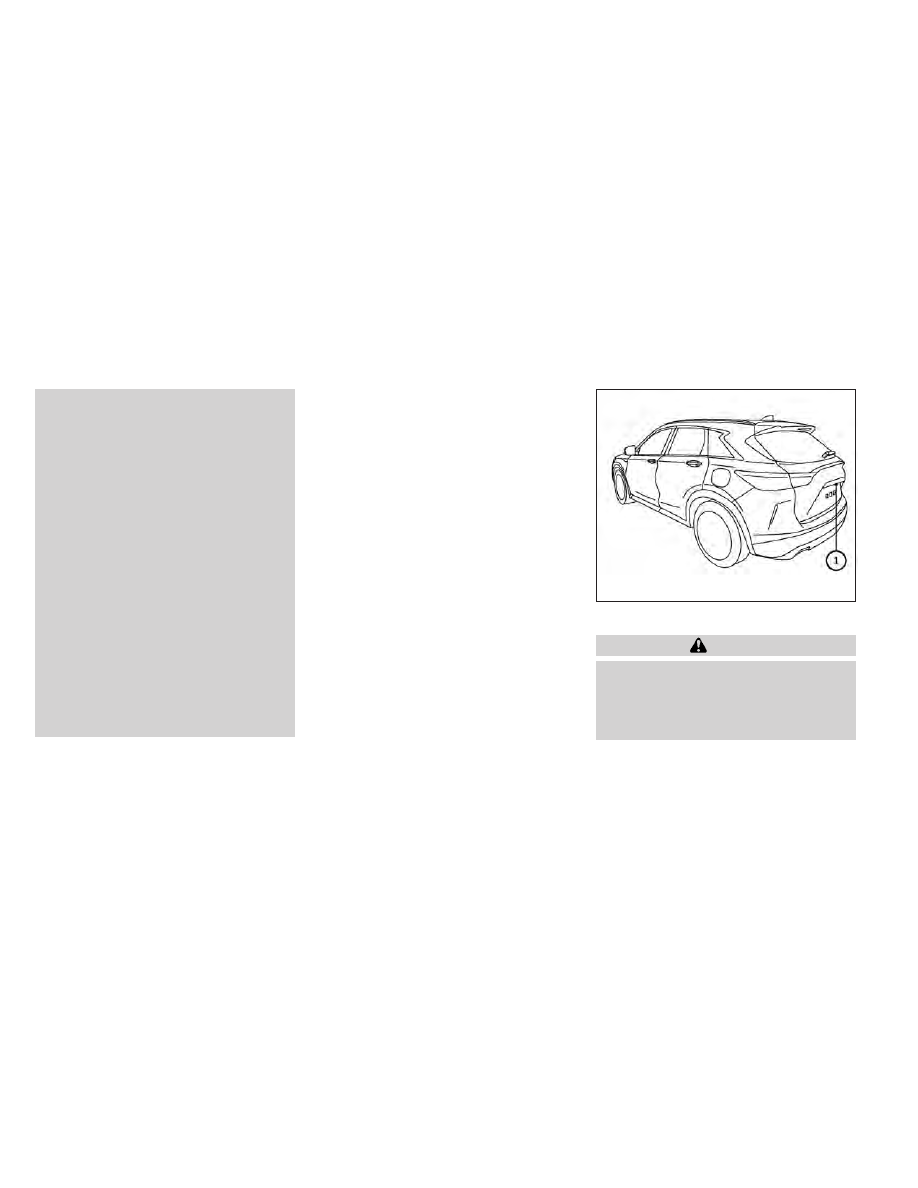
Do not put anything on the rearview
camera. The rearview camera is installed
above the license plate.
•
When washing the vehicle with high
pressure water, be sure not to spray it
around the camera. Otherwise, water
may enter the camera unit causing water
condensation on the lens, a malfunction,
fire or an electric shock.
•
Do not strike the camera. It is a precision
instrument. Otherwise, it may malfunc-
tion or cause damage resulting in a fire or
an electric shock.
The following are operating limitations and
do not represent a system malfunction:
• When the temperature is extremely high or
low, the screen may not clearly display
objects.
• When strong light directly shines on the
camera, objects may not be displayed
clearly.
• Vertical lines may be seen in objects on the
screen. This is due to strong reflected light
from the bumper.
• The screen may flicker under fluorescent
light.
• The colors of objects on the RearView
Monitor may differ somewhat from the ac-
tual color of objects.
• Objects on the monitor may not be clear in
a dark environment.
• There may be a delay when switching be-
tween views.
• If dirt, rain or snow accumulate on the cam-
era, the RearView Monitor may not display
objects clearly. Clean the camera.
• Do not use wax on the camera lens. Wipe
off any wax with a clean cloth dampened
with a diluted mild cleaning agent, then
wipe with a dry cloth.
SYSTEM MAINTENANCE
CAUTION
•
Do not use alcohol, benzine or thinner to
clean
the
camera.
This
will
cause
discoloration.
•
Do not damage the camera as the moni-
tor screen may be adversely affected.
If dirt, rain or snow accumulates on the cam-
era
O
1
, the RearView Monitor may not dis-
play objects clearly. Clean the camera by wip-
ing it with a cloth dampened with a diluted
mild cleaning agent and then wiping it with a
dry cloth.
LHA4552
Monitor, climate, audio, phone and voice recognition systems
4-9